
AV LIVE using Ableton & Modular Synths
My music and my visuals still don't play as one show
You make music with synths and Ableton, and the visuals run next to it rather than with it. Signals between instruments, software and image look like a technical maze: control voltages, MIDI, OSC, sync. What's missing is a way to connect them so each tool does what it does best and the set has one structure.
- Structure:
- 5 modules, 17 lessons
- Video:
- 11 h in total
- Pace:
- All lessons open
- Access:
- 2 years
- Language:
- English
- Level:
- Intermediate
About the course
Aboutthecourse
- 01
the starting point
This course is for anyone who wants to create audiovisual performances and understand the technology behind them. You learn how signals travel between instruments: analog control voltages and audio, digital MIDI and OSC, and how to keep hardware and software in sync.
- 02
what you build
You learn the basics of modular synthesis and connect a modular synthesizer, Ableton Live and TouchDesigner into one system. In TouchDesigner you build your own CV utilities, sound and MIDI tools, an interface generated from a component's parameters, and a video player that reads a cut list from Premiere, builds a video library from it and cues exact moments by MIDI; you also study how complete AV shows are structured. The core of the course is how to build an audiovisual project so that each tool covers the other's weak side: the Ableton timeline gives the show its structure and story, TouchDesigner adds generative visuals and sound, and control runs in both directions between them.
Courseaims
- 01
To give students a working understanding of how audiovisual instruments exchange signals (analog control voltages and audio, digital MIDI and OSC), and the ability to connect modular synthesisers, Ableton Live and TouchDesigner and build their own tools for control in both directions.
- 02
To develop students' ability to design reliable audiovisual shows in which the Ableton Live timeline and TouchDesigner's generative visuals and cued video playback cover each other's weak sides.
- Foundations: Modular Synthesis & TouchDesigner ·
- TouchDesigner Architecture & UI for AV Systems ·
- TouchDesigner & Ableton Integration ·
- Control Voltage, Hardware I/O & Custom Audio Tools ·
- Video Playback & Cueing with EDL ·
Who this course is for
For you if
- AV artists — You already work in TouchDesigner, and this course is about structuring a whole audiovisual show so that the Ableton Live timeline and TouchDesigner cover each other's weak sides.
- Live electronic musicians — You already have your own DAW or hardware, and this course connects it with TouchDesigner into one system where control runs in both directions between sound and image.
- VJs — You already know TouchDesigner basics, and this course is about the technology behind a live audiovisual performance: how signals travel between instruments and how hardware and software stay in sync.
Not for you if
- –you do not meet the requirements in “Before you start”
- –you have neither taken TouchDesigner 101: Extreme I and TouchDesigner 102: Extreme II nor gained equivalent experience
Before you start
Completion of TouchDesigner 101: Extreme I and TouchDesigner 102: Extreme II, or an equivalent working knowledge of basic CHOP signal flow, component architecture, storing settings in DAT tables, and UI generation.
Prerequisites:TouchDesigner 101: Extreme I↗, TouchDesigner 102: Extreme II↗
Not taken them yet? Both are in theTouchDesigner Extreme Bundle↗.
- 01Plan modular visual-performance systems that separate data, interface and content, and cue video reliably
- 02Construct TouchDesigner video-playback workflows for timed, MIDI-controlled live performance
- 03Integrate TouchDesigner, Ableton Live and modular hardware for bidirectional audiovisual control
- 04Build audio, MIDI and control-voltage tools for expressive real-time performance
Programme
01Foundations: Modular Synthesis & TouchDesigner
3 videos · 2 h 19 min
Lesson 1. Signal protocols and routing: MIDI, OSC, CV · 46 min
The first session compares TouchDesigner with a modular synthesizer: both handle audio-rate and slower control signals, sampled in the computer and continuous in analogue hardware. It explains how TouchDesigner, Ableton Live and a modular system can talk to each other over MIDI, OSC and audio, with MIDI's 256 steps against continuous control voltage and the need for a DC-coupled interface such as the Expert Sleepers ES8. It shows a working MIDI loopback between Ableton and TouchDesigner, lists tools for OSC and for virtual and network audio, and ends with an oscilloscope view of a sine wave and a low-frequency control signal.
Lesson 2. The Basics of Modular synthesis · 43 min
The session builds the basic chain of a synthesizer voice twice: sketched as a TouchDesigner CHOP patch, then patched on a real modular system. It goes from an oscillator and its wave shapes through a clock and sequencer that set the pitch, an envelope and a VCA that shape the volume, to a filter whose cutoff is moved by an LFO, with an oscilloscope showing each signal. The first ten minutes are the instructor's background with modular synths and a comparison with a classic synthesizer.
Lesson 3. Eurorack modules walk-through · 50 min
A hardware tour of modules that make a sound more complex. It first explains wave folding and amplitude and frequency modulation on drawn waveforms, then demonstrates a wave folder, two complex oscillators (DPO and Endorphin), the Maths function generator, the Morgasmatron filter, the Clouds granular module and a clock divider on a real modular system.
02TouchDesigner Architecture & UI for AV Systems
4 videos · 2 h 27 min
Lesson 4. AV performance design: data, UI and content · 40 min
The session first finishes the pitch example: Math CHOPs scale a control voltage to five octaves, round it to whole notes and send it to an oscillator, with a note on quantized versus raw CV from a sequencer. The rest is the instructor's view of AV performance (synchronisation, story, unreliable musician data), the idea of separating data, interface and content, and a tour of the Antarctic Tact project with its scene controller, sound-analysis trigger and A/B scene loaders
Lesson 5. Anatomy of a live AV system: three case studies · 32 min
A retrospective walkthrough of three of the instructor's TouchDesigner systems for live AV. Dark Hearts of Space uses A/B loaders, a scene controller and a spectrum view with a frequency-range slider that sets sound triggers. The Raster-Noton player adds a trigger router, FX channels, clock dividers, camera controls, a template table that builds the interface of each patch, and parameters modulated by triggers. The last system is an interface styled as a modular audiovisual synthesizer, with an envelope follower, clock dividers, LFO and envelope generators, a routing matrix and three mixer layers.
Lesson 6. Architecture of your own AV show · 47 min
The session starts with a small generative example: noise driven by a trigger through a Count CHOP and a Lag CHOP, with exports renamed to node paths. It then argues for combining generative visuals with a planned story, drawn as MIDI-clip envelopes in Ableton and sent to TouchDesigner. It walks through the instructor's latest AV show, in which MIDI notes choose content, effects and layouts, the project uses only Select nodes and libraries, and a shader library follows a naming convention. The EDL video-cueing method is only outlined here and is built in later sessions.
Lesson 7. Generating sliders from parameters with Python · 28 min
A Python session on generating sliders from parameters. It reads the custom pages and parameters of a component, keeps the float ones, reads label, default and normalized range, and copies a hidden slider widget once per parameter, then sets its label, range and display. The bind expression that would link each slider back to its parameter is started but not finished, and a prebuilt widget with a trigger menu and a Replicator template is shown instead. The session ends with the built-in parameter panel and a two-minute explanation of LTC In and LTC Out.
03TouchDesigner & Ableton Integration
3 videos · 2 h 8 min
Lesson 8. TDAbleton. Building an adaptable modular patch · 40 min
The lesson introduces the TDAbleton package: Max for Live devices on the Ableton side and a set of components in TouchDesigner. It covers installation, reading track levels over OSC, and the song, track, chain, clip slot, device parameter and MIDI components for reading and controlling Ableton. The second half builds a modular patch: local variables hold operator paths and output resolution, and a router switches the trigger source between an internal LFO, an analog clock input and Ableton drum notes.
Lesson 9. Generative control of Ableton Live · 54 min
The lesson builds a generative control patch where TouchDesigner drives two synth tracks in Ableton Live through TDAbleton. Track volumes follow the Clock CHOP and are smoothed with Lag. MIDI notes are generated from a Beat CHOP and Noise CHOP and sent through loopMIDI. A slow LFO modulates Auto Filter frequency and resonance, a CHOP Execute with Python cycles prepared clips, and a script fills a radio button with live track and clip names.
Lesson 10. Controlling TouchDesigner from Ableton · 34 min
The lesson shows Ableton Live driving a TouchDesigner patch from its timeline. MIDI notes on one track switch between three visual scenes through a table and Select TOP, and CC envelopes drawn in Ableton clips animate noise zoom and level. All MIDI goes through loopMIDI without TDAbleton. A Max for Live device then sends filtered audio analysis over OSC, which triggers changes in the noise structure and is combined with the envelope.
04Control Voltage, Hardware I/O & Custom Audio Tools
4 videos · 1 h 57 min
Lesson 11. BeatStep Pro: MIDI and CV routing · 16 min
This session uses an Arturia BeatStep Pro as a MIDI-to-CV converter for a modular system. It tours the MIDI Control Center, sets MIDI channels, and sends notes from Ableton to the BeatStep's pitch, gate, velocity and drum outputs, including one output used as a clock. CV and gate formats for older synthesizers are only listed, not configured. It then routes drum triggers from an Ableton clip and from the live BeatStep sequencer to a loopMIDI port for TouchDesigner, and shows muting the source rather than the mixer channel so visuals keep reacting.
Lesson 12. CV output from TouchDesigner · 12 min
This session sends control data from TouchDesigner to modular-synth hardware through an Expert Sleepers ES-8, a DC-coupled audio interface. It opens with advice to use wired Ethernet rather than Wi-Fi for MIDI and OSC. It shows why an LFO must be resampled to an audio rate with the Resample CHOP, that a range of -1 to 1 corresponds to one volt, and a quick filter test. It then maps Leap Motion hand height and rotation to two outputs with Math and Limit CHOPs; this last demo ends unstable and is not resolved.
Lesson 13. Building Wavefolder in TouchDesigner · 40 min
This session builds a wavefolder sound tool in TouchDesigner. It starts from an external analog sequence driving an Audio Oscillator's pitch, then builds wave folding with Math and Limit CHOPs and replaces Math with a Script CHOP that distorts positive and negative halves separately. The tool becomes a Base COMP with custom parameters, an LFO modulation input and a separate waveform viewer. The last ten minutes introduce the complex-oscillator idea and test amplitude and frequency modulation between two oscillators; cross-modulation is only described and left as homework.
Lesson 14. Clock divider and CV utilities · 50 min
This session builds modular-style control utilities in TouchDesigner: capturing an external clock from an ES-8 at a higher CHOP rate, a clock divider with a table of divisors, sample and hold, and a value quantizer with offset and lag. An envelope follower from audio RMS is only started and not connected. A short survey shows ideas for CV shapes: a replicator-based 16-step sequencer, Animation CHOP with Lookup CHOP, and recording panel input with Record CHOP. The last quarter explains, with a sketch, why content, inputs and interface should be separate and switchable with a matrix router, and begins a drag-and-drop approach for generating interface widgets; the lesson ends before that is built.
05Video Playback & Cueing with EDL
3 videos · 2 h 15 min
Lesson 15. Parsing a Premiere EDL with Python for video cues · 42 min
Shows a way to cue video in TouchDesigner by cutting it in Adobe Premiere and exporting the cuts as an EDL (edit decision list). It explains how a Timer CHOP plays a table of segments with begin and length, builds an automatic loader from a folder of EDL files and a movie folder parameter, and cleans the EDL text with Convert, Select and Substitute DATs. The Script DAT that will turn the frame ranges into the segments table is only introduced, and MIDI control is only outlined as a plan. The recording opens with two chat answers on DC-coupled sound cards and on firewalls blocking TD Ableton.
Lesson 16. Turning the EDL into Timer segments with Python · 34 min
Builds the segments table from the cleaned EDL in a Script DAT: a loop over the rows, the re module to split each row, and begin and length in seconds from the movie frame rate. The Timer CHOP fraction is then mapped to the time range of the current segment and exported to the movie player index, and a Feedback CHOP breaks the dependency loop this creates. A Replicator creates one player per EDL file, seven in the example, and the lesson explains why every movie is loaded into memory before a performance. The control of the Timer is left for the next part.
Lesson 17. Triggering video cues by MIDI notes from Ableton · 58 min
Builds the MIDI control for the EDL video player: Ableton sends notes through a loopback MIDI port, every movie gets a block of twelve notes, and a CHOP Execute calls the Timer go to segment for the chosen cut, limited to the cuts that exist. The output is fitted to the project resolution, shows transparency when no note is held, and passes on only the movie that is playing. The recording ends with the plan for the rest of the workshop and an announcement of a lights workshop.
After this course
Bundles and learning paths with this course
How the course works
The course is recorded and you take it at your own pace.
Every lesson is open from the first day. We recommend taking one lesson a week: it keeps a steady rhythm.
11 h in total
5 modules, 17 lessons
All lessons open
Price and what's included
201 AV Live
- Access to all video recordings for 730 days
- The project files used in the lessons
What you get
- Access to all video recordings for 730 days
- The project files used in the lessons
Payment
The price is final and the same for everyone. It includes German VAT (19%). Buyers outside the EU and EU businesses with a valid VAT ID pay the same price; their invoice shows no VAT (reverse charge).
You can pay by card (Stripe), PayPal or bank transfer.
FAQ
01How long will I have access to the lessons?
730 days. If you need more time, write to us and we extend it.
02Why pay for the course if there are free tutorials on YouTube?
YouTube tutorials are made to teach one specific technique, usually without a system or a methodology. We teach you to understand systematically how the logic of node architecture works, with a balance between a practical and an academic approach.
03I work on a Mac. Will the course work for me?
Yes. More on requirements — see "What computer and software do I need?".
04What computer and software do I need?
Windows is more efficient for this work; a Mac works too, but with limits from 3D drivers and some Nvidia-only TouchDesigner operators. TouchDesigner 2023 or later: Windows 10/11 or macOS 13+ (Apple Silicon recommended); a GPU with Vulkan 1.1 and at least 4 GB of video memory, 8 GB or more recommended. Ableton Live 11 or later: Live 12 runs on Windows 10 (22H2) or 11, or macOS 11 or later (Intel Core i5 or Apple Silicon), with 8 GB of RAM.
05Is the free version of the software enough?
TouchDesigner Non-Commercial is enough for the whole course, with the limits of the free licence.
06Is there code in the course?
Yes: a couple of lessons use Python intensively; elsewhere the course works with TouchDesigner expressions.
07Do you issue a certificate?
We don't issue certificates. What you take away is experience and the project files, and if you do all the assignments, a portfolio of your own works.
08Can I get an invoice for my employer or company?
Yes, we issue invoices to companies. Write to us before you pay.
09Are there subtitles?
Yes, every lesson has subtitles.
10How much time will the course take?
About 28–33 hours including practice: the course has 11 h of video, and each hour of video takes 2.5–3 hours to watch, rewatch and do the assignments.
11Are project files included?
Yes, every course comes with its project files.
Didn't find your answer, or not sure the course fits you?
Telegram: https://t.me/prcdrl or write to support in your GetCourse account.
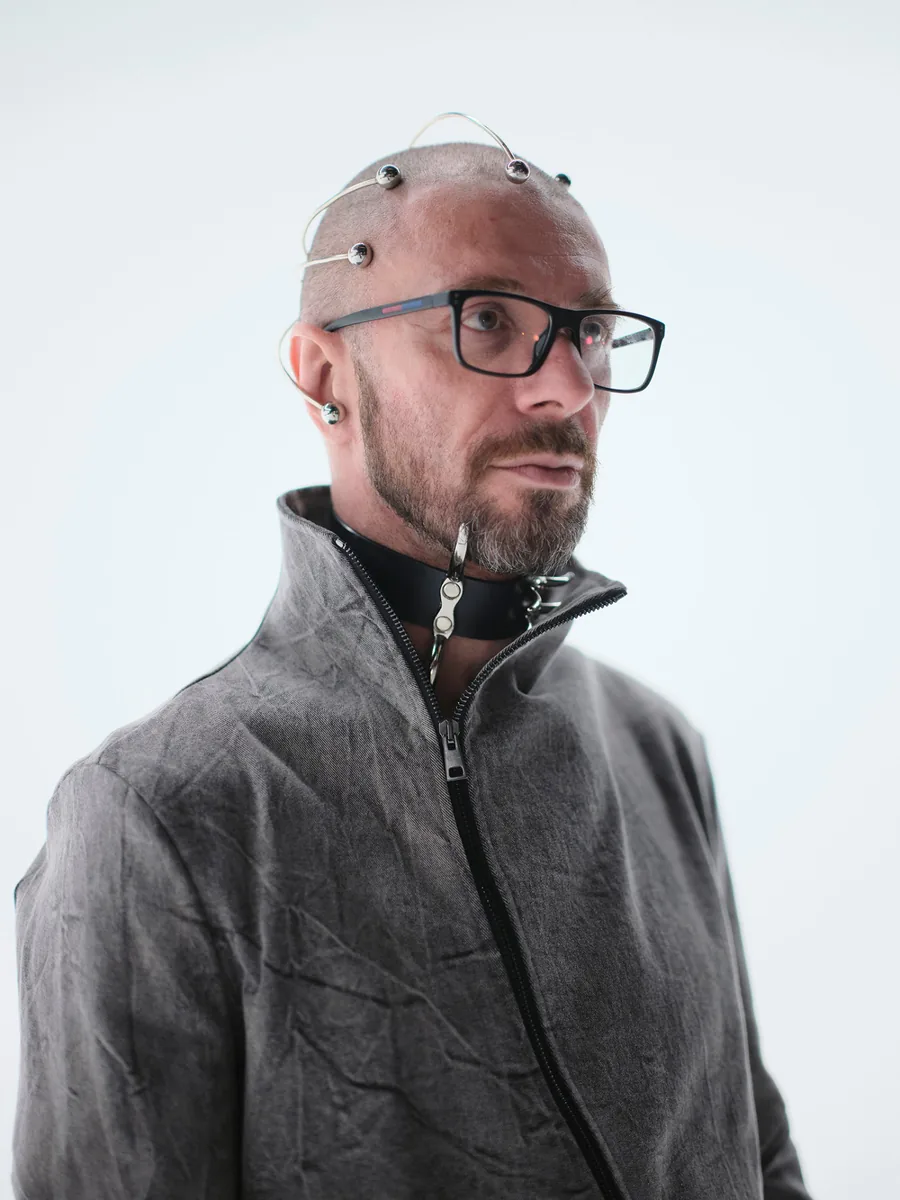
Stanislav Glazov
Media artist, technical director, founder of Hou2Touch
Stanislav started in computer graphics in 1998 with commercials and music videos, and has been teaching since 2001: Maya at RealTime School in Moscow and at SAE Institute in Munich, Houdini at Scream School, CG Event and the British Higher School of Art and Design (2008–2012). In 2009 he launched his own Houdini school, houdini-howto.com, and in 2014 he began teaching TouchDesigner. He was a character and VFX technical director on animated features at Caligari Film, Trixter and Scanline, working on rigging, cloth and hair pipelines, simulation and Maya API development. In 2010 he built the Houdini infographics pipeline for Kommersant TV, then moved into real-time visuals: video mapping at SILA SVETA and Visuals.108 (2011–2013) and, from 2013 to 2019, his own studio Licht.Pfad. He made the first Hou2Touch course in 2020 and built the school as a team in 2022. More than 2,000 people have studied with him.
His AV performances have been shown at Berlin Atonal, Mutek Montreal, Ars Electronica, Unsound, the Barbican and the Raster-Noton night at Berghain, including work with Dasha Rush and Robert Lippok.
He performs live on modular synthesizers since 2015 and is a Certified Bitwig Trainer (2023).
Shown at: Berlin Atonal · Ars Electronica · Mutek Montreal · Barbican · Berghain · Fête des Lumières Lyon · Unsound · Sonar Istanbul · L.E.V.
Worked with: Maxim Didenko · Berlin Ballet Company · Dasha Rush · Robert Lippok · Whitevoid
Companies and clients: Scanline · Trixter · SILA SVETA · Hyundai
Taught at: SAE Institute · Scream School · British Higher School of Art and Design · LPM Rome
Selected projects
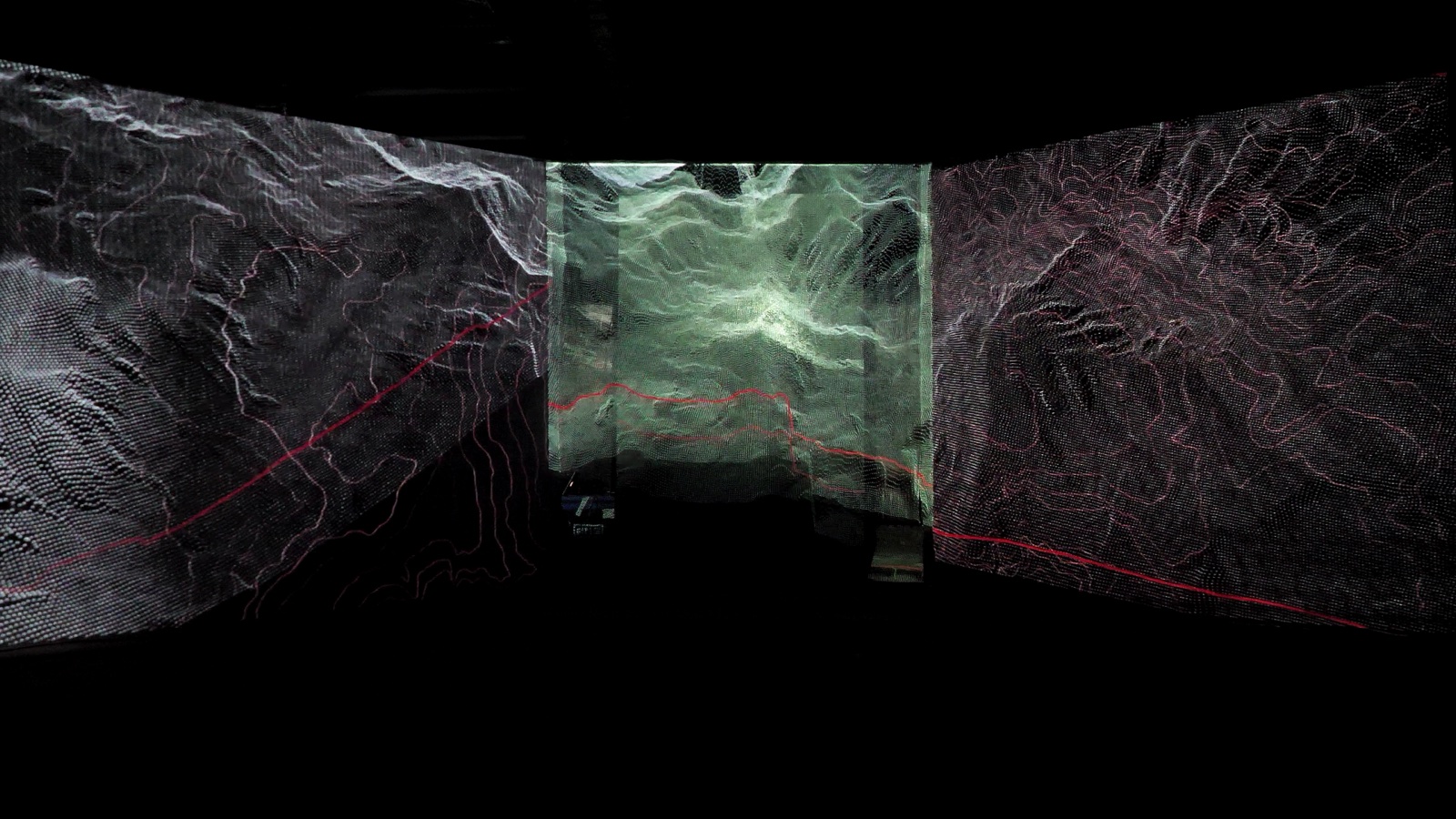
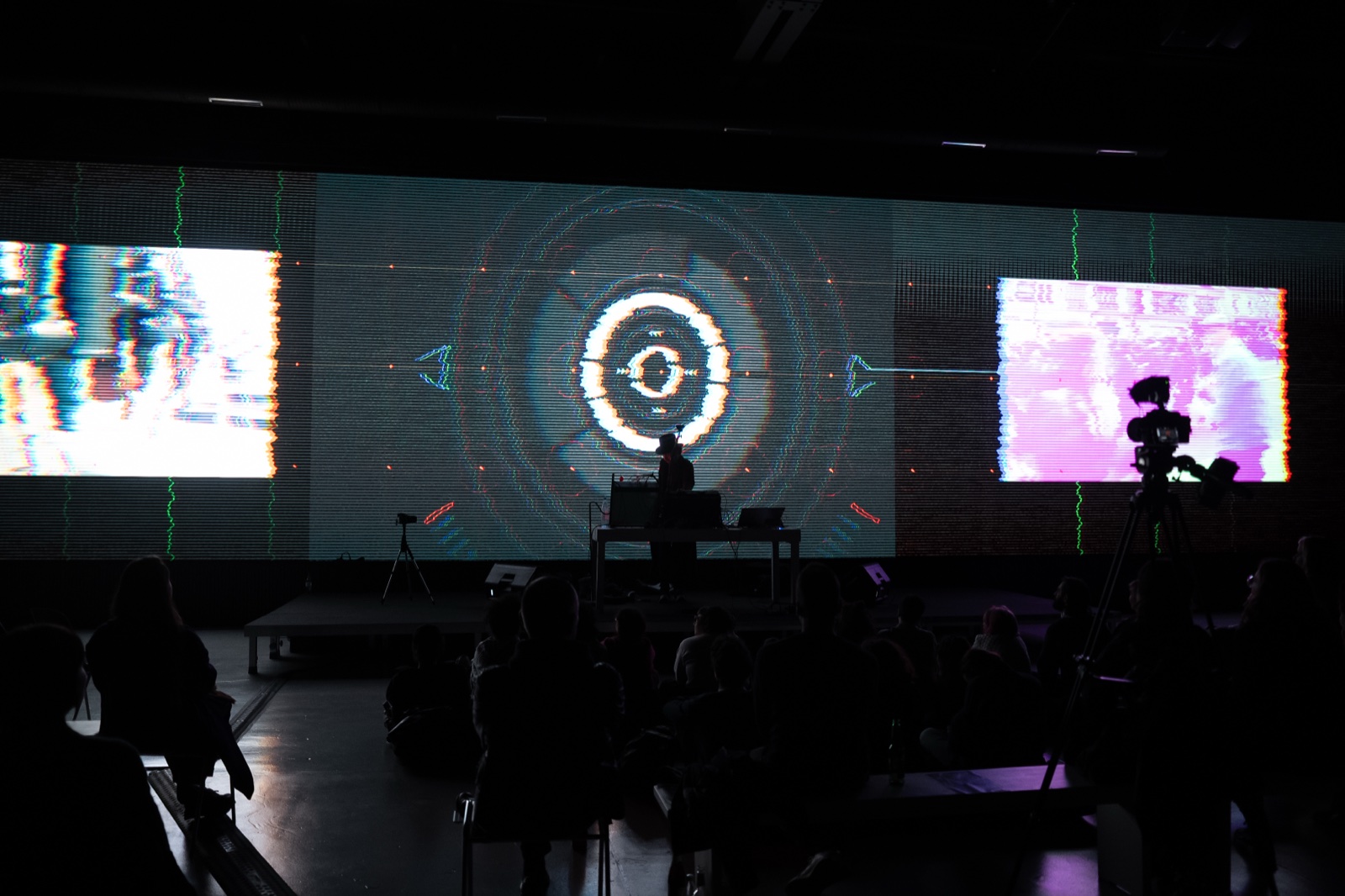
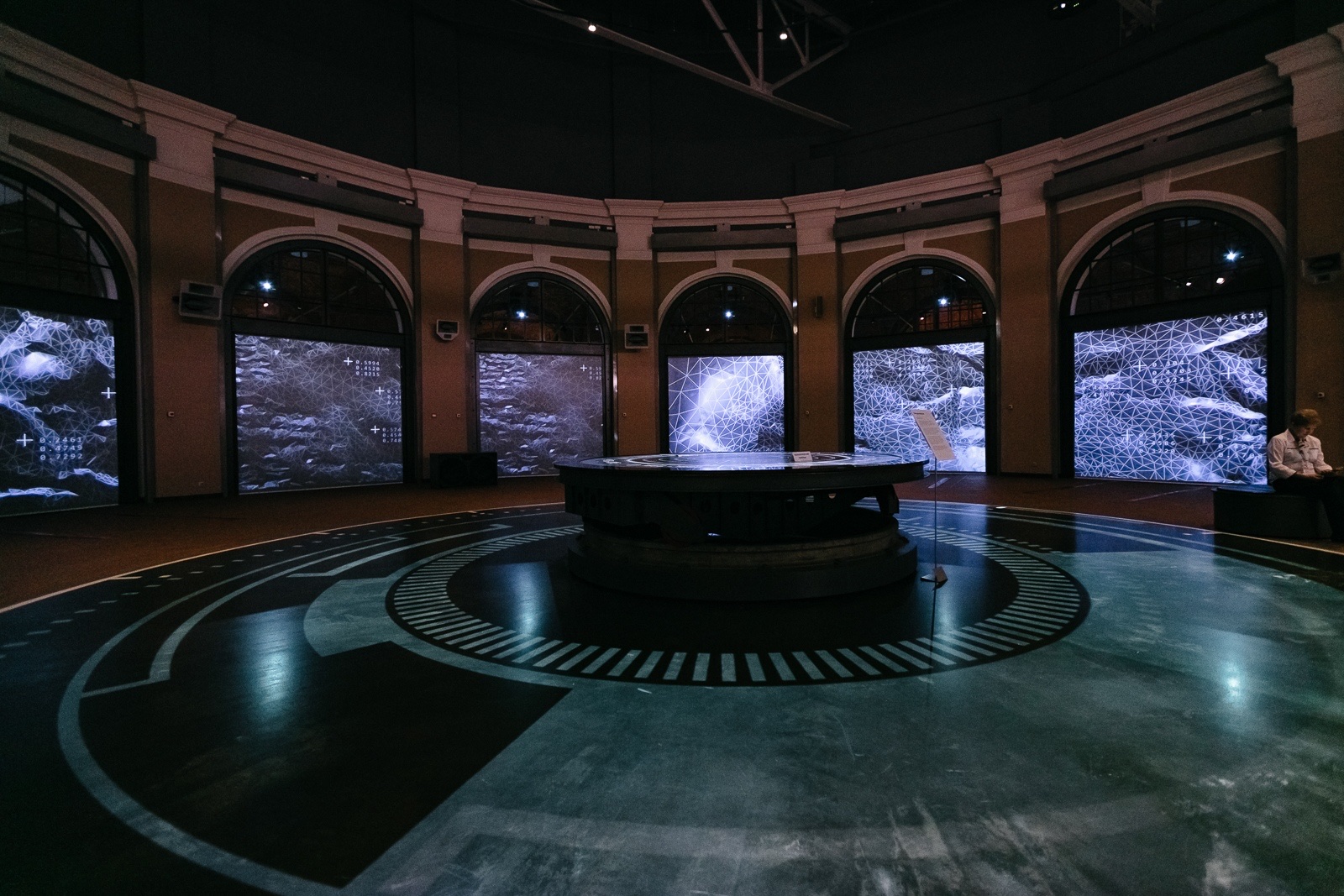
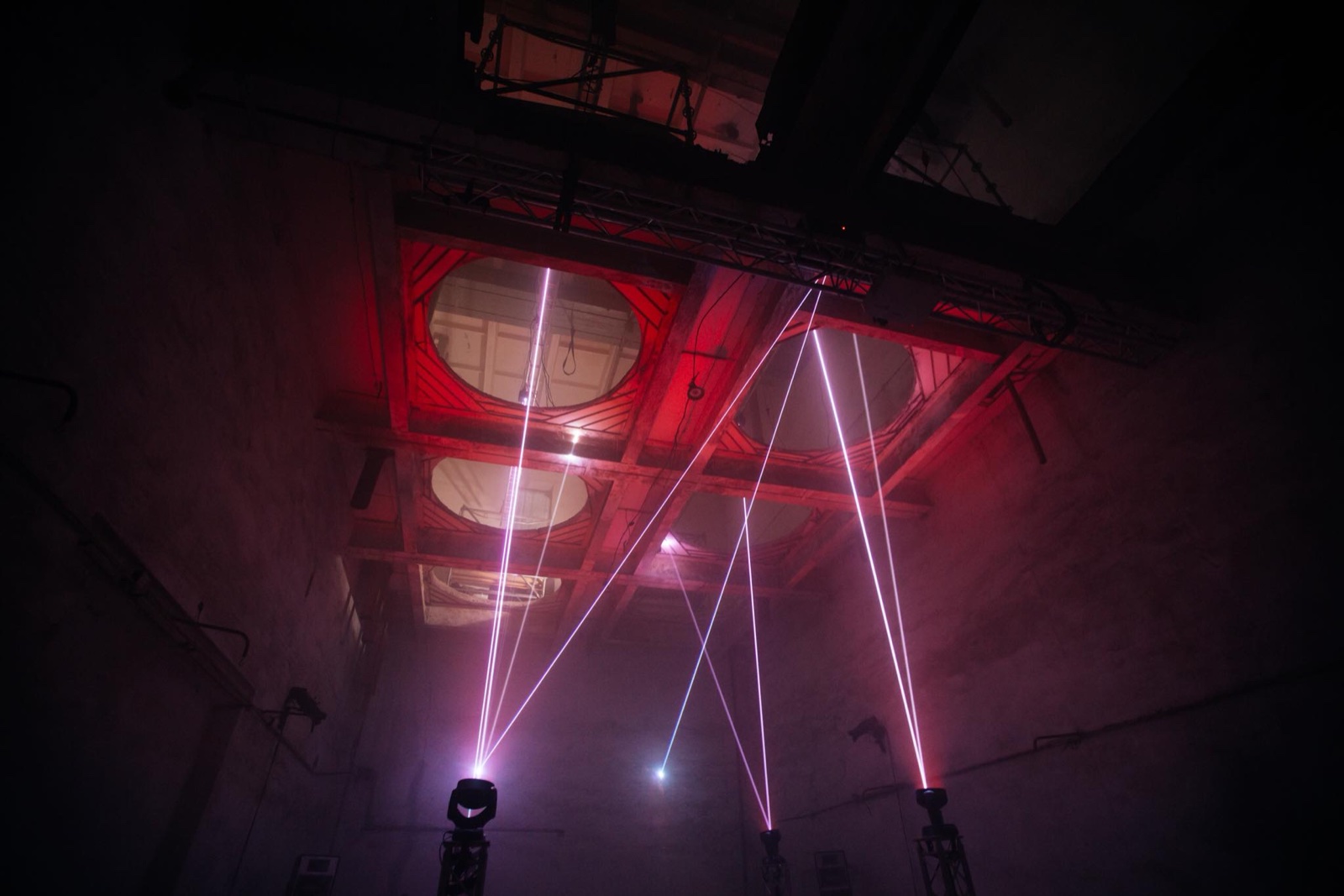
selected festivals & venues
Good breakdown of big concepts but also went into detailed demonstration
The courses were detailed and provided some excellent examples and techniques that are difficult to find examples of elsewhere. You are definitely a world leading expert in TD.
The courses are great and are the best TD course's I've ever found. The use of a univeristy lesson plan approach coud help the structure of the courses (i.e. defined learning outcomes, overview of example aims, slightly more defined goals etc). I'm happy to help with some of the video production (i.e. RX7) or academic pedagogic approaches (i.e. learning outcome authorship) if needed. I have over 20 years of experience in the music industry and lecturing degree content, having designed 6 undergraduate and two postgraduate degree courses. I'm often in Berlin if you wan to chat!
You have always been very informative and have approached topics in a way that even most novice TD/Shader coders can get value from.
deep in researching and excellent approaches from point of view of proceduralism
all the topics are super, i cover by long my expectatives even push me to learn and achieve new objetives
201 AV Live
- Access to all video recordings for 730 days
- The project files used in the lessons
Not taken TouchDesigner 101: Extreme I and TouchDesigner 102: Extreme II yet? Both are in the TouchDesigner Extreme Bundle.
Learning Paths & Courses
Related courses and learning paths.
- extreme101beginner
 TouchDesigner101 Extreme I
Learn TouchDesigner from scratch: compositing, feedback, sound-reactive visuals, a custom movie player, machine sync and basic 3D scenes.
12 h video · €255
- extreme102intermediate
 TouchDesigner · Ableton Live +1102 Extreme II
Learn TouchDesigner procedural geometry: procedural SOP modelling, GPU instancing, real-time rendering, and Kinect, physics and Ableton integration.
11 h video · €380
- avlive201current
 TouchDesigner · Ableton Live201 AV Live
Connect modular synths, Ableton Live and TouchDesigner into one AV system, with custom CV, MIDI and cued video tools for live shows.
11 h video · €500
- path_av1path
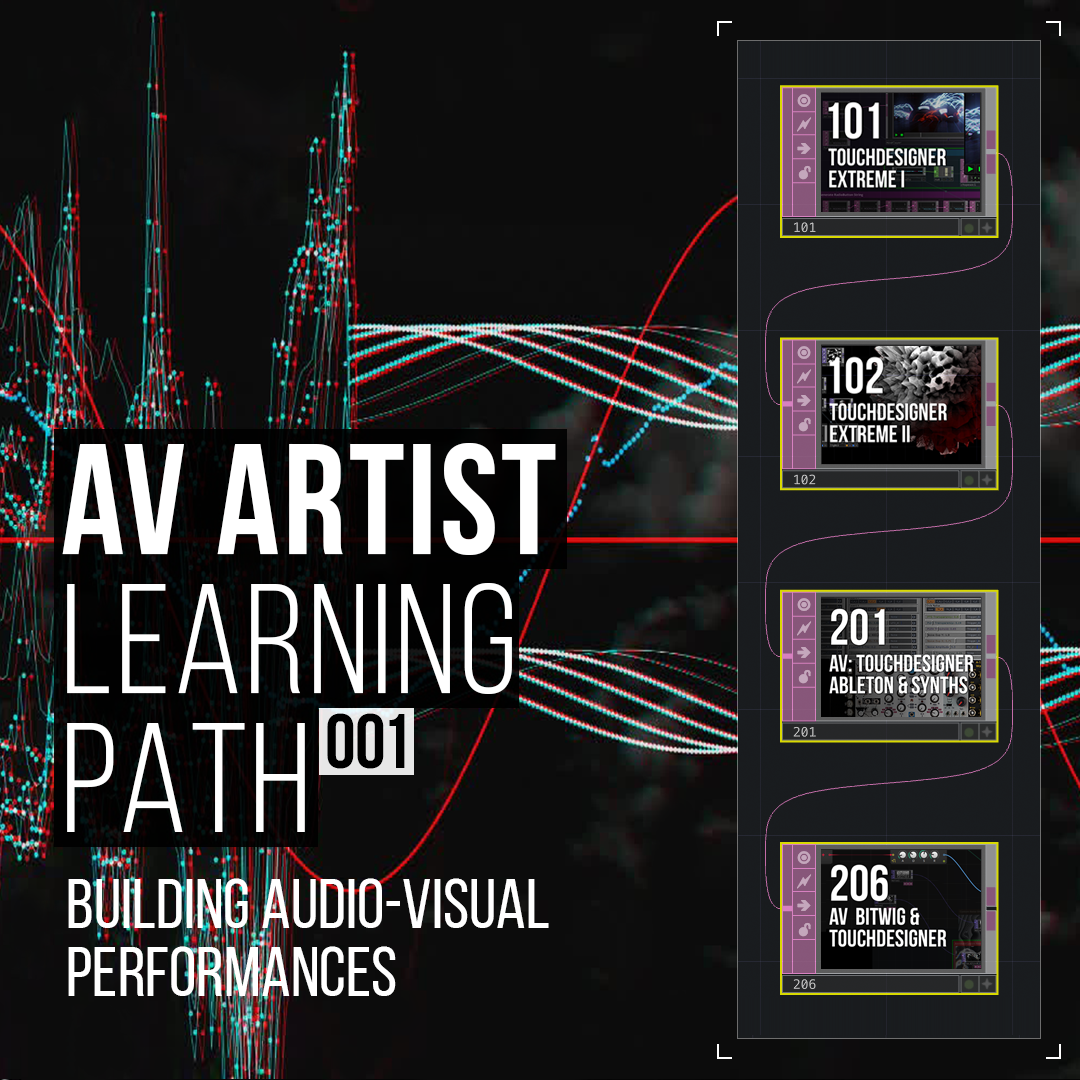 TouchDesigner · Ableton Live +2AV Artist
52 h video · €1,470
Think procedural
11All courseshou2touch.com ↑hou2touch 2025 (c)
go up ^ License Agreement go up ^ License Agreement RU Privacy Policy