
Procedural graphics, TouchDesigner & Houdini courses
We teach a way of thinking, not buttons: how to build a clear pipeline in TouchDesigner and Houdini. Courses by Stanislav Glazov — AV artist: Berlin Atonal, Mutek, Ars Electronica.
Программа Hou2Touch
Houdini + TD · 2 уровня · 195 lessons — 78 500 ₽
14 Courses & 5 Learning Paths
Select a learning path to filter the network — or explore all 14 courses across Foundations (100), Production (200), Shaders & Code (300), and the Flagship Houdini + TouchDesigner track.
Complete 3-level curriculum (/course) and individual level specifications
TouchDesigner · Houdini +5Hou2Touch
- 01Course Introduction3h 25m
- 02UI Introduction. Basic 3D Scene2h 40m
- 03Compositing3h 56m
- 04Animation and CHOPs3h 20m
- 05Content & Time Management. Advanced animation3h 17m
- 06Python in TouchDesigner3h 36m
- 07Building a Movie Bin in TouchDesigner4h 51m
- 08SOP Intro. Geometry in Houdini and TouchDesigner3h 46m
- 09Geometry Attributes and Procedural Modeling in Houdini and TouchDesigner3h 53m
- 10Direct Modeling and Rendering3h 52m
- 11CopySOP and Geometry Loops3h 21m
- 12Procedural Modeling Techniques3h 53m
- + 17 more lessons on the course page →
- level
- beginner to advanced
- volume
- 3 levels, 29 lessons · 320 videos · 113 h
- format
- self-paced · one lesson a week
- software
- TouchDesigner · Houdini · Redshift · Substance Designer · Ableton Live · Bitwig Studio · Unreal Engine
two-part payment available (rest within 60 days)
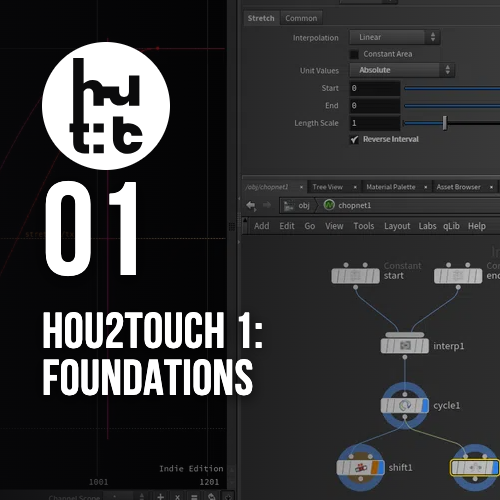
TouchDesigner · Houdini01Foundations
Learn Houdini and TouchDesigner from scratch: build procedural visuals, animate, composite, script with Python and render 3D in real time.
- 01Course Introduction3h 25m
- 02UI Introduction. Basic 3D Scene2h 40m
- 03Compositing3h 56m
- 04Animation and CHOPs3h 20m
- 05Content & Time Management. Advanced animation3h 17m
- 06Python in TouchDesigner3h 36m
- 07Building a Movie Bin in TouchDesigner4h 51m
- 08SOP Intro. Geometry in Houdini and TouchDesigner3h 46m
- 09Geometry Attributes and Procedural Modeling in Houdini and TouchDesigner3h 53m
- 10Direct Modeling and Rendering3h 52m
- level
- beginner
- volume
- 10 lessons · 98 videos · 37 h
- format
- self-paced · one lesson a week
- software
- TouchDesigner · Houdini
two-part payment available (rest within 60 days)
Houdini · TouchDesigner +202Procedural 3D
Build procedural 3D, renders and simulations in Houdini and carry them into TouchDesigner for real-time visual systems.
- level
- intermediate
- volume
- 9 lessons · 92 videos · 35 h
- format
- self-paced · one lesson a week
- software
- Houdini · TouchDesigner · Redshift · Substance Designer
two-part payment available (rest within 60 days)
TouchDesigner · Houdini +303Interactive
Build modular interactive TouchDesigner systems with Houdini assets, depth sensors, web-data visuals and sound tied to Ableton and Bitwig.
- level
- advanced
- volume
- 10 lessons · 130 videos · 42 h
- format
- self-paced · one lesson a week
- software
- TouchDesigner · Houdini · Ableton Live · Bitwig Studio · Unreal Engine
two-part payment available (rest within 60 days)
Complete multi-course tracks at bundle pricing: Extreme I+II (/extreme), AV Artist (/av), VJing (/vj), and Media Engineer (/me)
TouchDesigner · Ableton Live +1Extreme I+II
- 01Foundations & Interface1h 31m
- 02CHOPs, TOPs & Compositing1h 28m
- 03Audio-Reactive scene1h 23m
- 04Procedural & Modular AV (layout/output)1h 38m
- 05Media Playback1h 07m
- 06Timer, Segments & Custom Player2h 49m
- 07Animation, Recording & Sync1h 28m
- 083D — Bridge to 10232m
- 09SOP Fundamentals1h 47m
- 103D Scene & Rendering1h 44m
- 11Copy & Geo-Processing1h
- 12Instancing1h 37m
- + 4 more lessons on the course page →
- level
- beginner to intermediate
- volume
- 2 levels, 16 lessons · 49 videos · 23 h
- format
- self-paced · all lessons open on day 1
- software
- TouchDesigner · Ableton Live · Substance Designer
video recordings & project files · 730 days access
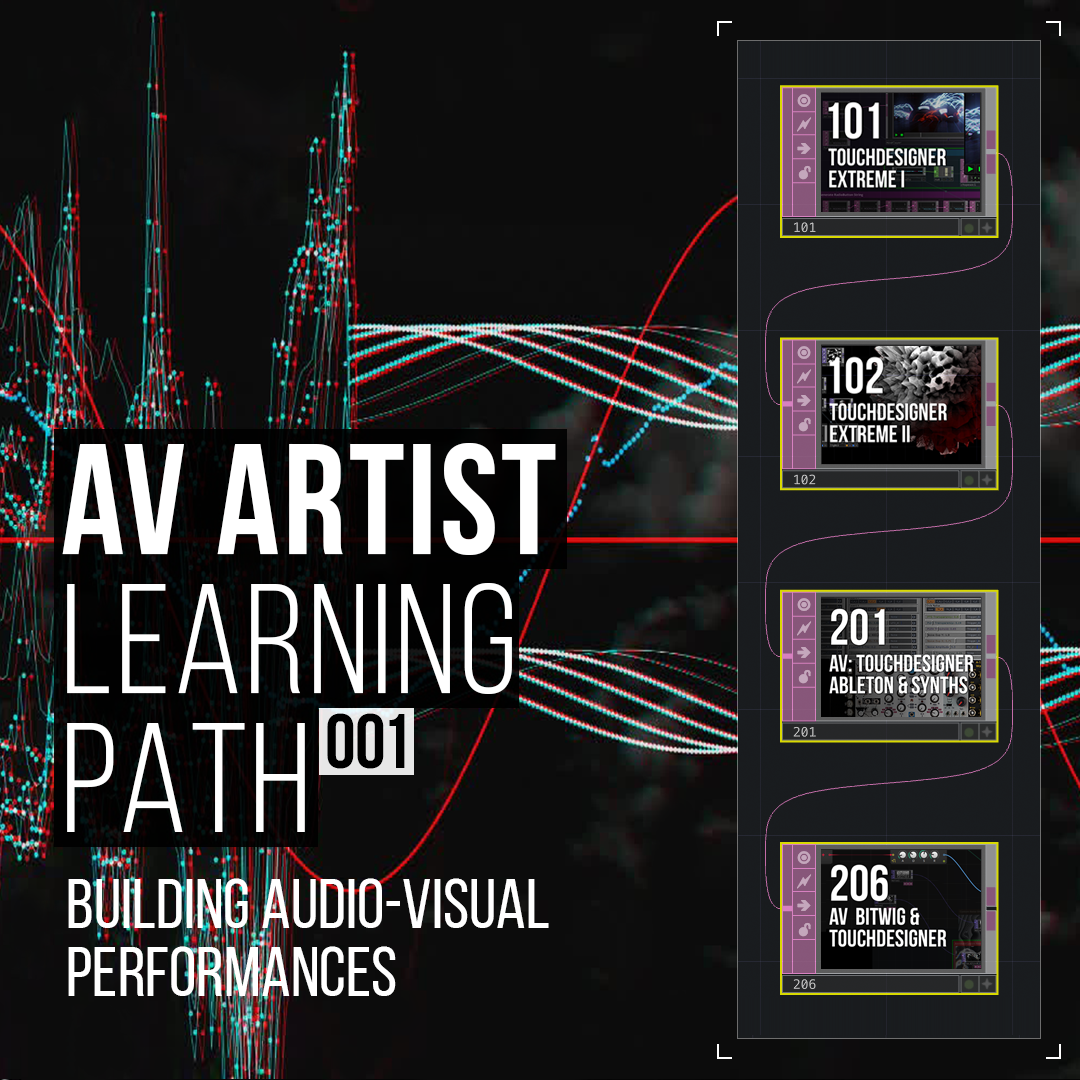
TouchDesigner · Ableton Live +2AV Artist
- 01Foundations & Interface1h 31m
- 02CHOPs, TOPs & Compositing1h 28m
- 03Audio-Reactive scene1h 23m
- 04Procedural & Modular AV (layout/output)1h 38m
- 05Media Playback1h 07m
- 06Timer, Segments & Custom Player2h 49m
- 07Animation, Recording & Sync1h 28m
- 083D — Bridge to 10232m
- 09SOP Fundamentals1h 47m
- 103D Scene & Rendering1h 44m
- 11Copy & Geo-Processing1h
- 12Instancing1h 37m
- + 17 more lessons on the course page →
- level
- beginner to intermediate
- volume
- 4 levels, 29 lessons · 93 videos · 52 h
- format
- self-paced · one lesson a week
- software
- TouchDesigner · Ableton Live · Substance Designer · Bitwig Studio
two-part payment available (rest within 45 days)
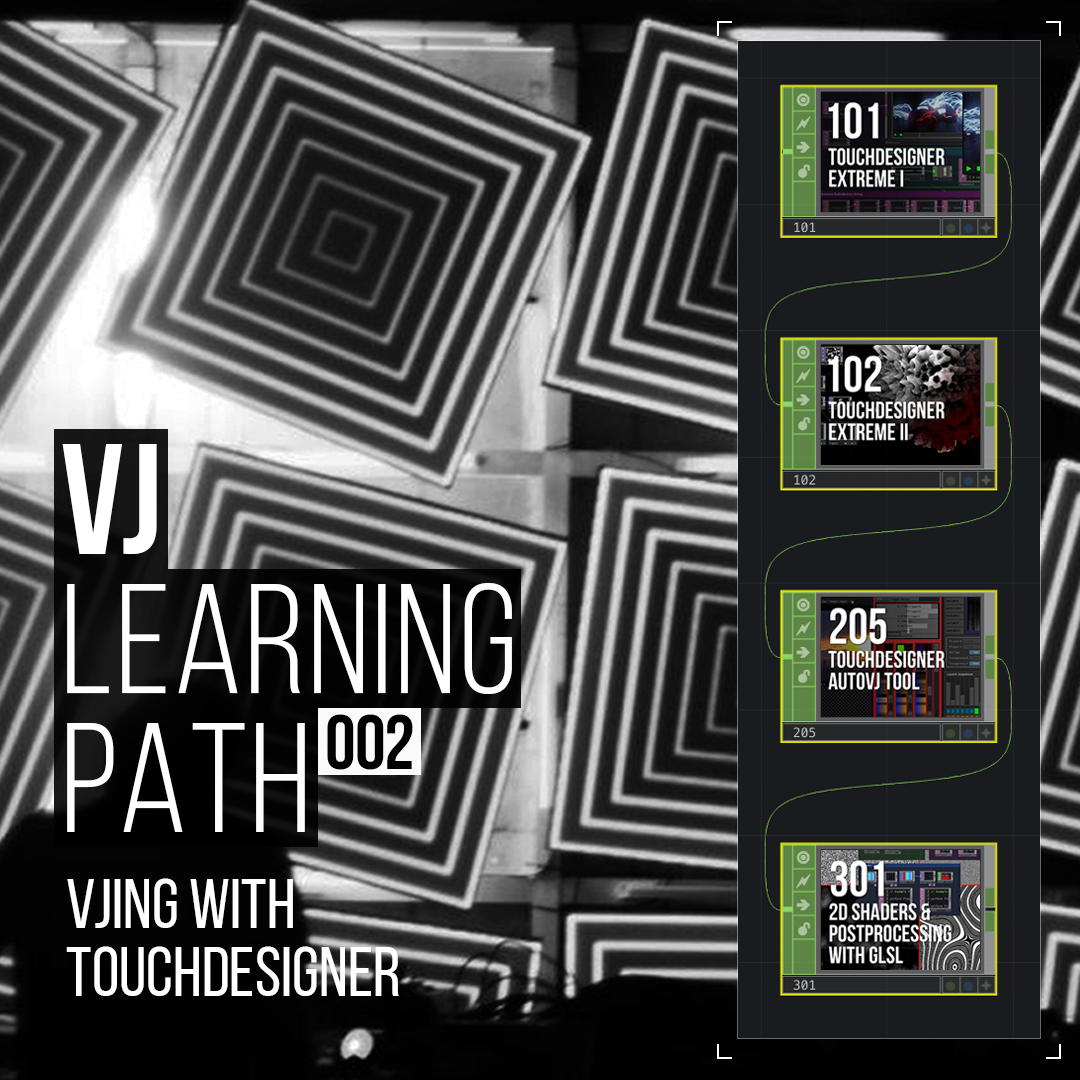
TouchDesigner · Ableton Live +2VJing Path
- 01Foundations & Interface1h 31m
- 02CHOPs, TOPs & Compositing1h 28m
- 03Audio-Reactive scene1h 23m
- 04Procedural & Modular AV (layout/output)1h 38m
- 05Media Playback1h 07m
- 06Timer, Segments & Custom Player2h 49m
- 07Animation, Recording & Sync1h 28m
- 083D — Bridge to 10232m
- 09SOP Fundamentals1h 47m
- 103D Scene & Rendering1h 44m
- 11Copy & Geo-Processing1h
- 12Instancing1h 37m
- + 13 more lessons on the course page →
- level
- beginner to advanced
- volume
- 4 levels, 25 lessons · 75 videos · 43 h
- format
- self-paced · one lesson a week
- software
- TouchDesigner · Ableton Live · Substance Designer · Resolume
two-part payment available (rest within 45 days)
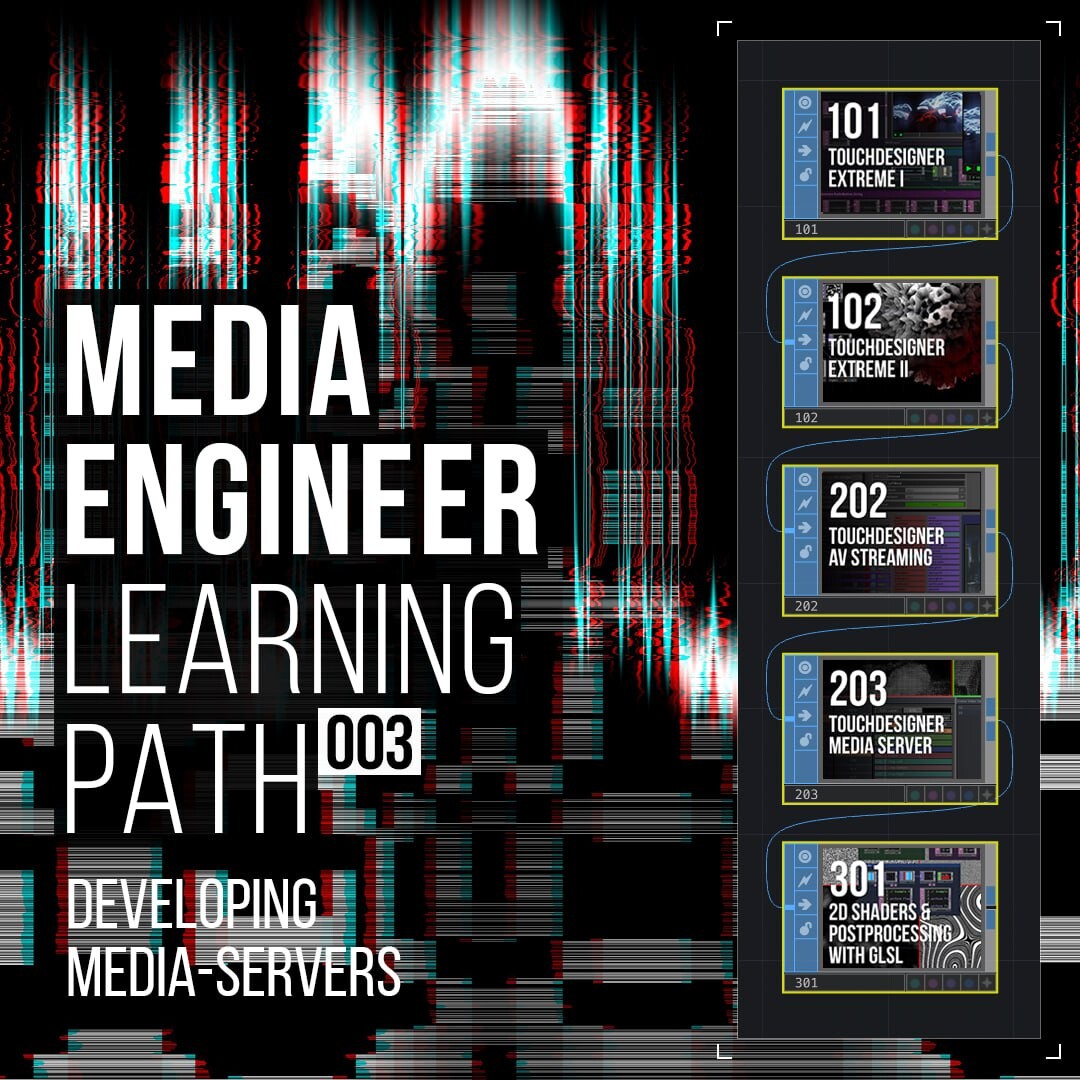
TouchDesigner · Ableton Live +2Media Eng
- 01Foundations & Interface1h 31m
- 02CHOPs, TOPs & Compositing1h 28m
- 03Audio-Reactive scene1h 23m
- 04Procedural & Modular AV (layout/output)1h 38m
- 05Media Playback1h 07m
- 06Timer, Segments & Custom Player2h 49m
- 07Animation, Recording & Sync1h 28m
- 083D — Bridge to 10232m
- 09SOP Fundamentals1h 47m
- 103D Scene & Rendering1h 44m
- 11Copy & Geo-Processing1h
- 12Instancing1h 37m
- + 18 more lessons on the course page →
- level
- beginner to advanced
- volume
- 5 levels, 30 lessons · 84 videos · 45 h
- format
- self-paced · one lesson a week
- software
- TouchDesigner · Ableton Live · Substance Designer · OBS Studio
two-part payment available (rest within 45 days)
Zero to procedural: TouchDesigner 101 & 102, then Houdini 103 — the three foundation courses (Extreme I+II are also available as the €540 bundle, /extreme)
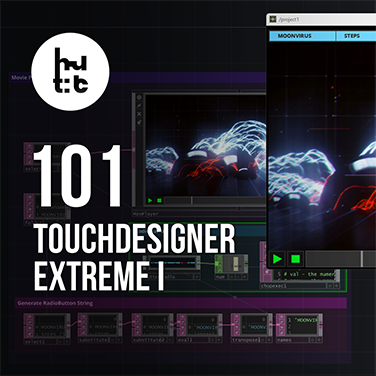
TouchDesigner101Extreme I
Learn TouchDesigner from scratch: compositing, feedback, sound-reactive visuals, a custom movie player, machine sync and basic 3D scenes.
- 01Node-Based Media Workflows** · 14 min1h 31m
- 02Operators, Data Contexts, and Timeline** · 24 min1h 28m
- 03Multi-Monitor Output Setup** · 22 min1h 23m
- 04Building a mouse-controlled circle; Navigating interface and operator controls** · 31 min1h 38m
- 05CHOP Exports and Ramp Sampling** · 18 min
- 06Color correction with Level, OpenColorIO, and LUTs; Image compositing** · 42 min
- 07Masks, Convolution, and Feedback TOP** · 28 min
- 08Moving Noise TOP with clap triggers** · 20 min
- 09Detecting kick drums with audio filters and triggers** · 20 min
- 10Building a reusable multi-band audio analyzer interface** · 30 min
- 11Subtractive Synthesis, Polyphony, and Generative Modulation** · 13 min
- 12Procedural noise theory; Distorting textures with coordinate maps** · 25 min
- + 13 more lessons on the course page →
- level
- beginner
- volume
- 8 lessons · 25 videos · 12 h
- format
- self-paced · all lessons open on day 1
- software
- TouchDesigner
video recordings & project files · 730 days access
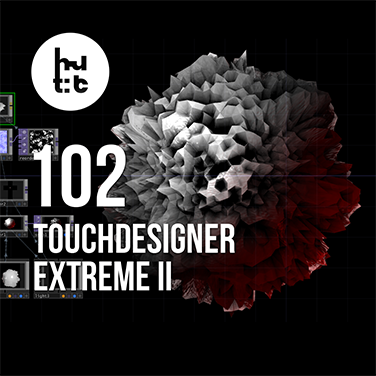
TouchDesigner · Ableton Live +1102Extreme II
Learn TouchDesigner procedural geometry: procedural SOP modelling, GPU instancing, real-time rendering, and Kinect, physics and Ableton integration.
- 01Structure of geometry data in the SOP context** · 31 min1h 47m
- 02Geometry Groups and Attributes** · 36 min1h 44m
- 03Procedural modelling: Houdini example and TouchDesigner instancing** · 20 min1h
- 04SOP structure in TouchDesigner and Houdini** · 19 min1h 37m
- 05Modelling a vase in TouchDesigner** · 14 min
- 06UV mapping the vase and repairing its profile** · 28 min
- 07Camera setup with Look At and up vector** · 11 min
- 08Camera path animation. Parent-Child Hierarchy** · 8 min
- 09Camera and lights settings** · 13 min
- 10Setting up PBR materials with Substance textures** · 22 min
- 11Fake depth of field and SSAO** · 7 min
- 12Copy SOP and copy stamping** · 48 min
- + 12 more lessons on the course page →
- level
- beginner/intermediate
- volume
- 8 lessons · 24 videos · 11 h
- format
- self-paced · all lessons open on day 1
- software
- TouchDesigner · Ableton Live · Substance Designer
video recordings & project files · 730 days access
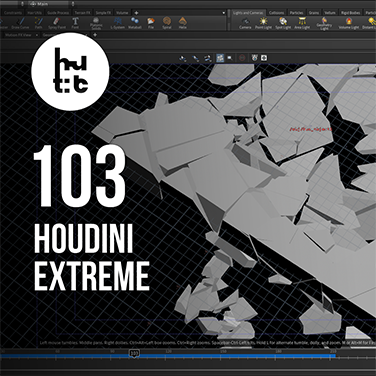
Houdini · Redshift103Houdini 103
Start working in Houdini and think procedurally: build assets, terrain, particles, simulations and rendered animation.
- 01Understanding Houdini’s procedural assets and data flow** · 10 min1h 04m
- 02Navigating Houdini panels and contexts; CHOP time-sampled data** · 20 min1h 38m
- 03Houdini interface navigation and node network workflows** · 18 min56m
- 04Houdini parameter expressions; Portable project paths with Local Variables** · 15 min1h 16m
- 05Modeling the procedural gear** · 15 min
- 06Building a configurable gear controller in Houdini** · 17 min
- 07Creating a Houdini subnet parameter interface; Linking editor panes** · 7 min
- 08Creating a reusable gear HDA in Houdini** · 31 min
- 09Rendering a Houdini scene; Exporting geometry for TouchDesigner** · 28 min
- 10Houdini SOP geometry: Primitive types and attributes** · 27 min
- 11Attribute-driven mesh deformation with Attribute Transfer** · 6 min
- 12Houdini colour-driven displacement with VOPs; Recreating it in VEX** · 13 min
- + 22 more lessons on the course page →
- level
- beginner
- volume
- 8 lessons · 34 videos · 9.2 h
- format
- self-paced · all lessons open on day 1
- software
- Houdini · Redshift
video recordings & project files · 730 days access
Specialized production systems: Ableton & Modular (201), Streaming (202), Media Server (203), Real Lights Pre-production & Production (204), VJing (205), Bitwig (206), Houdini Terrain (207), and the Modular Generative Design module
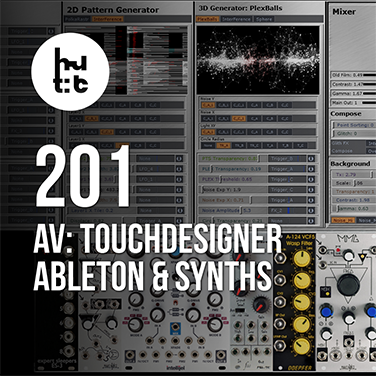
TouchDesigner · Ableton Live201AV Live
Connect modular synths, Ableton Live and TouchDesigner into one AV system, with custom CV, MIDI and cued video tools for live shows.
- 01Signal protocols and routing: MIDI, OSC, CV** · 46 min2h 19m
- 02The Basics of Modular synthesis** · 43 min2h 27m
- 03Eurorack modules walk-through** · 50 min2h 08m
- 04AV performance design: data, UI and content** · 40 min
- 05Anatomy of a live AV system: three case studies** · 32 min
- 06Architecture of your own AV show** · 47 min
- 07Generating sliders from parameters with Python** · 28 min
- 08TDAbleton. Building an adaptable modular patch** · 40 min
- 09Generative control of Ableton Live** · 54 min
- 10Controlling TouchDesigner from Ableton** · 34 min
- 11BeatStep Pro: MIDI and CV routing** · 16 min
- 12CV output from TouchDesigner** · 12 min
- + 5 more lessons on the course page →
- level
- intermediate
- volume
- 5 lessons · 17 videos · 11 h
- format
- self-paced · all lessons open on day 1
- software
- TouchDesigner · Ableton Live
video recordings & project files · 730 days access
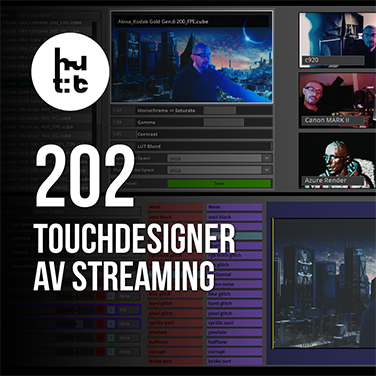
TouchDesigner · OBS Studio202Streaming
Build your own TouchDesigner streaming app: multi-camera input, colour presets, an A/B mixer with sound-reactive effects and live output.
- 01Connecting camera feeds; Organising a reusable source component** · 22 min46m
- 02OpenColorIO camera correction; Kinect Azure NDI and RealSense streams** · 23 min1h 19m
- 03Building a camera selector UI with Replicator COMP** · 35 min
- 04Building a camera color-correction interface; Browsing LUTs** · 44 min
- 05Saving per-camera colour-correction presets; Replacing direct wiring with Select operators** · 36 min
- 06Applying preset values to camera item parameters; Recalling controls on camera change** · 34 min
- 07Building a streaming camera layer interface** · 36 min
- 08Streaming through NDI and RTMP; A/B mixing patch walkthrough** · 20 min
- level
- intermediate
- volume
- 4 lessons · 8 videos · 4.2 h
- format
- self-paced · all lessons open on day 1
- software
- TouchDesigner · OBS Studio
video recordings & project files · 730 days access
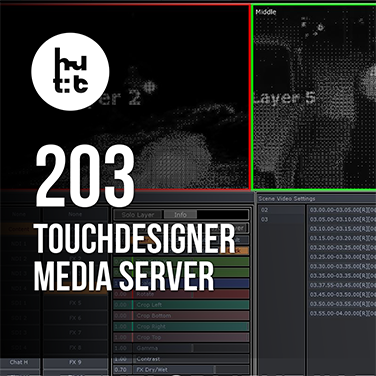
TouchDesigner · Ableton Live203Media Server
Build a TouchDesigner media server for events and theatre: GPU movie library, GLSL grading, cues, timecode and multi-projector output.
- 01MVC Media Server Controls** · 33 min33m
- 02Interactive Movie Playback Control** · 28 min
- 03Building a bidirectional movie playback slider** · 40 min
- 04Connecting video cameras and streams; Kinect hand-raise movie trigger** · 19 min
- 05Procedural Movie Library Management** · 27 min
- 06Building a movie library browser with playback** · 30 min
- 07Crossfading selected movies; Building a 2D texture array** · 18 min
- 08Building an instanced video browser with Render Pick** · 44 min
- 09Building lightweight interfaces with panels and custom parameters** · 26 min
- 10Caching slider visuals with Cache TOP; Building a standalone slider** · 43 min
- 11Building a LUT browser with before-and-after comparison** · 31 min
- 12Building a GLSL color-correction shader; Generating UV patterns** · 28 min
- + 8 more lessons on the course page →
- level
- intermediate
- volume
- 6 lessons · 20 videos · 11 h
- format
- self-paced · all lessons open on day 1
- software
- TouchDesigner · Ableton Live
video recordings & project files · 730 days access
Capture · Depence +1204Pre-production
Learn to turn a live-event brief into a safe, budgeted lighting design, visualised in Capture and Depence with plots and patch lists.
- 01History of theatrical lighting and control systems** · 26 min1h 32m
- 02A tour of concert lighting fixtures and LED bars** · 50 min1h 20m
- 03Live Show Control Protocols** · 17 min1h 15m
- 04Live Show Pre-Production** · 31 min
- 05Fixture substitutions and GDTF; Art-Net merging in MA2** · 29 min
- 06Estimating event equipment budgets; Contracts for phased design payments** · 20 min
- 07Adapting lighting designs to venue constraints and rigging** · 28 min
- 08Planning safe venue builds and lighting effects** · 47 min
- 09Developing buildable LED installation concepts from venue briefs** · 34 min
- 10Live Event Visualisation Systems** · 27 min
- 11Importing, scaling, and organizing venue geometry in Capture** · 51 min
- 12Testing fixture arrays and beam looks with haze** · 40 min
- + 10 more lessons on the course page →
- level
- intermediate
- volume
- 8 lessons · 22 videos · 14 h
- format
- self-paced · all lessons open on day 1
- software
- Capture · Depence · Blender (optional)
video recordings & project files · 730 days access
TouchDesigner · GrandMA2 +2204Production
Build real-time TouchDesigner and GrandMA2 systems for pixel-mapping, moving heads, lasers and cue playback over Art-Net DMX.
- 01Sending Art-Net DMX to Capture; Building moving-head controls** · 48 min2h 23m
- 02Splitting 16-bit DMX into coarse and fine channels** · 54 min3h 28m
- 03Routing CHOP exports with path-parameter channel names** · 22 min2h 32m
- 04Animating with Timeline and Speed CHOP; Dynamically renaming DMX channels** · 19 min2h 30m
- 05Understanding geometry: points, vertices, primitives, and attributes** · 24 min
- 06Geometry Attributes and Laser Mapping** · 46 min
- 07UV mapping LED screens in Blender for packed video output** · 97 min
- 08Q&A: Faking Hundreds of Pixels in Capture and Depence** · 6 min
- 09UV mapping geometry with Texture SOP** · 33 min
- 10Intro to Light Design and DMX Patching in GrandMA** · 53 min
- 11Professional Lighting Control in GrandMA** · 60 min
- 12Patching fixtures and using programmer data; Touring GrandMA2 onPC interface** · 38 min
- + 21 more lessons on the course page →
- level
- intermediate
- volume
- 11 lessons · 33 videos · 27 h
- format
- self-paced · one lesson a week
- software
- TouchDesigner · GrandMA2 · Laser Graphics · Capture
two-part payment available (rest within 45 days)
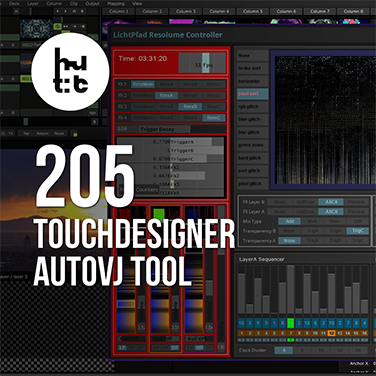
TouchDesigner · Resolume205VJTool
Build your own sound-reactive VJ tool in TouchDesigner, with a movie bin, GLSL effects and a step sequencer, that also controls Resolume.
- 01Understanding nodes, parameters, and TOP/CHOP data** · 56 min3h 04m
- 02CHOP Basics for Audio-Reactive Control** · 57 min2h 14m
- 03Modular VJ System Design** · 44 min2h 24m
- 04Controlling Movie File In playback; Building a dual-screen Perform output** · 27 min2h 07m
- 05Sound Analyser: Triggers** · 38 min
- 06Sound Analyser: Interface** · 32 min
- 07Three-band audio analyzer; Project-wide local variables** · 24 min
- 08Building an audio-control router; Divided trigger clocks** · 39 min
- 09Controlling Resolume clip playback with OSC** · 22 min
- 10Resolume-Inspired Movie Bin: Replicator** · 49 min
- 11Movie Bin: Blending Between Clips** · 29 min
- 12Movie Bin: Drag and Drop** · 45 min
- + 7 more lessons on the course page →
- level
- intermediate
- volume
- 5 lessons · 19 videos · 13 h
- format
- self-paced · all lessons open on day 1
- software
- TouchDesigner · Resolume
video recordings & project files · 730 days access
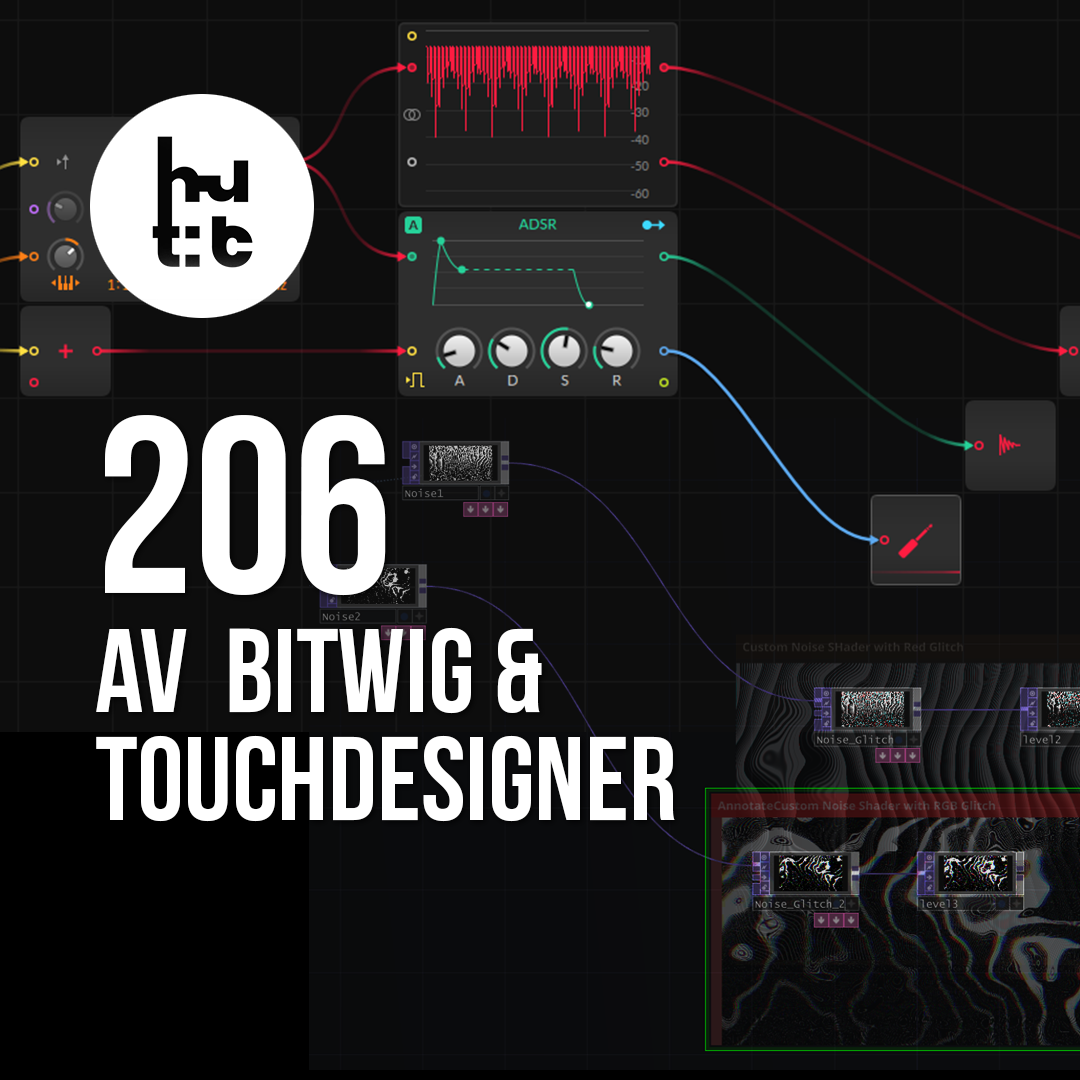
TouchDesigner · Bitwig Studio206AV Bitwig
Build synths, sampled instruments and music- and movement-driven visuals by linking TouchDesigner and Bitwig Studio, plus hardware.
- 01Sound Synthesis, MIDI Sync and Bitwig Basics** · 139 min2h 19m
- 02TouchDesigner Basics and Audio-Reactive Control** · 42 min
- 03Building a drone synthesizer with waveform visuals; Loading and controlling VST reverb** · 48 min
- 04CHOP Exports and MIDI-Controlled Video** · 55 min
- 05Bitwig Audio Editing, Comping and Sampled Instruments** · 57 min
- 06Bitwig Note FX for generative MIDI patterns** · 56 min
- 07Routing NDI control signals between TouchDesigner and Bitwig; Prototype XY modulation** · 45 min
- 08Navigating Python operator and CHOP classes; Per-channel LFO modulation** · 23 min
- 09Building a 16-channel NDI sender with Parameter DAT; Receiving in Bitwig** · 34 min
- 10Physics MIDI Instrument with Bullet Collisions** · 57 min
- 11Video Timing with Timeline and Timer CHOPs** · 32 min
- 12Building a timer-driven movie player with fades** · 35 min
- + 15 more lessons on the course page →
- level
- intermediate
- volume
- 8 lessons · 27 videos · 18 h
- format
- self-paced · one lesson a week
- software
- TouchDesigner · Bitwig Studio
two-part payment available (rest within 27 days)
Houdini · TouchDesigner207Terrain
Build procedural terrain in Houdini, automate variations with PDG, and render it in TouchDesigner as an audio-reactive music video.
- 01Building a masked HeightField terrain in Houdini** · 16 min1h 33m
- 02Procedural River Paths with Polyframe and Sweep** · 13 min1h 19m
- 03Heightfield Masks and Riverbed Displacement** · 19 min50m
- 04Heightfield Noise, Masks, Distort, and Terrace** · 11 min1h 14m
- 05Houdini Heightfield Erosion, Flow Masks, and Baking** · 14 min2h 27m
- 06Creating Houdini Digital Assets for terrain tools; Organising parameter interfaces** · 20 min
- 07Calculating terrain normals and shader masks in Houdini** · 22 min
- 08Heightfield Contours with COPs and Trace SOP** · 28 min
- 09Tracing terrain gradient curves in Houdini with VEX** · 30 min
- 10Packing terrain fields into an EXR for TouchDesigner** · 14 min
- 11Building Houdini terrain with GLSL displacement; Substance PBR and HDR lighting** · 26 min
- 12Calculating flat normals in GLSL geometry shaders; Passing vertex structs** · 9 min
- + 15 more lessons on the course page →
- level
- intermediate
- volume
- 5 lessons · 27 videos · 7.4 h
- format
- self-paced · all lessons open on day 1
- software
- Houdini · TouchDesigner
video recordings & project files · 730 days access
TouchDesignerModular Design
Learn to build modular TouchDesigner systems: refactor VJ patches, instance grids, and drive PBR-lit scenes with audio triggers.
- 01Modular system thinking1h 19m
- 02GPU-instanced grid tool1h 03m
- 03Refactoring a VJ patch1h 08m
- 04Real-time rendering and audio1h 14m
- level
- intermediate
- volume
- 4 lessons · 4 videos · 4.7 h
- format
- self-paced · recorded
- software
- TouchDesigner
recorded video lessons & project files
Procedural 2D GLSL, Geometry Shaders on GPU, Script SOP tools, and C++ API operators
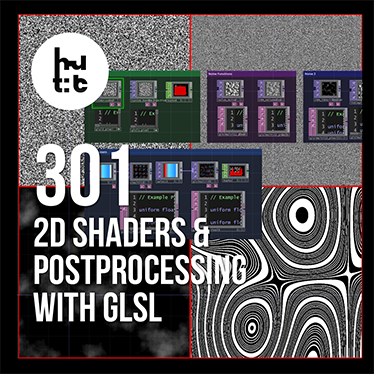
TouchDesigner3012D GLSL
Write GLSL fragment shaders in TouchDesigner for procedural patterns, colour correction, stylised effects, feedback and Shadertoy ports.
- 01Intro to GLSL TOP; GLSL Generative Patterns** · 63 min1h 03m
- 02Randomized tile patterns; Value noise and FBM in GLSL** · 59 min
- 03Distance Fields, Sampling and Texture Buffers** · 83 min
- 04Building a Bézier colour-correction tool; Circular bokeh in GLSL** · 52 min
- 05Multi-Sample Post-Processing Effects** · 46 min
- 06Building an ASCII video shader; Square and circular halftones** · 55 min
- 07Old Film, Reaction-Diffusion and Porting from Shadertoy** · 57 min
- level
- advanced
- volume
- 4 lessons · 7 videos · 6.9 h
- format
- self-paced · all lessons open on day 1
- software
- TouchDesigner
video recordings & project files · 730 days access
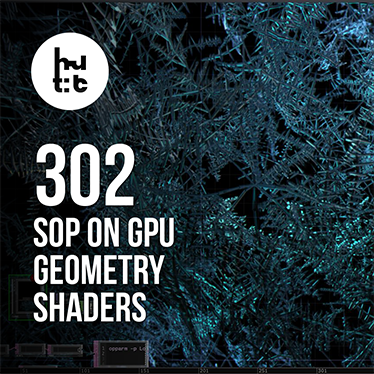
TouchDesigner302SOP on GPU
Build complex geometry on the GPU with geometry shaders: a reusable GLSL framework recreating SOPs, extrusions, tubes and 3D text.
- 01GLSL geometry shader interfaces and triangle emission** · 52 min52m
- 02Building reusable GLSL geometry shader utilities** · 53 min
- 03Rotating and scaling primitives; Emulating Magnet SOP with normal blending** · 74 min
- 04Extrusion, Walls, Tubes and Networks on the GPU** · 87 min
- 05Instance Variations, Dynamic 3D Text and Kinect Cleanup** · 104 min
- level
- advanced
- volume
- 4 lessons · 5 videos · 6.1 h
- format
- self-paced · all lessons open on day 1
- software
- TouchDesigner
video recordings & project files · 730 days access
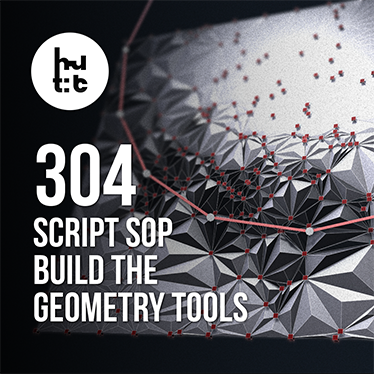
TouchDesigner304Script SOP
Write your own TouchDesigner geometry tools in Python with the Script SOP: extrudes, scatter, Delaunay meshes and OpenCV contours.
- 01SOP Geometry Components and Attributes** · 29 min1h 04m
- 02Python Geometry in the Script SOP** · 35 min1h 51m
- 03Vertex extrusion prototype; Generating polygon centre points** · 43 min
- 04Building a Script SOP vertex extrusion tool** · 22 min
- 05Building a polygon extrusion tool** · 18 min
- 06Inset-rotating polygon extrusions; Flipping side-wall triangles at negative angles** · 28 min
- 07Measuring polygon areas with a Script SOP** · 26 min
- 08Building a surface scatter tool with Script SOP** · 36 min
- 09Building Delaunay triangulation from scattered points** · 26 min
- 10Attribute Transfer: Distance-Based Deformation** · 30 min
- 11OpenCV Contours to Script SOP Geometry** · 25 min
- 12Selecting grid polygons with Matplotlib Path** · 25 min
- level
- advanced
- volume
- 4 lessons · 12 videos · 5.7 h
- format
- self-paced · all lessons open on day 1
- software
- TouchDesigner
video recordings & project files · 730 days access
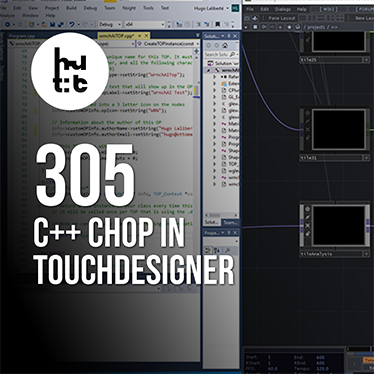
TouchDesigner · Visual Studio305C++ API
Extend TouchDesigner with C++: build custom CHOP, TOP and SOP plugins in Visual Studio, adding hardware SDKs, openFrameworks and OpenCV.
- 01Visual Studio Setup, Debugging and a First Custom CHOP** · 42 min1h 33m
- 02Custom CHOP: Combining Channels and Info DAT** · 51 min1h 45m
- 03Wiimote CHOP: Integrating the Wiiuse SDK** · 29 min
- 04Wiimote CHOP: Connection, Threading and Orientation** · 52 min
- 05Wiimote CHOP: Closing the Thread and Deploying the Plugin** · 24 min
- 06Custom TOP with OpenGL and openFrameworks** · 61 min
- 07Building OpenCV and a Console Face Tracker** · 36 min
- 08Face Finder TOP with OpenCV** · 49 min
- 09Tuning the Face Finder and a Custom SOP** · 44 min
- level
- advanced
- volume
- 4 lessons · 9 videos · 6.5 h
- format
- self-paced · all lessons open on day 1
- software
- TouchDesigner · Visual Studio
video recordings & project files · 730 days access
learning paths: 101 → 102 → 200 Series → 300 Series · Hou2Touch (/course) — complete 3-level Houdini + TD trackall prices include 19% German VAT
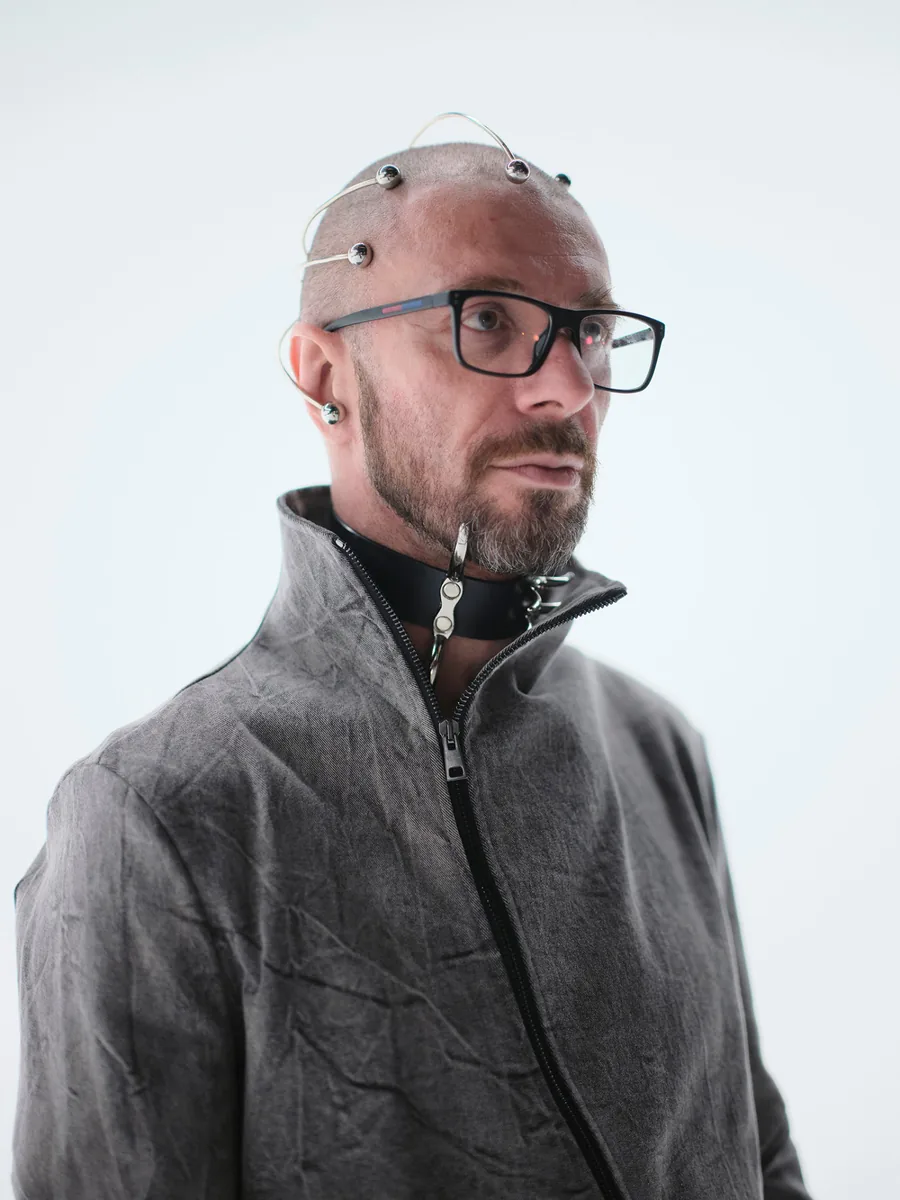
Stanislav Glazov
Media artist, educator, course author Founder of Licht.Pfad Studio (Berlin)
For more than 20 years, Stanislav Glazov has worked in light and visual art where art and technology intersect — from pipeline TD at Trixter Film and Scanline VFX to audiovisual performances at Berlin Atonal, Mutek, and Ars Electronica. In 2013 he founded Licht.Pfad in Berlin.
- Before 2010
Killer Tank, Pilot TV, early animation productions at Klassika Studio; Trixter Film and Scanline VFX: Pipeline Technical Director, Character Animation, Cloth Simulation TD, R&D VFX.
- After 2010
Automated real-time infographic broadcast system for Kommersant TV. Architectural video mapping with SilaSveta, Stereotaktik, Invisible, and Raduga Design.
- 2013
Founded the generative design and educational studio Licht.Pfad in Berlin.
- AV
Collaborations with WhiteVoid. Audiovisual performances in partnership with Dasha Rush and Robert Lippok.
- Since 2016
Stage and theatre productions with Maxim Didenko, including custom real-time media servers for live shows.
- Stages
Berlin Atonal, Mutek Montréal, Ars Electronica Linz, Unsound Kraków, Raster-Noton · Berghain, Barbican London, Resonance Tokyo, Mira Barcelona, L.E.V. Festival, Fête des Lumières Lyon.
“Excellent teacher of our software TouchDesigner!”
selected festivals & venues
03 Author practicerender1 TOP
Built by students
Assignments and projects created by Hou2Touch students.
- Generative Art & 3D
Compositing and real-time effects for visual art, postproduction, commercials, film, and games.
- AV Performances
Audio-reactive live shows, DMX stage lighting control, moving heads, and laser systems.
- VJing & Projection Mapping
2D and 3D architectural projection mapping, generative visuals, and real-time video processing.
- Real-time Data & Motion
Motion design and live data visualization driven by web APIs, osc, and telemetry streams.
- Interactive Installations
Interactive spaces with multi-touch surfaces, depth cameras, LiDAR, sensors, and spatial audio.
- Custom Tools & UX
Standalone media servers, custom operators (Python/C++), and control interfaces.
What students & peers say
Media artists, studios, and students from around the world.
Free Lesson 00
Open lectures and masterclasses by Stanislav Glazov — plus Person in Touch interviews and the 17-part Demystifying TouchDesigner SOPs series.
Person in Touch & open talks
Stanislav Glazov’s YouTube channelDemystifying TouchDesigner SOPs
17-part video series on SOPsFrequently asked questions
01Which course should I start with?
'Extreme is quick and affordable: TouchDesigner from zero to confident work. A Learning Path includes Extreme and adds a specialisation for a profession (AV, VJ, light, media art). Hou2Touch is the long, deep and most expensive route: TouchDesigner together with Houdini, for serious work across media and 3D production. New to TouchDesigner? Extreme I and Hou2Touch Level 1 both start from zero.'
02When can I start?
Any time: all courses are self-paced.
03How the course works
The course is recorded and you take it at your own pace. Every lesson is open from the first day. We recommend taking one lesson a week: it keeps a steady rhythm.
04What you get
- Access to all video recordings for 730 days - The project files used in the lessons
05Payment
The price is final and the same for everyone. It includes German VAT (19%). Buyers outside the EU and EU businesses with a valid VAT ID pay the same price; their invoice shows no VAT (reverse charge). You can pay by card (Stripe), PayPal or bank transfer.
06How long will I have access to the lessons?
730 days. If you need more time, write to us and we extend it.
07Why pay for the course if there are free tutorials on YouTube?
YouTube tutorials are made to teach one specific technique, usually without a system or a methodology. We teach you to understand systematically how the logic of node architecture works, with a balance between a practical and an academic approach.
08I work on a Mac. Will the course work for me?
Yes. More on requirements — see "What computer and software do I need?".
09What computer and software do I need?
Windows is more efficient for this work; a Mac works too, but with limits from 3D drivers and some Nvidia-only TouchDesigner operators. TouchDesigner 2023 or later: Windows 10/11 or macOS 13+ (Apple Silicon recommended); a GPU with Vulkan 1.1 and at least 4 GB of video memory, 8 GB or more recommended.
10Is the free version of the software enough?
TouchDesigner Non-Commercial is enough for the whole course, with the limits of the free licence.
11Is there code in the course?
A little, and gently: this is not a programming course. In the "Timer, Segments & Custom Player" module (about 2 h of 12 h) you build a movie player with short Python scripts — mostly by adapting ready-made ones. You don't need to know Python beforehand, and you finish knowing enough to work with it.
12Do you issue a certificate?
We don't issue certificates. What you take away is experience and the project files, and if you do all the assignments, a portfolio of your own works.
13Can I get an invoice for my employer or company?
Yes, we issue invoices to companies. Write to us before you pay.
14Are there subtitles?
Yes, every lesson has subtitles.
15How much time will the course take?
About 30–36 hours including practice: the course has 12 h of video, and each hour of video takes 2.5–3 hours to watch, rewatch and do the assignments.
Write to us — we will help you choose the right course.
Telegram · @prcdrl hello@hou2touch.comstill have a question — Telegram @prcdrl
hou2touch 2025 (c)
go up ^ License Agreement go up ^ License Agreement RU Privacy Policy