
Modular Generative Design
The bigger my project gets, the harder it is to change
Your TouchDesigner projects grow into one tangled network. Finding things takes longer, and changing one part breaks another.
- Structure:
- 4 modules, 4 lessons
- Video:
- 4.7 h in total
- Pace:
- All lessons open
- Access:
- 2 years
- Language:
- English
- Level:
- Intermediate
About the course
Aboutthecourse
- 01
the starting point
This course is for intermediate TouchDesigner users who want larger projects to stay readable and easy to change. Roy Gerritsen of YFX Lab shows how his studio thinks in inputs, processing and outputs and lays a project out from a template, then builds an instanced grid component driven by images and movies.
- 02
what you build
You refactor an audio-reactive VJ patch into separate modules with a generated scene-selection interface. The last lesson sets up PBR materials and environment lighting on a prepared scene and shapes sequenced audio triggers into envelopes that drive visual parameters.
Courseaims
- 01
To provide an understanding of modular real-time visual-system design in TouchDesigner: input-process-output structure, stable references, and why texture maps and environment lighting replace extra geometry and lights.
- 02
To develop practical skills in refactoring patches into modules, building instanced grids, configuring materials and lighting on prepared scenes, and linking audio and timing signals to visual parameters.
- Modular system thinking ·
- GPU-instanced grid tool ·
- Refactoring a VJ patch ·
- Real-time rendering and audio ·
Who this course is for
For you if
- VJs — Your show patches already go beyond the basics, and this course works on an audio-reactive patch so it stays readable when you need to change it.
- Motion Designers — You can already build in TouchDesigner, and this course is about keeping a growing project laid out so that one change doesn't mean searching the whole network.
- 3D Artists — You know basic geometry and rendering already, so the course can spend its time on structuring the project around them instead of starting from zero.
- AV artists and musicians — Sound already drives your visuals, and the course treats audio timing as its own part of the project, kept apart from the visuals it drives, so both stay easy to change.
- Interactive developers — You already think in signal flow, and the course's approach of inputs, processing and outputs gives larger TouchDesigner projects a structure you can keep changing.
Not for you if
- –you do not meet the requirements in “Before you start”
- –you have neither taken TouchDesigner 101: Extreme I and TouchDesigner 102: Extreme II nor gained equivalent experience
Before you start
Completion of TouchDesigner 101: Extreme I and TouchDesigner 102: Extreme II, or an equivalent working knowledge of basic 3D geometry workflows, basic 3D rendering, CHOP and TOP signal flow, basic audio concepts, and Container layout controls.
Prerequisites:TouchDesigner 101: Extreme I↗, TouchDesigner 102: Extreme II↗
Not taken them yet? Both are in theTouchDesigner Extreme Bundle↗.
- 01Refactor a VJ patch into functional modules with stable references, centralised shared resources and a generated control interface
- 02Construct GPU-instanced grids from a single mesh with layout and variation controls, driven by image or movie input through a prepared component
- 03Configure PBR materials, texture maps and HDRI environment lighting on a prepared scene to control surface response
- 04Compare audio-spectrum and sequenced trigger sources as visual timing, with trigger envelopes shaped for beat-synchronised parameters
Programme
01Modular system thinking
1 video · 1 h 19 min
Lesson 1. Organizing modular projects; Separating UI from functionality · 79 min
In this lesson we organise a TouchDesigner project into modular parts that stay clear and reusable. We separate the UI from the functionality it controls, use parent and global shortcuts so moved components keep working, and drive a beat-synchronised parameter from a ready timing component. A festival LED cube show serves as a real-world case.
02GPU-instanced grid tool
1 video · 1 h 3 min
Lesson 2. Building a reusable instanced grid component · 63 min
In this lesson we build a reusable instanced grid component: one mesh copied on the GPU across a grid, with custom parameters for rows, columns and displacement. Then we drive it from still and moving images through UV sampling, add rotation, and compare CPU copying with GPU instancing for performance.
03Refactoring a VJ patch
1 video · 1 h 8 min
Lesson 3. Building a dynamic scene-control UI; Refactoring a VJ patch · 68 min
In this lesson we refactor an existing VJ patch into separate modules for input, rendering, scene content, interface and post effects, with project-relative assets and shared camera and lights. Then we build a scene-control interface that generates its own scene buttons and shows the selected scene's parameters, and lay out one output for interface and screen.
04Real-time rendering and audio
1 video · 1 h 14 min
Lesson 4. PBR materials and HDRI lighting; Sequenced audio triggers · 74 min
In this lesson we light and texture a real-time scene so it reads as realistic: PBR materials, texture maps, HDRI environment lighting and restrained post-processing. We then compare audio analysis with sequenced triggers and shape a kick signal into a visual response, keeping timing, signal design and mapping separate.
How the course works
The course is recorded and you take it at your own pace.
Every lesson is open from the first day. We recommend taking one lesson a week: it keeps a steady rhythm.
4.7 h in total
4 modules, 4 lessons
All lessons open
Price and what's included
Modular Design
- Access to all video recordings for 730 days
- The project files used in the lessons
What you get
- Access to all video recordings for 730 days
- The project files used in the lessons
Payment
The price is final and the same for everyone. It includes German VAT (19%). Buyers outside the EU and EU businesses with a valid VAT ID pay the same price; their invoice shows no VAT (reverse charge).
You can pay by card (Stripe), PayPal or bank transfer.
FAQ
01How long will I have access to the lessons?
730 days. If you need more time, write to us and we extend it.
02Why pay for the course if there are free tutorials on YouTube?
YouTube tutorials are made to teach one specific technique, usually without a system or a methodology. We teach you to understand systematically how the logic of node architecture works, with a balance between a practical and an academic approach.
03I work on a Mac. Will the course work for me?
Yes. More on requirements — see "What computer and software do I need?".
04What computer and software do I need?
Windows is more efficient for this work; a Mac works too, but with limits from 3D drivers and some Nvidia-only TouchDesigner operators. TouchDesigner 2023 or later: Windows 10/11 or macOS 13+ (Apple Silicon recommended); a GPU with Vulkan 1.1 and at least 4 GB of video memory, 8 GB or more recommended.
05Is the free version of the software enough?
TouchDesigner Non-Commercial is enough for the whole course, with the limits of the free licence.
06Is there code in the course?
Hardly: the course is about structuring modular TouchDesigner projects; a little Python for referencing nodes is shown in passing.
07Do you issue a certificate?
We don't issue certificates. What you take away is experience and the project files, and if you do all the assignments, a portfolio of your own works.
08Can I get an invoice for my employer or company?
Yes, we issue invoices to companies. Write to us before you pay.
09Are there subtitles?
Yes, every lesson has subtitles.
10How much time will the course take?
About 12–14 hours including practice: the course has 4.7 h of video, and each hour of video takes 2.5–3 hours to watch, rewatch and do the assignments.
11Are project files included?
Yes, every course comes with its project files.
Didn't find your answer, or not sure the course fits you?
Telegram: https://t.me/prcdrl or write to support in your GetCourse account.
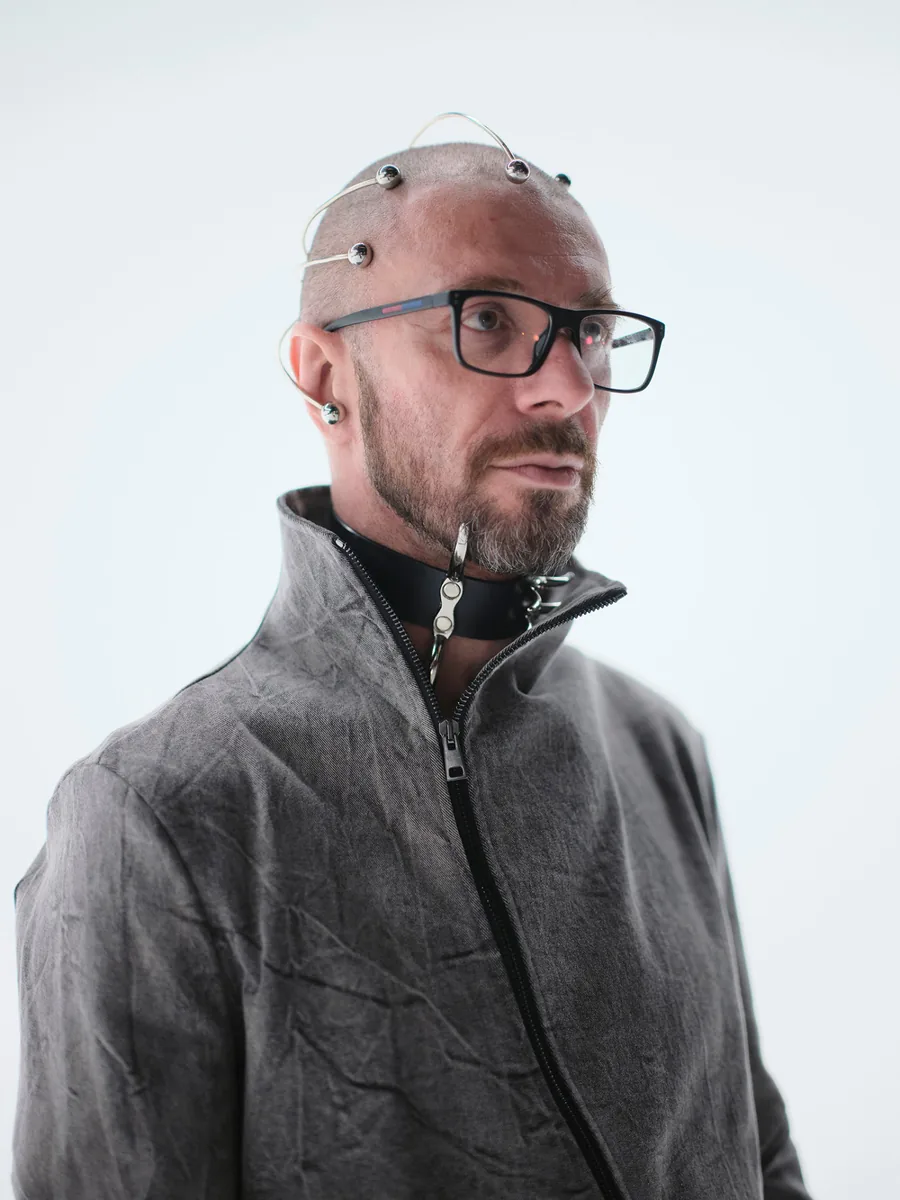
Roy Gerritsen
Founder and creative director of Boompje Studio, co-founder of yfx lab
Roy Gerritsen (1980) is founder and creative director of Boompje Studio, a small design boutique built on passion and focused on music-related visuals.
After graduating with honors from the Utrecht School of the Arts (HKU), Roy devoted his time to music visualization. First through the medium of print (design work for CD covers, party flyers and vinyl sleeves), then slowly moving into the more complex medium of animation, motion graphics and creative coding.
He is driven by his passion to innovate and determined to create a synergy between design and technology. Roy is co-founder of the Amsterdam-based yfx lab and is currently focusing on building generative design systems within TouchDesigner.
selected festivals & venues
Thanks so much Roy, I really enjoyed this program. I hope you continue to do more courses in the future.
The courses were detailed and provided some excellent examples and techniques that are difficult to find examples of elsewhere. You are definitely a world leading expert in TD.
The courses are great and are the best TD course's I've ever found. The use of a univeristy lesson plan approach coud help the structure of the courses (i.e. defined learning outcomes, overview of example aims, slightly more defined goals etc). I'm happy to help with some of the video production (i.e. RX7) or academic pedagogic approaches (i.e. learning outcome authorship) if needed. I have over 20 years of experience in the music industry and lecturing degree content, having designed 6 undergraduate and two postgraduate degree courses. I'm often in Berlin if you wan to chat!
You have always been very informative and have approached topics in a way that even most novice TD/Shader coders can get value from.
deep in researching and excellent approaches from point of view of proceduralism
all the topics are super, i cover by long my expectatives even push me to learn and achieve new objetives
Modular Design
- Access to all video recordings for 730 days
- The project files used in the lessons
Not taken TouchDesigner 101: Extreme I and TouchDesigner 102: Extreme II yet? Both are in the TouchDesigner Extreme Bundle.
Learning Paths & Courses
Related courses and learning paths.
- modular_roycurrent
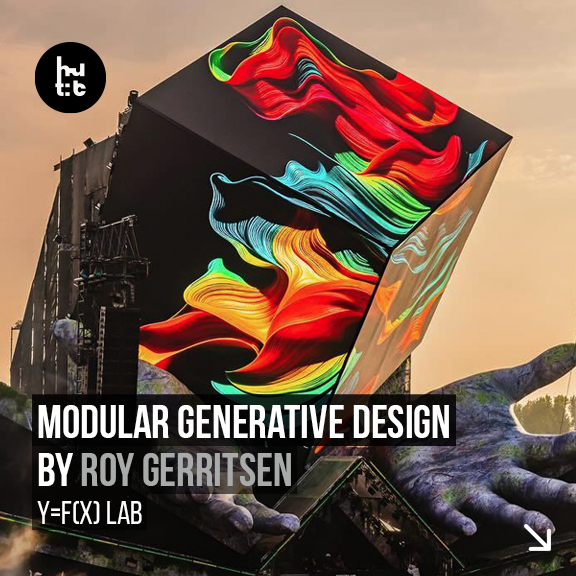 TouchDesigner208 Modular Design
Learn to build modular TouchDesigner systems: refactor VJ patches, instance grids, and drive PBR-lit scenes with audio triggers.
4.7 h video · €444
- vj205intermediate
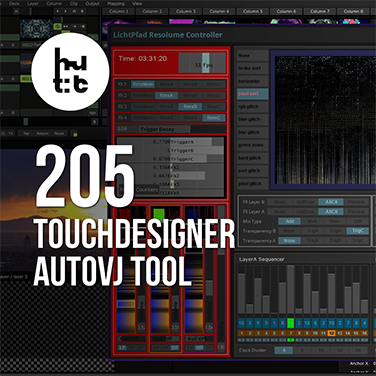 TouchDesigner · Resolume205 VJTool
Build your own sound-reactive VJ tool in TouchDesigner, with a movie bin, GLSL effects and a step sequencer, that also controls Resolume.
13 h video · €580
- glsl301advanced
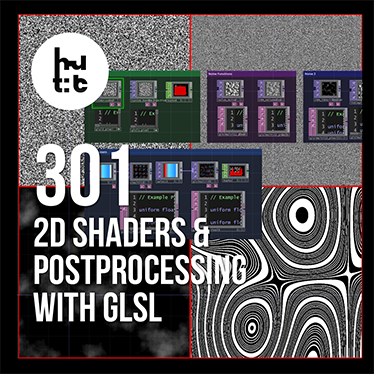 TouchDesigner301 2D GLSL
Write GLSL fragment shaders in TouchDesigner for procedural patterns, colour correction, stylised effects, feedback and Shadertoy ports.
6.9 h video · €380
- path_vj1path
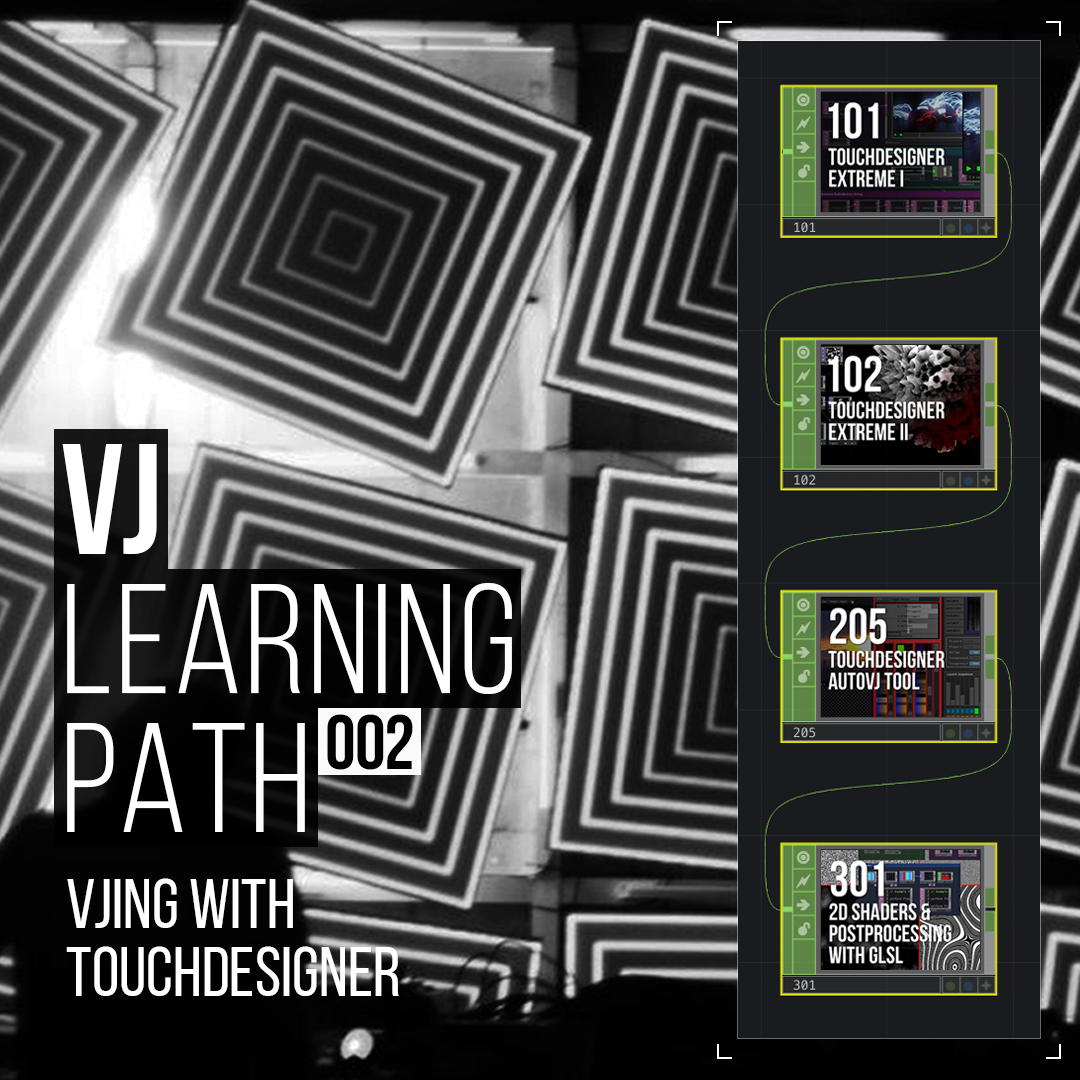 TouchDesigner · Ableton Live +2VJing Path
43 h video · €1,195
Think procedural
11All courseshou2touch.com ↑hou2touch 2025 (c)
go up ^ License Agreement go up ^ License Agreement RU Privacy Policy