
Houdini to TouchDesigner 207: Terrain Pipeline
I can do the parts, but I've never taken a project all the way
You know Houdini and TouchDesigner, and you want to make a 3D music video. Between terrain, versions, export, render and the music there are many steps, and it's hard to see how a real project holds them together to a finished video.
- Structure:
- 5 modules, 27 lessons
- Video:
- 7.4 h in total
- Pace:
- All lessons open
- Access:
- 2 years
- Language:
- English
- Level:
- Intermediate
About the course
Aboutthecourse
- 01
the starting point
This course follows the full pipeline of a real music video project of mine, from Houdini to TouchDesigner. In Houdini you work with the terrain tools: shape heightfields with masks, carve riverbeds along paths and erode the landscape, package the networks as reusable Houdini Digital Assets, then generate isolines and gradient lines with VEX.
- 02
what you build
You automate versions and data export with PDG: you wedge parameters, compare the variations side by side with their metadata and export the ones you choose. In TouchDesigner you rebuild the terrain from the exported data, render it with a custom GLSL shader and build a complex material for a rich stylised look, with depth, light and atmosphere. The course ends with the video itself: the visuals follow an analysis of the separate music stems and are exported frame-accurately.
Courseaims
- 01
To develop an understanding of the full pipeline of a real music video project, from procedural terrain in Houdini to a finished render in TouchDesigner.
- 02
To develop practical skills in building procedural terrain and terrain lines in Houdini, automating variations and export with PDG, and rendering the terrain in TouchDesigner with custom GLSL shaders and materials, synchronised to a multitrack music mix.
- Procedural Terrain Generation ·
- Contours & Terrain Data Layers ·
- Houdini to TouchDesigner Bridge ·
- PDG Automation & Wedging ·
- TouchDesigner Rendering & Audio-Reactive Output ·
Who this course is for
For you if
- 3D artists — Here a procedural terrain doesn't stop at a single render: it travels through a real project to a finished video, so you can see how each part has to hold up for the next one.
- VFX artists — The course treats terrain the way a production does, with versions generated, compared side by side with their metadata and exported by choice, so you see the pipeline run as one piece and not as separate tricks.
- Motion designers — The course ends with a video whose visuals follow the separate music stems and are exported frame-accurately, and it shows how everything before that point is built for that result.
Not for you if
- –you do not meet the requirements in “Before you start”
- –you have neither taken TouchDesigner 101: Extreme I and TouchDesigner 102: Extreme II nor gained equivalent experience
Before you start
Completion of TouchDesigner 101: Extreme I and TouchDesigner 102: Extreme II, or an equivalent working knowledge of basic TOP compositing, audio analysis, PBR material workflows, and noise and attribute manipulation. Working knowledge of Houdini is also required — its node-based interface, the SOP context, and basic VEX and @-attribute expressions; this course explains its terrain pipeline step by step but does not teach Houdini itself.
Prerequisites:TouchDesigner 101: Extreme I↗, TouchDesigner 102: Extreme II↗
Not taken them yet? Both are in theTouchDesigner Extreme Bundle↗.
- 01Build procedural terrains in Houdini with HeightField masks, riverbeds and erosion, package the networks as reusable Houdini Digital Assets, and generate contour lines and downhill gradient lines with COPs, Trace SOP and VEX.
- 02Pack terrain height, normal and mask data into an OpenEXR image in Houdini and rebuild the terrain in TouchDesigner with GLSL displacement and a geometry shader that calculates normals at runtime.
- 03Automate terrain variations with PDG in Houdini: wedge parameters, render in parallel, compare the results on annotated contact sheets and export caches, Alembic and EXR files named by variation.
- 04Build a terrain material from data maps, composite it with a line render, animate the scene to the analysis of a multitrack music mix and export it as a frame-synchronised video in TouchDesigner.
Programme
01Procedural Terrain Generation
6 videos · 1 h 33 min
Lesson 1. Building a masked HeightField terrain in Houdini · 16 min
In this lesson we set up a HeightField terrain in Houdini and prepare it for a river: we choose its resolution, shape it with procedural noise, and build a softened, irregular border mask that keeps the deformation inside the terrain.
Lesson 2. Procedural River Paths with Polyframe and Sweep · 13 min
In this lesson we build a riverbed path you can reshape with a few controls: a long, dense line is bent with directional noise, then PolyFrame orients it and Sweep turns it into a tube that will later mask the river in the terrain. An optional centring at the world origin and a rotation keep the path adjustable.
Lesson 3. Heightfield Masks and Riverbed Displacement · 19 min
In this lesson we shape the terrain around the river: we clean and soften the riverbed mask, add broad low-frequency noise for the main landforms, and sink the riverbed below zero with a custom HeightField Warp. The same warp adds irregular variation along the riverbed edge, raising the surface only.
Lesson 4. Heightfield Noise, Masks, Distort, and Terrace · 11 min
In this lesson we add believable detail to the terrain: fine noise whose strength varies by mask and stays off the riverbed, extra detail on slopes, a distortion that swirls the surface, and irregular terraces on the mountains. We also compare noise, which only moves the surface up and down, with distortion.
Lesson 5. Houdini Heightfield Erosion, Flow Masks, and Baking · 14 min
In this lesson we make the terrain look more natural with erosion: we run hydraulic and thermal erosion, see how their settings change water, debris and the final shape, and generate a flow mask that can later drive a shader in TouchDesigner. We then raise the resolution to refine the detail and bake a chosen frame of the simulation.
Lesson 6. Creating Houdini Digital Assets for terrain tools; Organising parameter interfaces · 20 min
In this lesson we turn the terrain networks into reusable Houdini Digital Assets: a terrain mask, a riverbed and a terrain-detail tool. We expose a few controls with sensible ranges and defaults, keep all three in one shared library, and organise the detail tool's controls into folders. We also unlock asset contents for editing.
02Contours & Terrain Data Layers
3 videos · 1 h 19 min
Lesson 7. Calculating terrain normals and shader masks in Houdini · 22 min
In this lesson we prepare a Houdini terrain to travel to TouchDesigner as image textures: we calculate surface normals from the height, add occlusion, slope and curvature masks for shader blending, and look at every terrain layer as an image. Then we remove the layers we do not need.
Lesson 8. Heightfield Contours with COPs and Trace SOP · 28 min
In this lesson we draw contour lines on a terrain: we turn the height field into an image, trace it at many levels, and lift each line back to its real height, so the lines sit on the terrain. We find why they did not fit at first, compare two ways to fix it, and tidy the result.
Lesson 9. Tracing terrain gradient curves in Houdini with VEX · 30 min
In this lesson we draw lines that run downhill over a terrain, like water. We scatter starting points on the high ground, calculate the slope direction on the surface, and write a short VEX program that follows it step by step, staying on the terrain. Then we remove short lines and colour the rest along their length.
03Houdini to TouchDesigner Bridge
3 videos · 50 min
Lesson 10. Packing terrain fields into an EXR for TouchDesigner · 14 min
In this lesson we turn a Houdini terrain into one image file TouchDesigner can read. We first correct the terrain normals, then group the terrain attributes into four-channel image planes, pack them in a fixed order and export them as a single-frame OpenEXR.
Lesson 11. Building Houdini terrain with GLSL displacement; Substance PBR and HDR lighting · 26 min
In this lesson we bring a terrain exported from Houdini into TouchDesigner and displace it by its height map with GLSL. We prepare a UV-mapped mesh, set up a textured physically based material, convert it to a GLSL shader and read the height and normals from the image to shape the surface.
Lesson 12. Calculating flat normals in GLSL geometry shaders; Passing vertex structs · 9 min
In this lesson we learn to calculate terrain normals at runtime in a GLSL geometry shader, so detailed or animated terrain needs no baked normals. We see how a geometry shader works on whole triangles, derive a flat normal from the three points of a triangle, and match the vertex data passed between shader stages.
04PDG Automation & Wedging
5 videos · 1 h 14 min
Lesson 13. Wedge terrain variations in Houdini; Batch rendering with PDG · 15 min
In this lesson we learn how PDG automates repetitive work, using one riverbed terrain. We generate ten variations by feeding random values from work items into terrain controls, then render them in parallel on the local machine and track progress and output files.
Lesson 14. Configuring ImageMagick contact sheets; Annotating wedge renders · 11 min
In this lesson we make render variations easy to compare: we stamp each render with its wedge index and parameter values as metadata, then combine all ten into a single contact sheet, so the best variation can be picked at a glance.
Lesson 15. Nested Wedges · 13 min
In this lesson we explore terrain variations in layers: nested wedges combine riverbed and mountain-noise settings, with static or random values. We read each variation's parent and child numbers, choose between direct and render-time parameter control, and use those numbers to name output files.
Lesson 16. Caching terrain variations; Exporting Alembic and EXR assets · 20 min
In this lesson we build an automated export of terrain variations: we vary the noise per variation, cache a static terrain and an animated erosion simulation into per-variation folders, then export contour and gradient lines as Alembic and terrain data as EXR images, and check them in TouchDesigner.
Lesson 17. Correcting isolines and refining gradient lines; Preparing geometry export to TouchDesigner · 15 min
In this lesson we correct terrain assets before they leave Houdini: we align contour lines with the terrain using VEX projection, calculate height ranges from the terrain instead of typing them, improve gradient line placement, and send terrain, contour and gradient assets out through PDG.
05TouchDesigner Rendering & Audio-Reactive Output
10 videos · 2 h 27 min
Lesson 18. Data-Driven Terrain Texturing · 20 min
In this lesson we turn terrain data into a colour map for a shader. We extract height, flow, water and feature maps, blend stone and concrete materials by height, bring in water colour with a water mask, and add a small flow-driven displacement.
Lesson 19. Extracting terrain masks for reuse; Building ambient occlusion · 9 min
In this lesson we add ambient occlusion to a terrain shader. We prepare a set of single-channel masks from the terrain data, use water and sediment to shape where the occlusion appears, tune its darkness and contrast, and connect it to the shader.
Lesson 20. Building terrain roughness; Constructing metalness maps · 12 min
In this lesson we build roughness and metalness maps for the terrain material. Roughness is matched to the colour layers, with water kept smooth; metalness is built from water, slope and debris and refined with occlusion. Both go to the shader as named maps.
Lesson 21. Building terrain normal maps from height and textures · 19 min
In this lesson we complete the terrain material with three more maps. We build a specular map, prepare the height data, and make normal maps from terrain and texture detail, testing how to blend them. Then we raise texture resolution, brighten the water and reduce displacement.
Lesson 22. Compositing a mountain with depth effects and Lens Distort · 22 min
In this lesson we make the terrain render look cinematic. We generate camera-distance depth in the shader and use it for a glow layer, a depth blur and a clean edge over a coloured sky. Then we add a decorative edge, animated grain and a subtle lens distortion.
Lesson 23. Styling terrain isolines and compositing them; Importing and aligning Alembic lines · 10 min
In this lesson we bring Alembic isolines into the terrain scene and render them as a separate pass. We find why they are invisible, align them with the terrain, style them as thin glowing lines, and composite the line render over the terrain image.
Lesson 24. Loading music stems with Folder DAT and Replicator; Creating CHOP trigger counters · 17 min
In this lesson we build a reusable analysis of a multitrack music mix, so animation can follow the music. We load the stems, extract the loudness of each one, turn peaks into trigger events, combine them, and count them into scene-section and clock-divider signals.
Lesson 25. Trigger Frame Table and Scene Ranges · 12 min
In this lesson we build a small tool that lists the frames where audio triggers fire, so cut points can be read from a table instead of searched by eye. We then use two of those frames to set the scene range for one section of the music.
Lesson 26. Animating camera and scene parameters; Audio-reactive iso and opacity · 20 min
In this lesson we animate the terrain scene to the music. We set cue frames for a camera move, linear fog and a glow that fades in, shape them with smooth curves, and send the animation channels to the scene controls. We also start tying opacity to the sound.
Lesson 27. Building an automated frame-synchronous video export rig · 7 min
In this lesson we build a one-button video export that records exactly the timeline range. We set high-quality encoding, limit recording to the first and last frame, switch off real-time playback so frames render in sync, and stop automatically at the end.
After this course
Bundles and learning paths with this course
How the course works
The course is recorded and you take it at your own pace.
Every lesson is open from the first day. We recommend taking one lesson a week: it keeps a steady rhythm.
7.4 h in total
5 modules, 27 lessons
All lessons open
Price and what's included
207 Terrain
- Access to all video recordings for 730 days
- The project files used in the lessons
What you get
- Access to all video recordings for 730 days
- The project files used in the lessons
Payment
The price is final and the same for everyone. It includes German VAT (19%). Buyers outside the EU and EU businesses with a valid VAT ID pay the same price; their invoice shows no VAT (reverse charge).
You can pay by card (Stripe), PayPal or bank transfer.
FAQ
01How long will I have access to the lessons?
730 days. If you need more time, write to us and we extend it.
02Why pay for the course if there are free tutorials on YouTube?
YouTube tutorials are made to teach one specific technique, usually without a system or a methodology. We teach you to understand systematically how the logic of node architecture works, with a balance between a practical and an academic approach.
03I work on a Mac. Will the course work for me?
Yes. More on requirements — see "What computer and software do I need?".
04What computer and software do I need?
Windows is more efficient for this work; a Mac works too, but with limits from 3D drivers and some Nvidia-only TouchDesigner operators. Houdini 19.5 or later: Houdini 22 needs Windows 11 or a Mac with Apple Silicon (Intel Macs are not supported), 16 GB of RAM and a GPU with 12 GB of video memory or more. TouchDesigner 2023 or later: Windows 10/11 or macOS 13+ (Apple Silicon recommended); a GPU with Vulkan 1.1 and at least 4 GB of video memory, 8 GB or more recommended.
05Is the free version of the software enough?
TouchDesigner Non-Commercial is enough. Houdini Apprentice formally covers most of the course, but to work efficiently you need a Houdini Education licence for students ($95 a year) or Houdini Indie ($299 for one year, $449 for two).
06Is there code in the course?
Yes: about 1.1 h of 7.4 h — we write VEX wrangle in Houdini that traces terrain gradients, and GLSL displacement with a short geometry shader in TouchDesigner.
07Do you issue a certificate?
We don't issue certificates. What you take away is experience and the project files, and if you do all the assignments, a portfolio of your own works.
08Can I get an invoice for my employer or company?
Yes, we issue invoices to companies. Write to us before you pay.
09Are there subtitles?
Yes, every lesson has subtitles.
10How much time will the course take?
About 19–22 hours including practice: the course has 7.4 h of video, and each hour of video takes 2.5–3 hours to watch, rewatch and do the assignments.
11Are project files included?
Yes, every course comes with its project files.
Didn't find your answer, or not sure the course fits you?
Telegram: https://t.me/prcdrl or write to support in your GetCourse account.
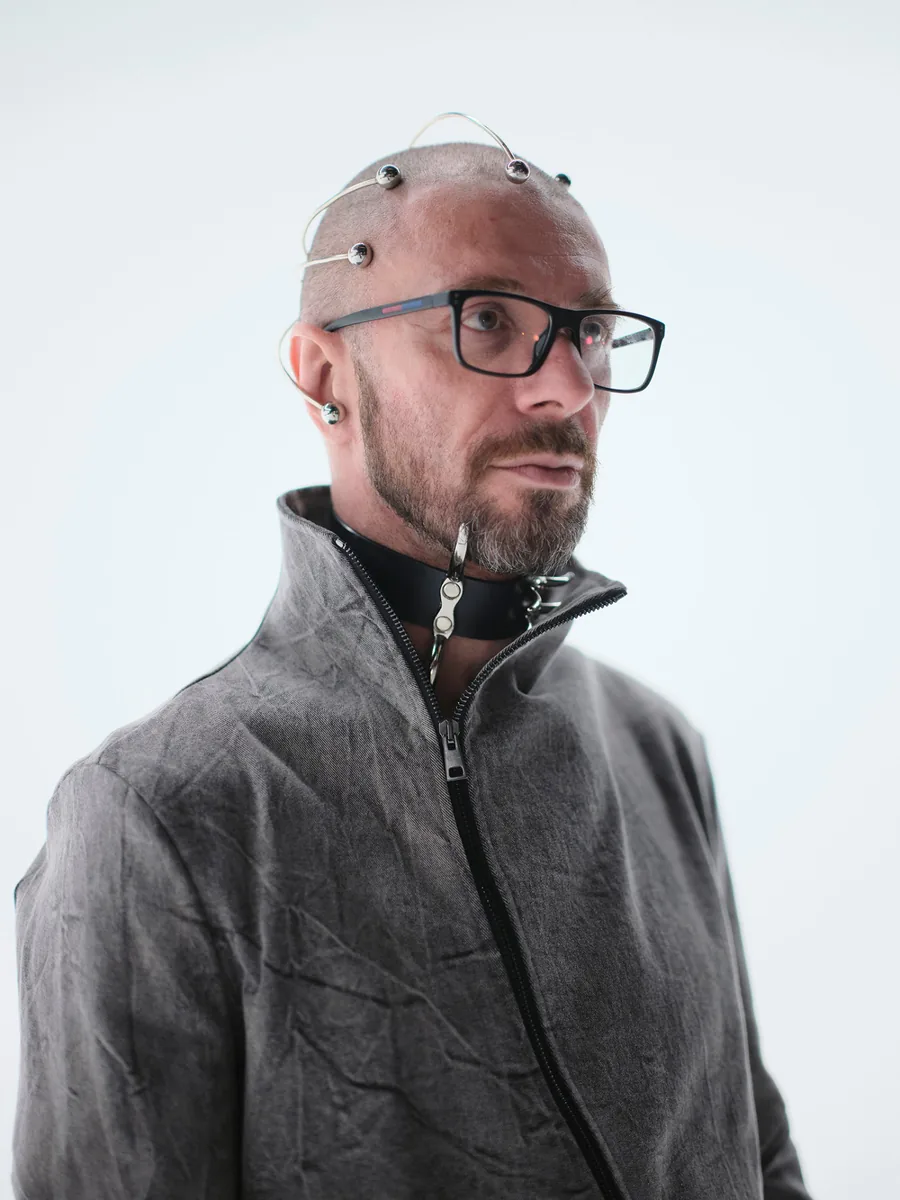
Stanislav Glazov
Media artist, technical director, founder of Hou2Touch
Stanislav started in computer graphics in 1998 with commercials and music videos, and has been teaching since 2001: Maya at RealTime School in Moscow and at SAE Institute in Munich, Houdini at Scream School, CG Event and the British Higher School of Art and Design (2008–2012). In 2009 he launched his own Houdini school, houdini-howto.com, and in 2014 he began teaching TouchDesigner. He was a character and VFX technical director on animated features at Caligari Film, Trixter and Scanline, working on rigging, cloth and hair pipelines, simulation and Maya API development. In 2010 he built the Houdini infographics pipeline for Kommersant TV, then moved into real-time visuals: video mapping at SILA SVETA and Visuals.108 (2011–2013) and, from 2013 to 2019, his own studio Licht.Pfad. He made the first Hou2Touch course in 2020 and built the school as a team in 2022. More than 2,000 people have studied with him.
Houdini runs through his work: the terrain of Defrag (2019), the Kinect→TouchDesigner→Houdini pipeline of the Drop it music video (2020), the Iceberg installation (2020). He presented this practice at Derivative: the talk «Houdini and TouchDesigner in artistic work» and the workshop «Procedural pipeline for CG Artist» (2021).
Shown at: Berlin Atonal · Ars Electronica · Mutek Montreal · Barbican · Berghain · Fête des Lumières Lyon · Unsound · Sonar Istanbul · L.E.V.
Worked with: Maxim Didenko · Berlin Ballet Company · Dasha Rush · Robert Lippok · Whitevoid
Companies and clients: Scanline · Trixter · SILA SVETA · Hyundai
Taught at: SAE Institute · Scream School · British Higher School of Art and Design · LPM Rome
Selected projects
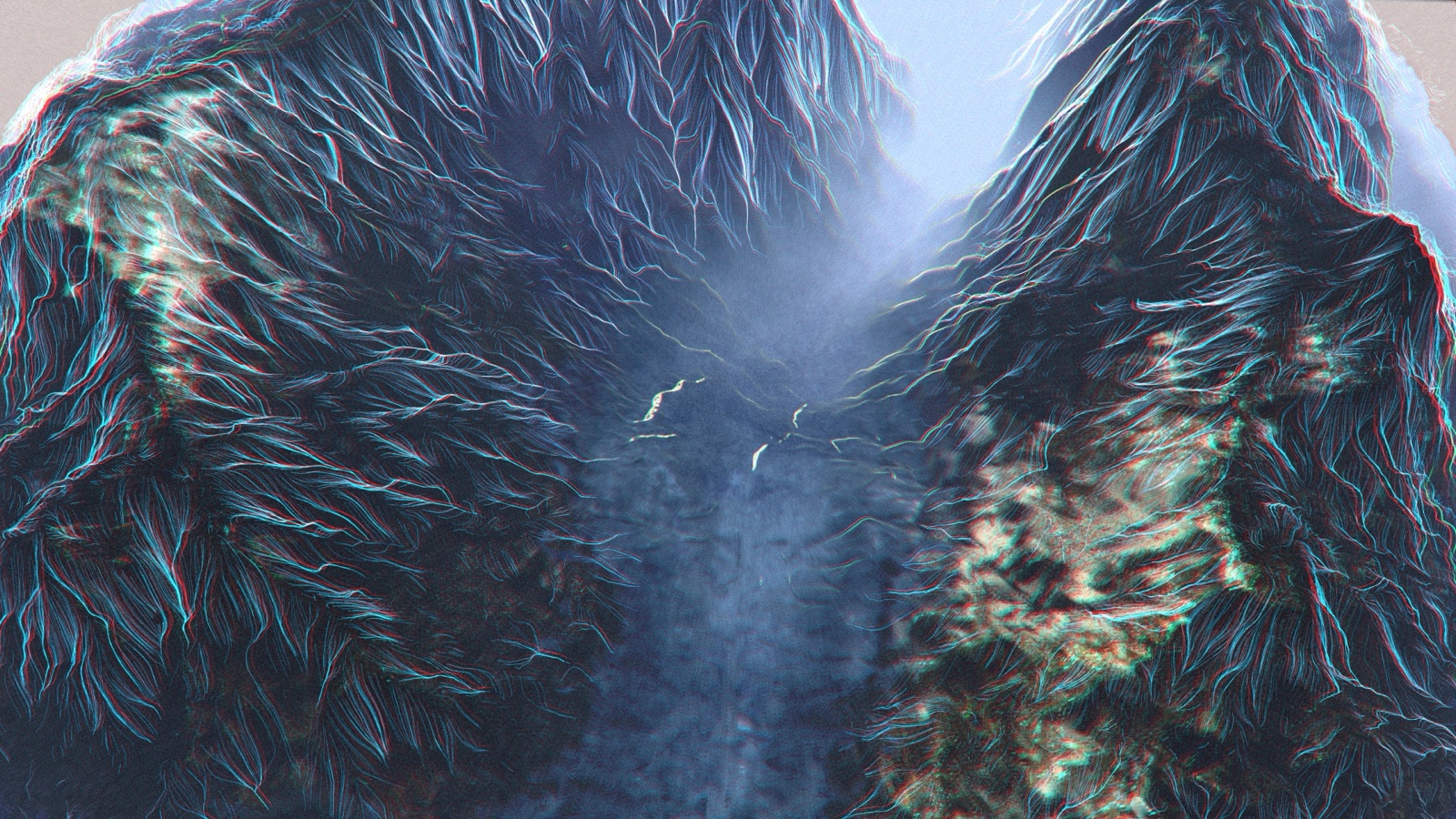
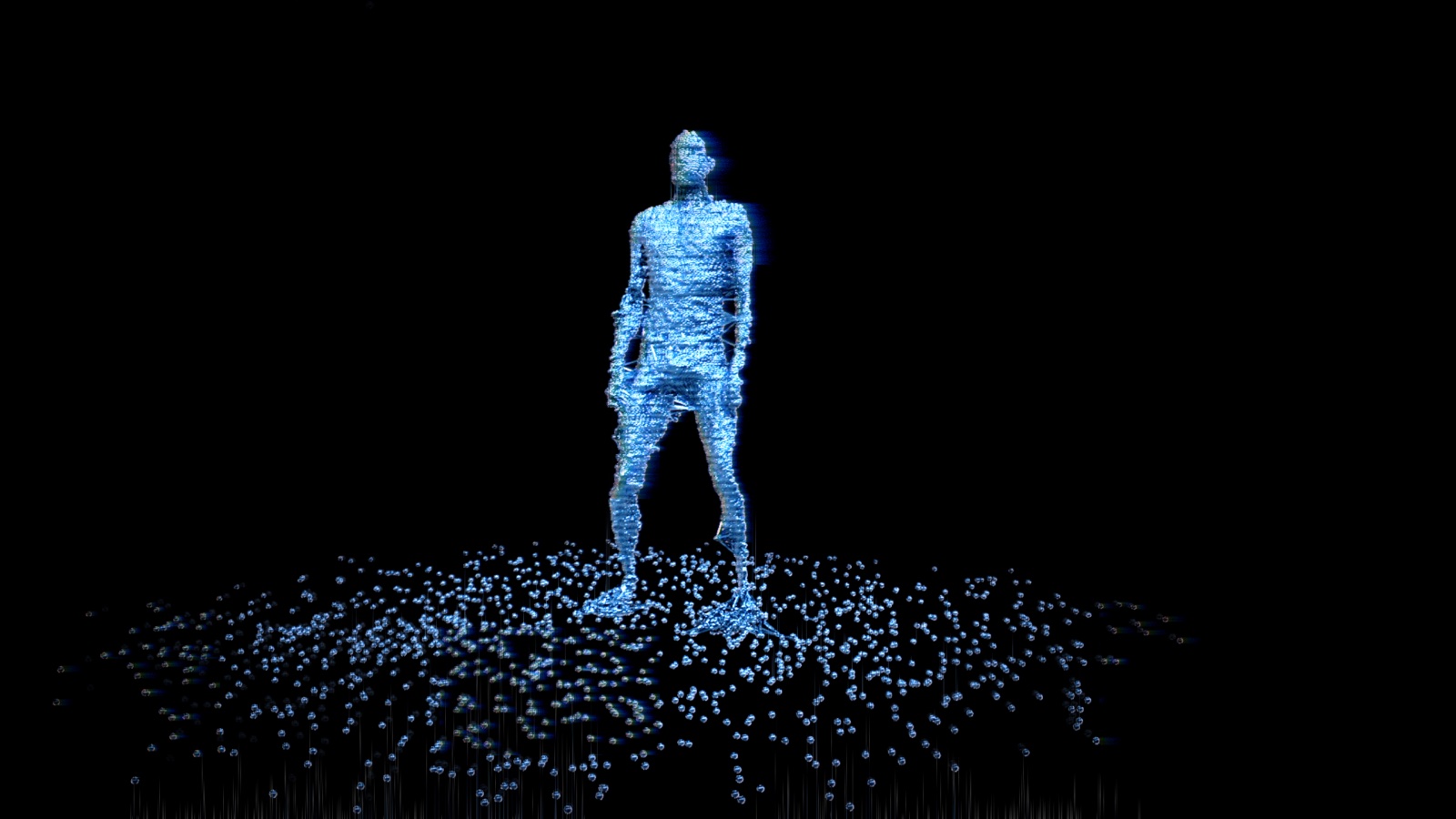
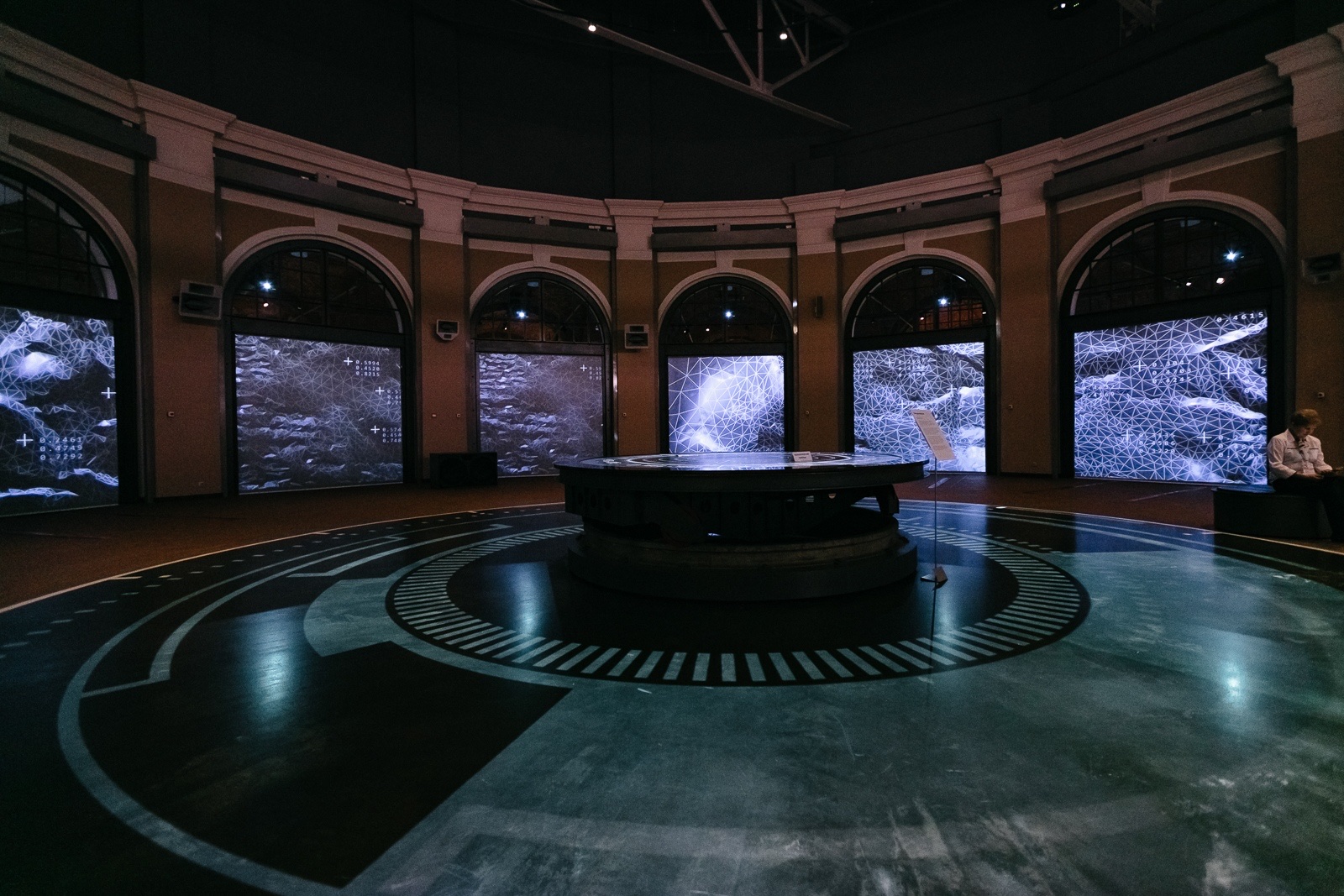
selected festivals & venues
The courses were detailed and provided some excellent examples and techniques that are difficult to find examples of elsewhere. You are definitely a world leading expert in TD.
The courses are great and are the best TD course's I've ever found. The use of a univeristy lesson plan approach coud help the structure of the courses (i.e. defined learning outcomes, overview of example aims, slightly more defined goals etc). I'm happy to help with some of the video production (i.e. RX7) or academic pedagogic approaches (i.e. learning outcome authorship) if needed. I have over 20 years of experience in the music industry and lecturing degree content, having designed 6 undergraduate and two postgraduate degree courses. I'm often in Berlin if you wan to chat!
You have always been very informative and have approached topics in a way that even most novice TD/Shader coders can get value from.
deep in researching and excellent approaches from point of view of proceduralism
all the topics are super, i cover by long my expectatives even push me to learn and achieve new objetives
Deep know how
207 Terrain
- Access to all video recordings for 730 days
- The project files used in the lessons
Not taken TouchDesigner 101: Extreme I and TouchDesigner 102: Extreme II yet? Both are in the TouchDesigner Extreme Bundle.
Learning Paths & Courses
Related courses and learning paths.
- terrain207current
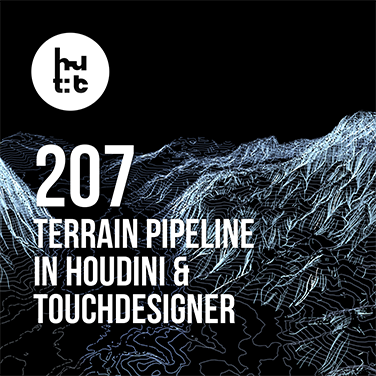 Houdini · TouchDesigner207 Terrain
Build procedural terrain in Houdini, automate variations with PDG, and render it in TouchDesigner as an audio-reactive music video.
7.4 h video · €330
- sopgpu302advanced
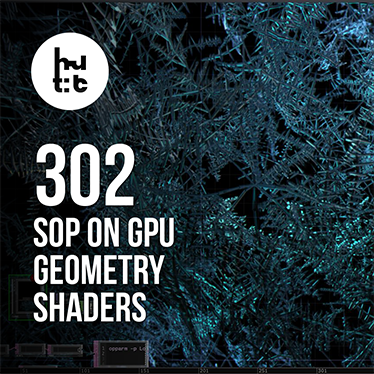 TouchDesigner302 SOP on GPU
Build complex geometry on the GPU with geometry shaders: a reusable GLSL framework recreating SOPs, extrusions, tubes and 3D text.
6.1 h video · €340
- script304advanced
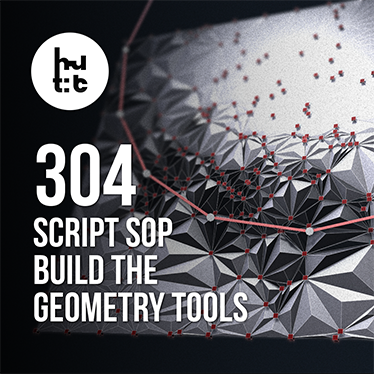 TouchDesigner304 Script SOP
Write your own TouchDesigner geometry tools in Python with the Script SOP: extrudes, scatter, Delaunay meshes and OpenCV contours.
5.7 h video · €315
- hou2touch1flagship
 TouchDesigner · Houdini +5Hou2Touch
113 h video · €2,650
Think procedural
11All courseshou2touch.com ↑hou2touch 2025 (c)
go up ^ License Agreement go up ^ License Agreement RU Privacy Policy