
Learning Path: 3D Artist
I want to work in real-time 3D, and I don't know the route
Procedural scenes, terrain and your own shaders each look like a separate discipline. It's hard to tell which order of courses gets you there.
- Structure:
- 6 levels, 37 modules, 127 lessons
- Video:
- 51 h in total
- Pace:
- Weekly · all on request
- Access:
- 2 years
- Language:
- English
- Level:
- Beginner to advanced
About the course
Aboutthecourse
- 01
the starting point
This path is for you if you want to work in 3D with TouchDesigner and Houdini. It gathers the 3D-focused courses of Hou2Touch in a recommended order, where each course builds on the one before.
- 02
what you build
You start in TouchDesigner with real-time images, sound and a first 3D scene, then work with geometry data, instancing, rendering and live input. In Houdini you model procedurally, simulate and render, then take a procedural terrain from Houdini into a finished, music-driven render in TouchDesigner. You finish by building geometry on the GPU with geometry shaders and by writing your own geometry tools in Python.
Courseaims
- 01
To provide an understanding of how 3D geometry is built, processed and rendered procedurally in TouchDesigner and Houdini, from attributes and reusable assets to the GPU and Python.
- 02
To develop practical skills in producing real-time and rendered 3D work: procedural models and terrains, simulations and live-driven scenes, a Houdini-to-TouchDesigner pipeline, and custom geometry tools on the GPU and in Python.
Course modules
- Foundations & Interface · 1 h 31 min
- CHOPs, TOPs & Compositing · 1 h 28 min
- Audio-Reactive scene · 1 h 23 min
- Procedural & Modular AV (layout/output) · 1 h 38 min
- Media Playback · 1 h 7 min
- Timer, Segments & Custom Player · 2 h 49 min
- Animation, Recording & Sync · 1 h 28 min
- 3D — Bridge to 102 · 32 min
Who this course is for
For you if
- Motion designers — You take your work from rendered frames to real time: geometry built procedurally in Houdini, then instanced, lit and rendered live in TouchDesigner.
- 3D artists — You build in Houdini the way you are used to: procedural models, terrain and simulations. Then you carry the results into TouchDesigner, where they render in real time.
- Visual artists — You grow geometry from attributes and rules, on the GPU with geometry shaders and in Python, instead of modelling it by hand.
- Interactive developers — You drive 3D scenes from live input such as Kinect, Ableton and particles, and write your own geometry tools in Python.
Not for you if
- –you do not meet the requirements in “Before you start”
- –you already work in TouchDesigner at the level of Extreme I and II → take the rest of the path with the upgrade for €1,455
Before you start
No prior TouchDesigner experience is required. You need general computer literacy and a machine that can run TouchDesigner and Houdini.
Prerequisites: none
What you will be able to do
- 01Build real-time projects in TouchDesigner, from interactive, sound-reactive images and a synced movie player to a rendered 3D scene with an animated Houdini scene imported using physically based shading, shown on one or several screens.
- 02Build procedural geometry from attributes in TouchDesigner, instance it on the GPU, light and render it in real time, and drive it from live input such as particles, rigid bodies, Kinect and Ableton.
- 03Produce animated, rendered Houdini scenes from parameter-driven procedural workflows: reusable digital assets, models, terrain and volumes, and controlled particle and rigid-body simulations, shaded and lit with Solaris, Karma and Redshift.
- 04Build a procedural terrain pipeline from Houdini to TouchDesigner: terrain and terrain lines as reusable digital assets, variations automated with PDG, and the terrain rebuilt with GLSL and rendered as a video synced to a multitrack music mix.
- 05Build a reusable GLSL function library and use it in geometry shaders to recreate geometry operations, from extrusions and tubes to connection lines, per-instance geometry and 3D text, knowing how data flows through the GPU stages and when the geometry stage is needed.
- 06Build Python geometry tools in TouchDesigner from points, vertices, primitives and attributes: extrusions with inset and rotation, area measure, scatter and attribute transfer, and Delaunay triangulation and camera contours with SciPy and OpenCV, plus Matplotlib curve tools.
Programme
TouchDesigner 101: Extreme I
Beginner · 8 modules · 12 hExtreme was my first TouchDesigner course, and the name is the goal: to take a beginner and, extremely fast, build a deep understanding of how a node-based environment works. It brings you into the procedural way of thinking, explains the contexts and gives you enough working practice to use TouchDesigner confidently at an intermediate level. Part 1 keeps the complexity of geometry out of the way, so it does not frustrate you. You learn the interface and the node architecture, work with CHOP data and control parameters, play back content and build your own timer-driven movie player, and then work mostly in the TOP context: compositing, colour, feedback and generative images, with sound-reactive control. You also animate, record and keep several patches and machines in sync. It ends with the basics of building 3D scenes, as a bridge to Extreme 2.
- Foundations & Interface1 h 31 m · 4 videos
- CHOPs, TOPs & Compositing1 h 28 m · 3 videos
- Audio-Reactive scene1 h 23 m · 4 videos
- Procedural & Modular AV (layout/output)1 h 38 m · 3 videos
- Media Playback1 h 07 m · 3 videos
- Timer, Segments & Custom Player2 h 49 m · 4 videos
- Animation, Recording & Sync1 h 28 m · 3 videos
- 3D — Bridge to 10232 min · 1 video
TouchDesigner 102: Extreme II
Beginner/intermediate · 8 modules · 11 hExtreme 2 goes deep into how geometry works in TouchDesigner. You learn the data behind every SOP — points, vertices, primitives, normals, groups and attributes — and use it for procedural modelling: a vase from a drawn profile with its UVs, copies oriented along curves, stamping that treats every polygon differently, and GPU instancing driven by CHOPs, texture arrays and GLSL. You then render these scenes with cameras on paths, lights and shadows, PBR and Substance materials, fake depth of field and SSAO. The second half takes the same geometry into live work: particles, L-systems and Bullet rigid bodies, Kinect point clouds and skeleton tracking, clickable 3D interfaces with Event CHOP and Render Pick, and control from Ableton.
- SOP Fundamentals1 h 47 m · 4 videos
- 3D Scene & Rendering1 h 44 m · 7 videos
- Copy & Geo-Processing1 h 00 m · 2 videos
- Instancing1 h 37 m · 2 videos
- Dynamics1 h 31 m · 2 videos
- Depth Sensing (Kinect)1 h 19 m · 3 videos
- Interactivity1 h 24 m · 3 videos
- Bonus: Advanced Playback35 min · 1 video
Houdini 103: Extreme
Beginner · 8 modules · 9.2 hThis course develops practical capability in Houdini’s procedural, parameter-driven approach to 3D production. Learners build reusable node-based assets and geometry systems, process attributes to control modelling and motion, create particle and rigid-body simulations, and finish animated scenes through shading, lighting, and rendering workflows.
- Introduction to Houdini UI and procedural workflow1 h 04 m · 4 videos
- Practical workflow: Building an asset of a procedural gear. Intro to Solaris1 h 38 m · 5 videos
- Geometry Concept. Geometry components and attributes56 min · 4 videos
- Modeling the procedural Landscape1 h 16 m · 6 videos
- Procedural Modeling: Arrays of geometry1 h 23 m · 4 videos
- Rendering with Redshift and Animation55 min · 2 videos
- Introduction to Particle systems1 h 08 m · 4 videos
- Introduction to Dynamic Simulation49 min · 5 videos
Houdini to TouchDesigner 207: Terrain Pipeline
Intermediate · 5 modules · 7.4 hThis course follows the full pipeline of a real music video project of mine, from Houdini to TouchDesigner. In Houdini you work with the terrain tools: shape heightfields with masks, carve riverbeds along paths and erode the landscape, package the networks as reusable Houdini Digital Assets, then generate isolines and gradient lines with VEX. You automate versions and data export with PDG: you wedge parameters, compare the variations side by side with their metadata and export the ones you choose. In TouchDesigner you rebuild the terrain from the exported data, render it with a custom GLSL shader and build a complex material for a rich stylised look, with depth, light and atmosphere. The course ends with the video itself: the visuals follow an analysis of the separate music stems and are exported frame-accurately.
- Procedural Terrain Generation1 h 33 m · 6 videos
- Contours & Terrain Data Layers1 h 19 m · 3 videos
- Houdini to TouchDesigner Bridge50 min · 3 videos
- PDG Automation & Wedging1 h 14 m · 5 videos
- TouchDesigner Rendering & Audio-Reactive Output2 h 27 m · 10 videos
TouchDesigner 302: SOP on GPU - Geometry Shaders
Advanced · 4 modules · 6.1 hThis course shows how much complex geometry you can create at the geometry shader stage at almost no cost. Writing a geometry shader is mostly describing point coordinates, so I built a modular framework for it: you write a set of geometry functions and then assemble geometry at render time from the input geometry with a few calls. Along the way you recreate familiar SOP operators on the GPU: transform and copy, select and delete primitives, compute face centres and normals, deform surfaces with a smooth falloff while keeping the shading correct, extrude by distance, build walls with correct triangle winding and build tubes around line segments. You finish with real-time systems: networked structures from point and connectivity data, instance variations that give every instance its own shape (used here for a dynamic 3D text engine), demos of cleaning a Kinect point cloud and of faking geometry trails over time, and you learn which work belongs on the CPU and which on the GPU.
- GLSL Geometry Foundations52 min · 1 video
- A Modular GLSL Geometry Framework2 h 06 m · 2 videos
- Procedural Geometry Generation1 h 27 m · 1 video
- Advanced Real-Time GPU Systems1 h 44 m · 1 video
TouchDesigner 304: Script SOP - Building own geometry Tools
Advanced · 4 modules · 5.7 hThis course is the companion to 302: there you build complex geometry on the GPU, here you use Python to write your own SOP operators in TouchDesigner. It is for advanced TouchDesigner users who want to solve hard geometry problems with Python. After the basics of SOPs and Python in the Script SOP, you build a set of operators that Houdini has and TouchDesigner does not: several extrude tools (from centroids, from points, by faces, with inset and rotation), Measure Area, Scatter, Attribute Transfer and a curve-polygon intersection finder. You also go into harder techniques: Delaunay triangulation of a point set and contour extraction from a camera image with OpenCV.
- Foundations1 h 04 m · 2 videos
- Extrusion Toolkit1 h 51 m · 4 videos
- Generation & Analysis Tools1 h 59 m · 4 videos
- Computer-Vision Geometry50 min · 2 videos
After this course
Intermediate
How the course works
The course is recorded and you take it at your own pace.
Lessons open once a week on your own schedule, counted from the day you get access: it keeps a steady rhythm and does not overload you. If you want the whole course at once, write to us and we open full access.
51 h in total
6 levels, 37 modules, 127 lessons
Weekly · all on request
Price and what's included
3D Artist
- Access to all video recordings for 730 days
- The project files used in the lessons
What you get
- Access to all video recordings for 730 days
- The project files used in the lessons
Payment
The price is final and the same for everyone. It includes German VAT (19%). Buyers outside the EU and EU businesses with a valid VAT ID pay the same price; their invoice shows no VAT (reverse charge).
You can pay by card (Stripe), PayPal or bank transfer.
FAQ
01Can I pay in instalments?
Yes, in two parts: €1,455 now and the rest within 45 days.
02How long will I have access to the lessons?
730 days. If you need more time, write to us and we extend it.
03Why pay for the course if there are free tutorials on YouTube?
YouTube tutorials are made to teach one specific technique, usually without a system or a methodology. We teach you to understand systematically how the logic of node architecture works, with a balance between a practical and an academic approach.
04I work on a Mac. Will the course work for me?
Yes. Sections with Kinect or other depth cameras need Windows. More on requirements — see "What computer and software do I need?".
05What computer and software do I need?
Windows is more efficient for this work; a Mac works too, but with limits from 3D drivers and some Nvidia-only TouchDesigner operators. TouchDesigner 2023 or later: Windows 10/11 or macOS 13+ (Apple Silicon recommended); a GPU with Vulkan 1.1 and at least 4 GB of video memory, 8 GB or more recommended. Ableton Live 11 or later: Live 12 runs on Windows 10 (22H2) or 11, or macOS 11 or later (Intel Core i5 or Apple Silicon), with 8 GB of RAM. Substance Designer: Windows 11 (8 GB of video memory, 16 GB of RAM minimum) or a Mac with Apple Silicon on macOS 15 or later; Intel Macs are not supported. Houdini 19.5 or later: Houdini 22 needs Windows 11 or a Mac with Apple Silicon (Intel Macs are not supported), 16 GB of RAM and a GPU with 12 GB of video memory or more. Redshift: Redshift is an optional bonus, not required for the course.
06Is the free version of the software enough?
TouchDesigner Non-Commercial is enough. Houdini Apprentice formally covers most of the path, but to work efficiently you need a Houdini Education licence for students ($95 a year) or Houdini Indie ($299 for one year, $449 for two).
07Is there code in the course?
Yes, gradually: a learning path brings together courses of different levels, so the code grows from start to finish — about 17 h of 42 h, not counting Houdini 103. In 101 and 102 you adapt short Python scripts and simple GLSL shaders; 207 adds VEX and a short geometry shader; 302 and 304 are entirely about code: GLSL geometry shaders and Python in the Script SOP.
08Do you issue a certificate?
We don't issue certificates. What you take away is experience and the project files, and if you do all the assignments, a portfolio of your own works.
09Can I get an invoice for my employer or company?
Yes, we issue invoices to companies. Write to us before you pay.
10Are there subtitles?
Yes, every lesson has subtitles.
11How much time will the course take?
About 128–153 hours including practice: the course has 51 h of video, and each hour of video takes 2.5–3 hours to watch, rewatch and do the assignments.
12Which course should I choose?
Extreme is quick and affordable: TouchDesigner from zero to confident work. A Learning Path includes Extreme and adds a specialisation for a profession (AV, VJ, light, media art). Hou2Touch is the long, deep and most expensive route: TouchDesigner together with Houdini, for serious work across media and 3D production.
13Can I start from zero?
Yes: the path starts with Extreme I, which starts from zero, no TouchDesigner experience needed.
14Are project files included?
Yes, every course comes with its project files.
Didn't find your answer, or not sure the course fits you?
Telegram: https://t.me/prcdrl or write to support in your GetCourse account.
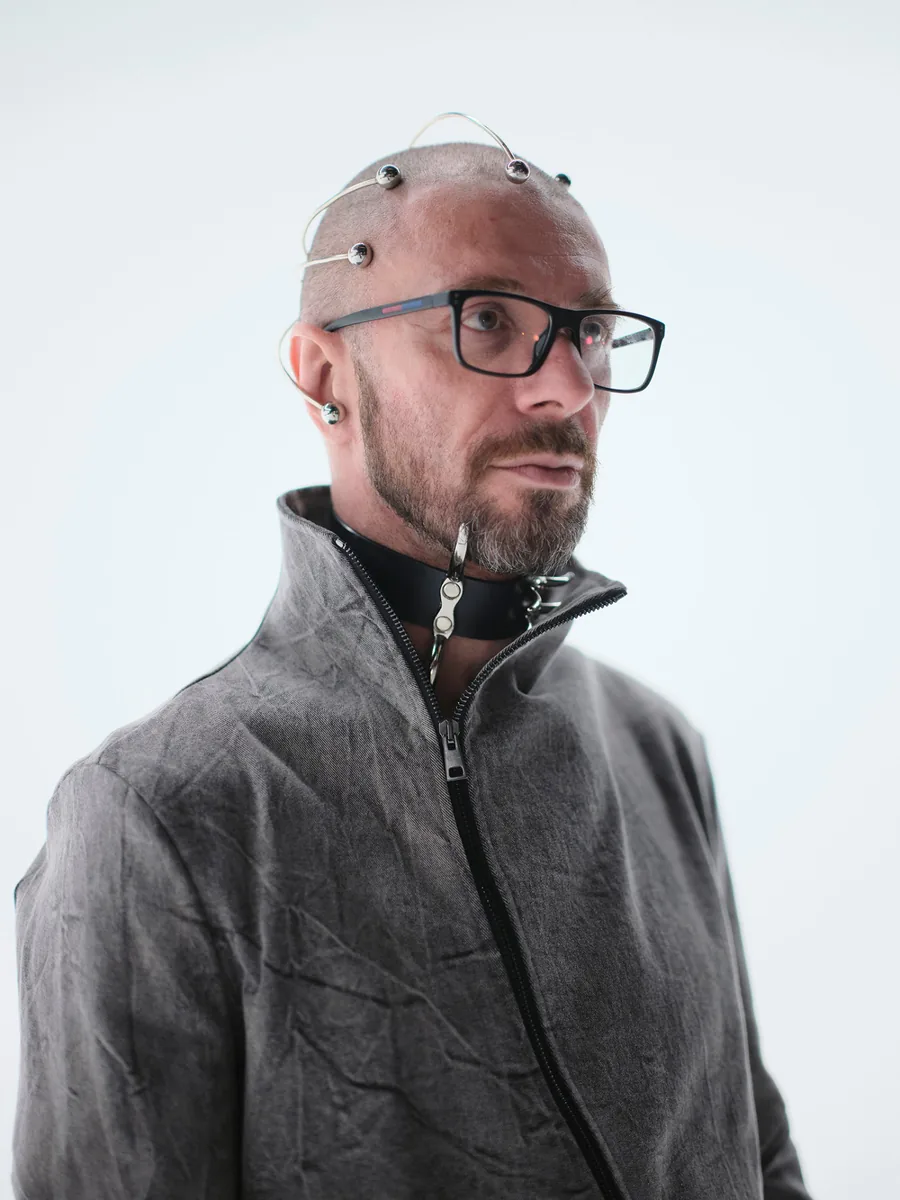
Stanislav Glazov
Media artist, technical director, founder of Hou2Touch
Stanislav started in computer graphics in 1998 with commercials and music videos, and has been teaching since 2001: Maya at RealTime School in Moscow and at SAE Institute in Munich, Houdini at Scream School, CG Event and the British Higher School of Art and Design (2008–2012). In 2009 he launched his own Houdini school, houdini-howto.com, and in 2014 he began teaching TouchDesigner. He was a character and VFX technical director on animated features at Caligari Film, Trixter and Scanline, working on rigging, cloth and hair pipelines, simulation and Maya API development. In 2010 he built the Houdini infographics pipeline for Kommersant TV, then moved into real-time visuals: video mapping at SILA SVETA and Visuals.108 (2011–2013) and, from 2013 to 2019, his own studio Licht.Pfad. He made the first Hou2Touch course in 2020 and built the school as a team in 2022. More than 2,000 people have studied with him.
Shown at: Berlin Atonal · Ars Electronica · Mutek Montreal · Barbican · Berghain · Fête des Lumières Lyon · Unsound · Sonar Istanbul · L.E.V.
Worked with: Maxim Didenko · Berlin Ballet Company · Dasha Rush · Robert Lippok · Whitevoid
Companies and clients: Scanline · Trixter · SILA SVETA · Hyundai
Taught at: SAE Institute · Scream School · British Higher School of Art and Design · LPM Rome
Selected projects
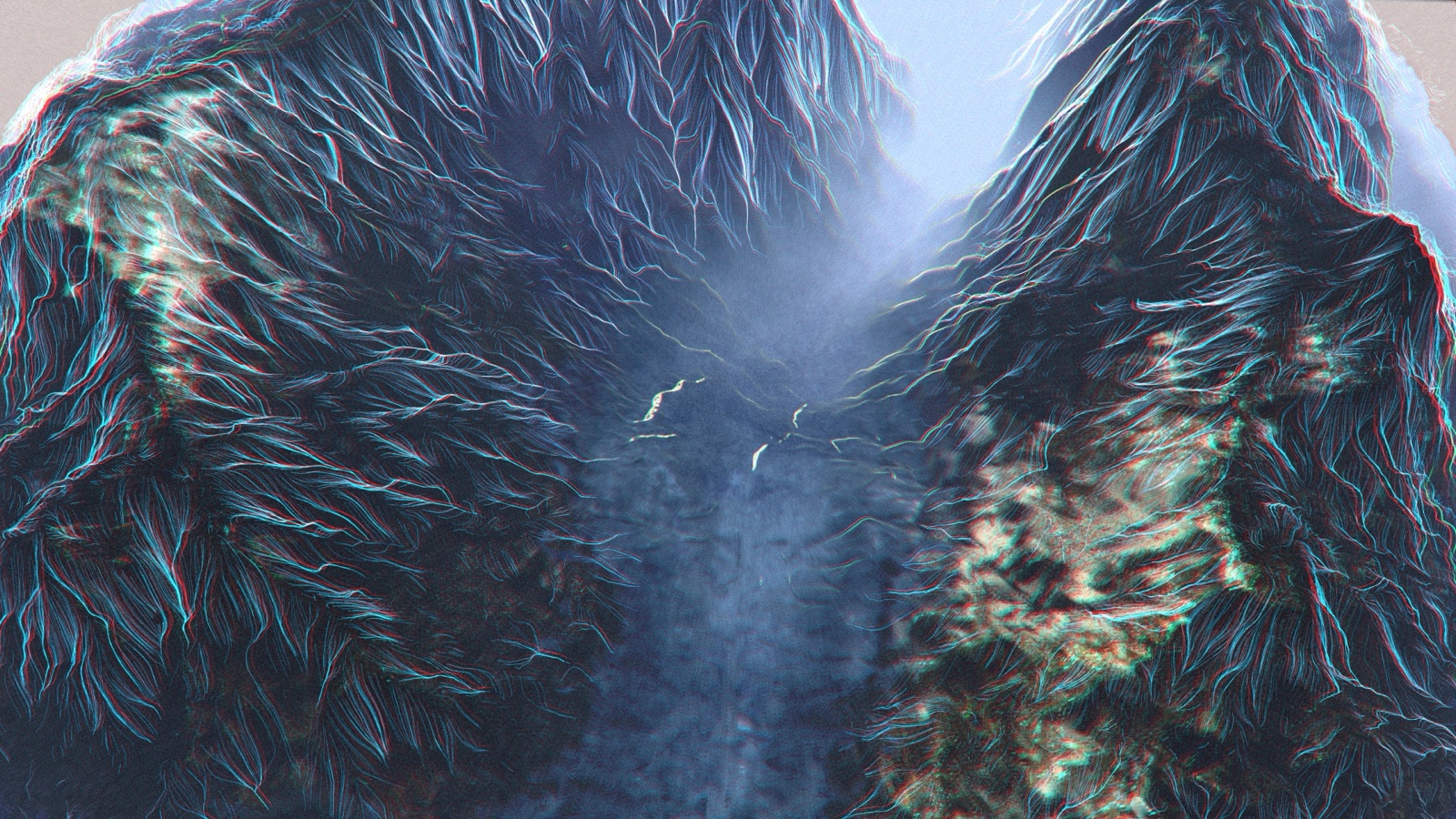
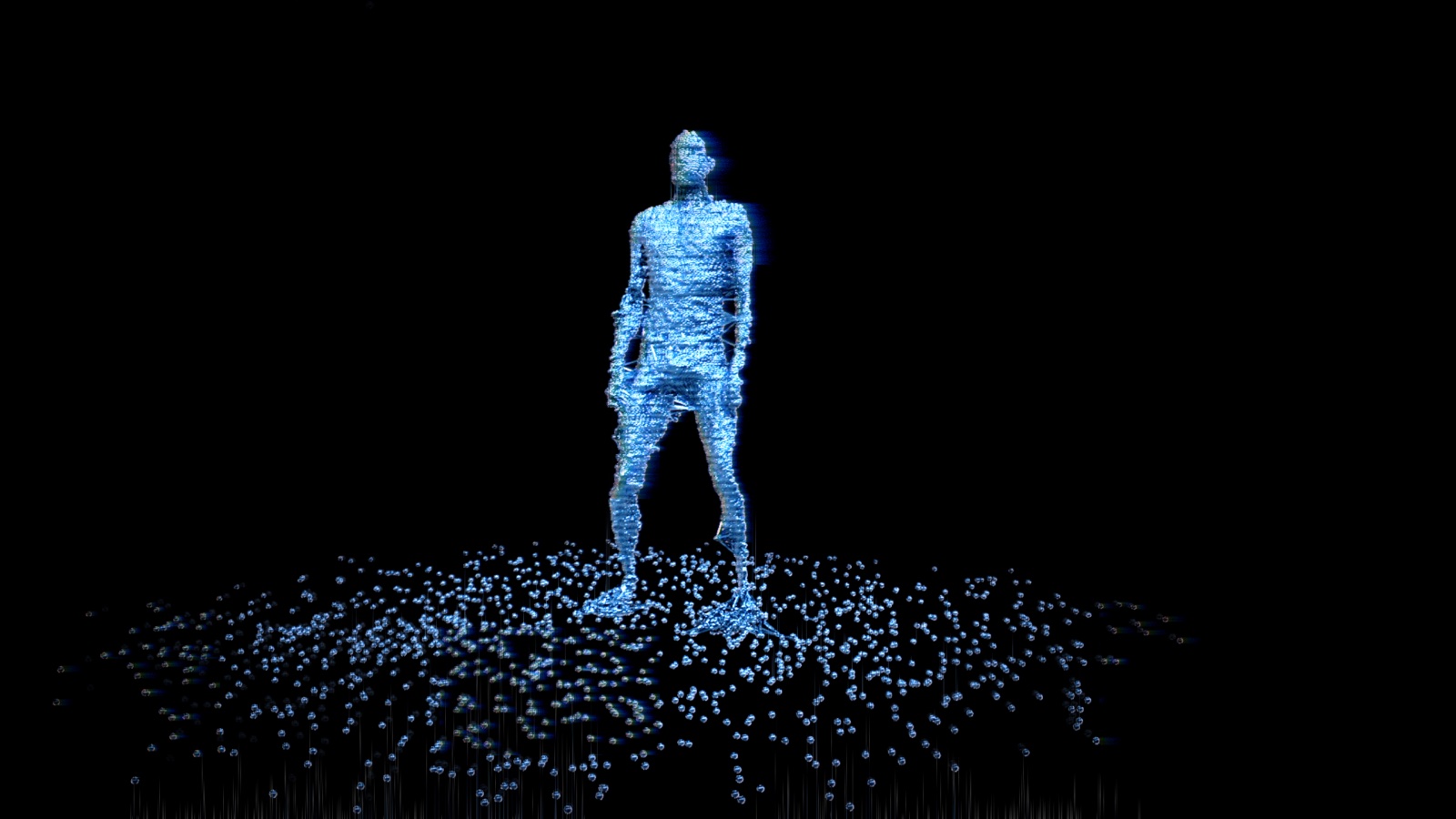
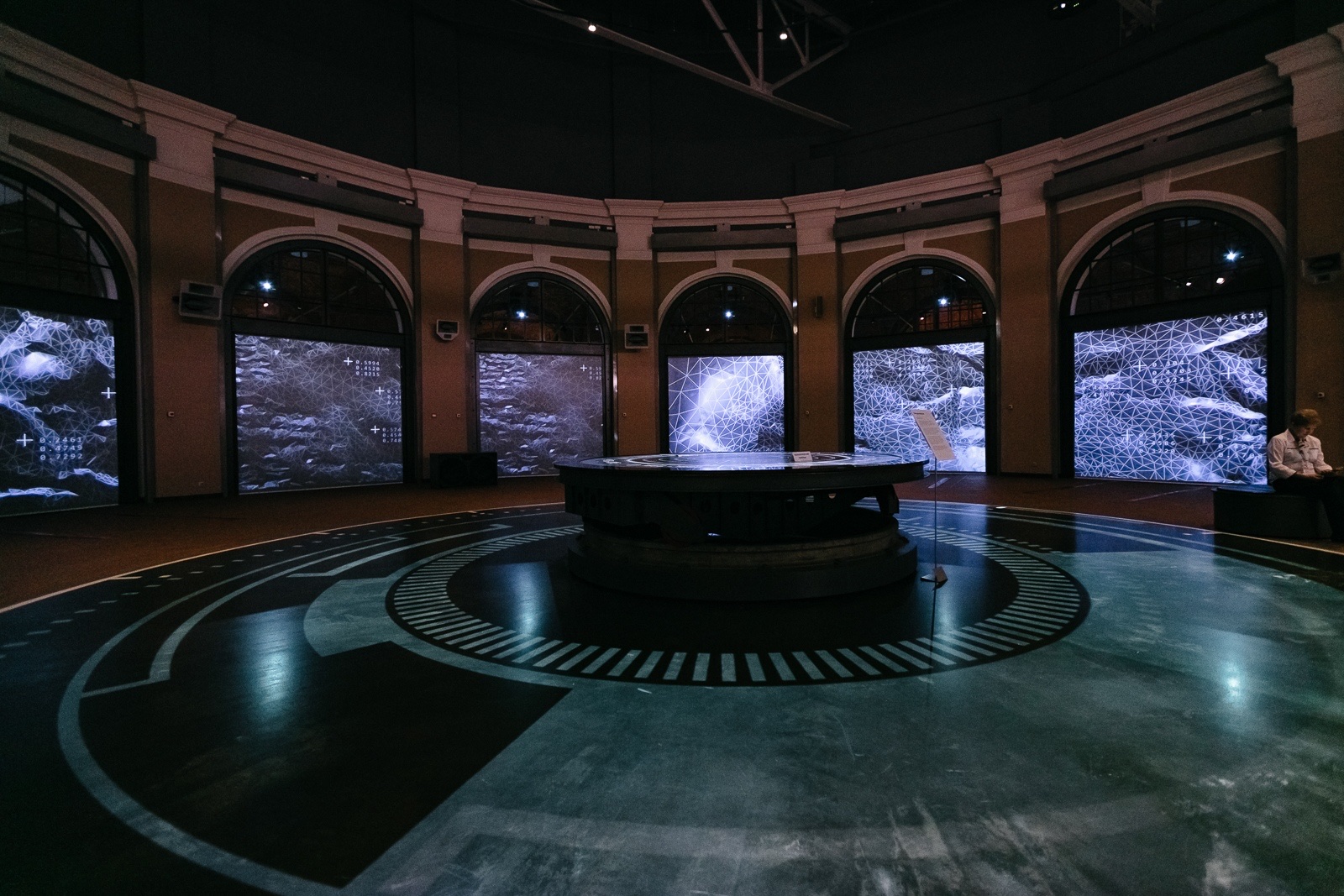
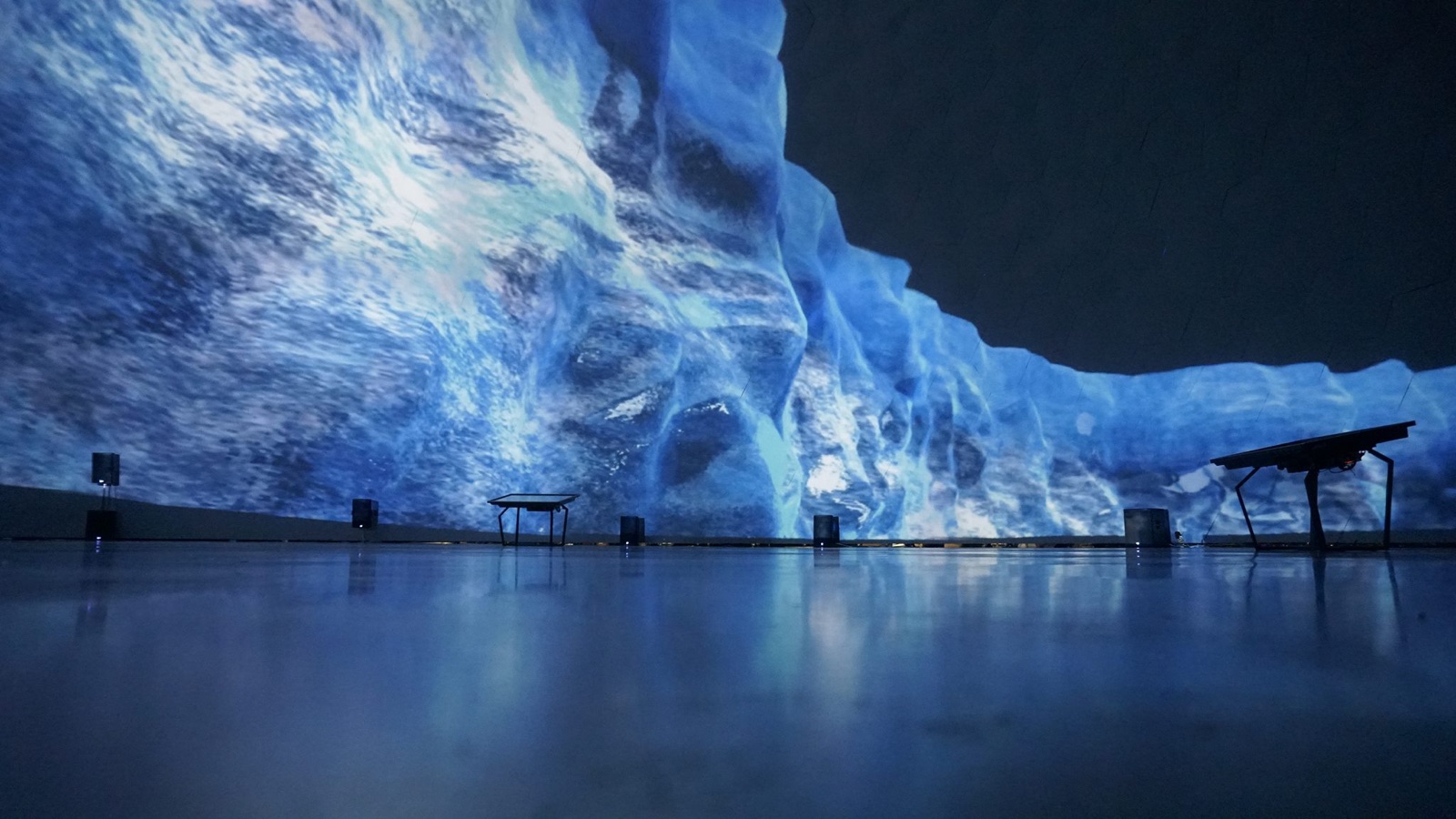
selected festivals & venues
The courses were detailed and provided some excellent examples and techniques that are difficult to find examples of elsewhere. You are definitely a world leading expert in TD.
The courses are great and are the best TD course's I've ever found. The use of a univeristy lesson plan approach coud help the structure of the courses (i.e. defined learning outcomes, overview of example aims, slightly more defined goals etc). I'm happy to help with some of the video production (i.e. RX7) or academic pedagogic approaches (i.e. learning outcome authorship) if needed. I have over 20 years of experience in the music industry and lecturing degree content, having designed 6 undergraduate and two postgraduate degree courses. I'm often in Berlin if you wan to chat!
You have always been very informative and have approached topics in a way that even most novice TD/Shader coders can get value from.
deep in researching and excellent approaches from point of view of proceduralism
all the topics are super, i cover by long my expectatives even push me to learn and achieve new objetives
Deep know how
3D Artist
- Access to all video recordings for 730 days
- The project files used in the lessons
Learning Paths & Courses
Related courses and learning paths in the Hou2Touch curriculum.
- extreme101beginner
TouchDesigner 101 Extreme I
Learn TouchDesigner from scratch: compositing, feedback, sound-reactive visuals, a custom movie player, machine sync and basic 3D scenes.
12 h video · €255
- extreme102intermediate
TouchDesigner · Ableton Live +1 102 Extreme II
Learn TouchDesigner procedural geometry: procedural SOP modelling, GPU instancing, real-time rendering, and Kinect, physics and Ableton integration.
11 h video · €380
- lights204dmx & lasers
Capture · Depence +4 204 Real Lights
42 h video · €1,590
- glsl301advanced
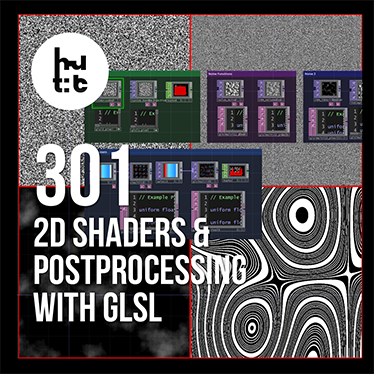
TouchDesigner 301 2D GLSL
Write GLSL fragment shaders in TouchDesigner for procedural patterns, colour correction, stylised effects, feedback and Shadertoy ports.
6.9 h video · €380
hou2touch 2025 (c)
go up ^ License Agreement go up ^ License Agreement RU Privacy Policy