
Developing Media Server
A media server for my custom brief looks far too complex to build
For events or theatre you need playback you can rely on, cues and outputs to several screens. Building that yourself looks like a task for a seasoned engineer, and it's hard to see where to begin. It is simpler than it looks, and it doesn't take that high a technical level.
- Structure:
- 6 modules, 20 lessons
- Video:
- 11 h in total
- Pace:
- All lessons open
- Access:
- 2 years
- Language:
- English
- Level:
- Intermediate
About the course
Aboutthecourse
- 01
the starting point
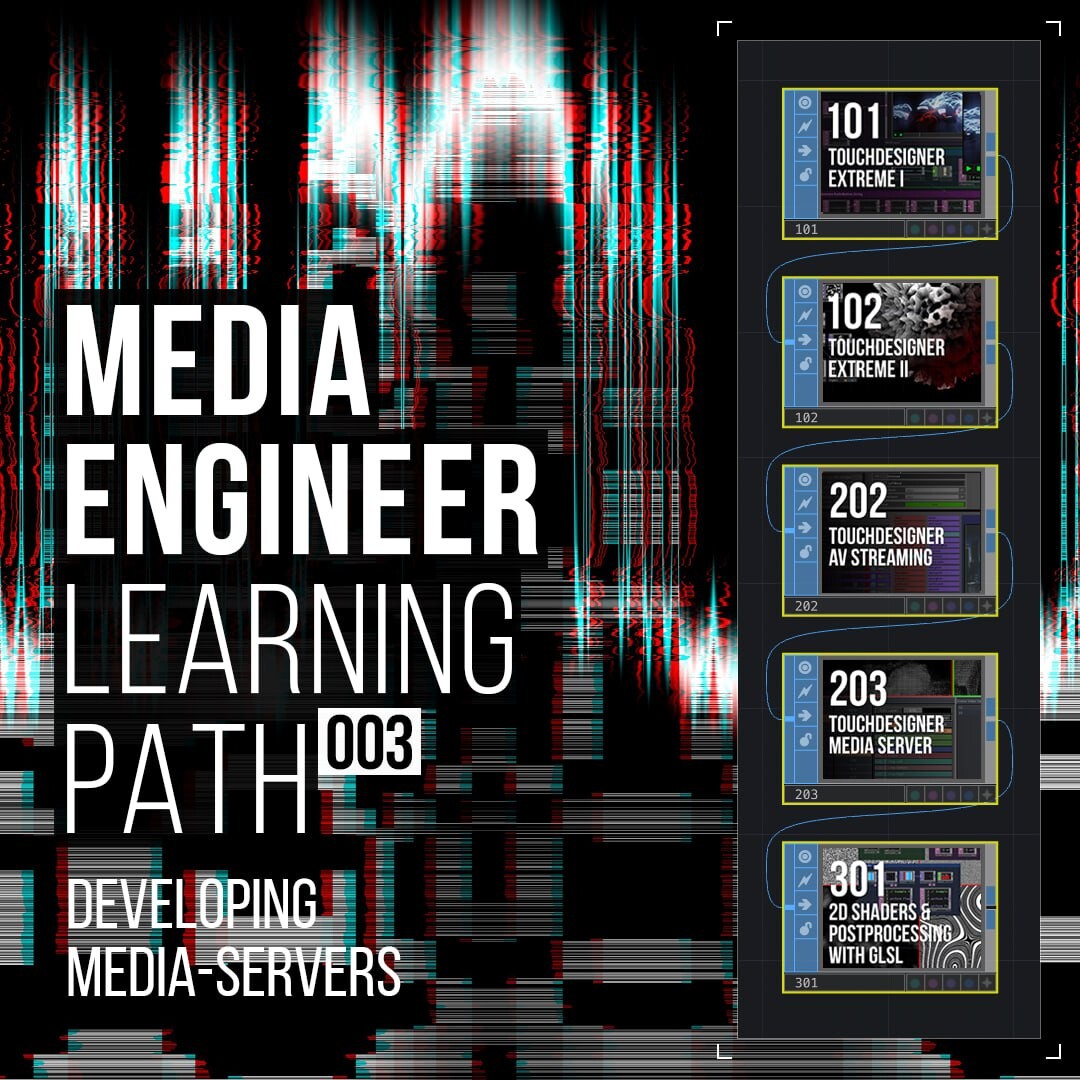
This course takes the idea of 202 AV Streaming further and turns the system into a media server for events and theatre. It is for TouchDesigner users who want to build their own media server without a large team or years of development.
- 02
what you build
You build it block by block: an engine kept separate from its interface, so Ableton over OSC can drive it with or without sliders; a movie library preloaded into GPU memory, with live cameras, a Kinect gesture trigger and a movie-bin interface next to a custom slider; colour correction and grading in GLSL with an effects library; a cue and preset system; and timecode control with smooth cross-blends between movies. At the end you take the server to the venue: output to several projectors with keystone correction, NDI between machines and safety nets for a live show, and protecting your components with a TouchDesigner Pro licence.
Courseaims
- 01
Understanding
To provide an understanding of how to build a media server for events and theatre with the engine kept separate from its interface, so that the same model can be driven from sliders, OSC or other controllers.
- 02
Practical skills
To develop practical skills in building the blocks of a media server in TouchDesigner: a preloaded movie library with a clip browser and crossfades, interface controls, GLSL colour correction and effects, presets management using JSON, timecode cues, and output to several projectors for a live show.
- Media Server Architecture (MVC Basics) ·
- Video Playback ·
- User Interfaces ·
- Color Grading; Image Processing ; GLSL ·
- Preset Management ·
- Timing and Synchronisation ·
Who this course is for
For you if
- Media engineers — You deliver shows at venues and need output you control: here you set up several projectors in one window with keystone correction and send video between machines over NDI.
- Interactive systems developers — You build systems that react to input: here one model takes sliders, OSC from Ableton or a Kinect gesture trigger, and Python generates a layer's controls from a table.
Not for you if
- –you do not meet the requirements in “Before you start”
- –you have neither taken TouchDesigner 101: Extreme I and TouchDesigner 102: Extreme II nor gained equivalent experience
Before you start
Completion of TouchDesigner 101: Extreme I and TouchDesigner 102: Extreme II, or an equivalent working knowledge of basic TOP and CHOP manipulation, GLSL basics, Table DAT basics, Timer CHOP basics, and CHOP Execute scripting.
Prerequisites:TouchDesigner 101: Extreme I↗, TouchDesigner 102: Extreme II↗
Not taken them yet? Both are in theTouchDesigner Extreme Bundle↗.
- 01Design a media server in TouchDesigner that keeps the interface apart from the model, so the same model can be driven from sliders, OSC or other controllers, and generate a layer's controls from a table with a Python script and save its settings as presets in JSON files.
- 02Build a movie player and a preloaded movie library with live camera inputs, timed crossfades between movies and a clickable movie browser with Render Pick, plus a self-contained custom slider that stays in sync with the model.
- 03Build real-time colour correction in a single GLSL shader, with a LUT browser and a switchable library of ported ShaderToy effects.
- 04Keep two machines in step with LTC timecode, drive reusable fades and A/B movie transitions from a cue table, and prepare venue output: several projectors in one window, keystone correction, and NDI between machines with a recorded backup.
Programme
01Media Server Architecture (MVC Basics)
1 video · 33 min
Lesson 1. MVC Media Server Controls · 33 min
In this lesson we split a TouchDesigner media server into an interface and a model, so the same model can be driven by sliders, OSC or web data. Then we control a parameter with a channel named after its path, and use it to switch one slider between two movie players.
02Video Playback
6 videos · 2 h 42 min
Lesson 2. Interactive Movie Playback Control · 28 min
In this lesson we learn how TouchDesigner chooses which movie frame to show, and build a movie player that starts, restarts and loops on a button press. First we compare exports with expressions, look at frame rate and the three play modes, and separate event triggers from continuously changing data. Timer callbacks are previewed.
Lesson 3. Building a bidirectional movie playback slider · 40 min
In this lesson we build a movie player whose progress slider follows the playing movie and, when you drag it, takes control of the playback. Before that we look at what Python and GLSL are used for in TouchDesigner, how the Execute operators react to events, and how a script can update a Timer's length when the movie changes.
Lesson 4. Connecting video cameras and streams; Kinect hand-raise movie trigger · 19 min
In this lesson we bring live video into a project and use a body gesture to control a movie. We connect a webcam, a Canon camera through a local web stream, an iPhone over NDI and a Kinect Azure, then turn a raised left hand into a trigger that restarts the movie, answering a chat question.
Lesson 5. Procedural Movie Library Management · 27 min
In this lesson we prepare a movie library that sits in graphics memory before a performance. We list the movies of a folder, compare direct wires with Select operators for modular components, and use a Replicator to create one preloaded movie loader per file, then check the preload and memory use.
Lesson 6. Building a movie library browser with playback · 30 min
In this lesson we build a clip browser for the preloaded movie library. A table of each movie's name, length, rate, audio and resolution is shown in a selectable Simple Lister, and the selected row sets the timer length, plays that movie and sends it to the output. The interface stays separate from playback, so another control can replace it.
Lesson 7. Crossfading selected movies; Building a 2D texture array · 18 min
In this lesson we add a smooth crossfade to the movie library: the old movie stays as the previous one and fades out under a timer, with the fade bent into a curve. We also wire every generated movie into a GLSL Multi TOP prepared as a 2D texture array. A chat question about blending is answered.
03User Interfaces
3 videos · 1 h 53 min
Lesson 8. Building an instanced video browser with Render Pick · 44 min
In this lesson we build a clickable movie browser from rendered 3D geometry. First we store resolution and paths in project-wide variables, then draw one instanced button per movie, each with its own video thumbnail. Render Pick turns a click into a movie choice and marks the selected button.
Lesson 9. Building lightweight interfaces with panels and custom parameters · 26 min
In this lesson we choose how to build a fast, usable interface for a media server. We compare custom parameters, panels, the built-in button and slider, and ready-made widgets, including how each recalls preset values, and look at an interface kept separate from the engine.
Lesson 10. Caching slider visuals with Cache TOP; Building a standalone slider · 43 min
In this lesson we build a custom slider that works on its own: it keeps its range, default and reset, syncs with a parameter both ways, and maps values to the preset range. Its indicator is drawn from cached images, so it costs almost no processing. We end by walking through a blend between two movies.
04Color Grading; Image Processing ; GLSL
4 videos · 2 h 5 min
Lesson 11. Building a LUT browser with before-and-after comparison · 31 min
In this lesson we learn how TouchDesigner corrects colour and build a tool for trying LUT looks on video. After a tour of the colour nodes and an explanation of what a LUT is, we make a list of LUT files that applies the chosen look, with a before-and-after slider and the LUT name shown on the picture.
Lesson 12. Building a GLSL color-correction shader; Generating UV patterns · 28 min
In this lesson we move colour correction into a single GLSL TOP, so it stays fast as the setup grows. We learn how a pixel shader works and generate ramps and stripes from UV coordinates, then build gamma, brightness and contrast as one function with adjustable controls and separate gamma for red, green and blue.
Lesson 13. Building HSV and YIQ saturation with temperature correction; Prototype multi-pass GLSL effects · 30 min
In this lesson we extend the GLSL colour corrector with saturation and colour temperature. We build saturation in HSV, see why it differs from OpenColorIO, and switch to the YIQ model, which matches it and adds a temperature control. Then we outline how several passes chain correction and ShaderToy effects in one node.
Lesson 14. Converting ShaderToy effects to GLSL TOPs; Building a selectable shader library · 37 min
In this lesson we port ShaderToy image effects into TouchDesigner and turn them into a library you can switch between. We replace ShaderToy's mouse, resolution and image inputs, add wet and size controls, and convert four effects the same way. Then one shader node loads any effect by name from a menu.
05Preset Management
3 videos · 1 h 43 min
Lesson 15. Generating custom parameters from a control table · 29 min
In this lesson we generate the controls of a component with a Python script instead of building them by hand in the editor. We describe colour controls in a table, turn each label into a valid parameter name, and create every control with its range, clamping and default. We start by packing the layer into a base component.
Lesson 16. Building a dictionary-based preset manager · 50 min
In this lesson we prepare the layer for saving presets and start a preset manager. We add a transform page bound to the layer, then compare keeping presets in tables with Python dictionaries stored inside a node. We build a manager that captures all controls, or one chosen page, as a named dictionary.
Lesson 17. Saving and loading parameter presets as JSON · 24 min
In this lesson we make presets last outside the project: the manager saves a preset to a JSON file named after the preset and the time, then loads a chosen file. Each saved value is applied back to the layer's controls by looking the control up by its name.
06Timing and Synchronisation
3 videos · 1 h 51 min
Lesson 18. Converting LTC timecode to frames with Script CHOP · 37 min
In this lesson we see how TouchDesigner handles time and how to keep two machines in step. We make a repeating trigger, send LTC timecode from one TouchDesigner instance to another, and start a Script CHOP that turns the received timecode into a frame count for a cue table.
Lesson 19. Cueing and Segmented Playback · 45 min
In this lesson we finish the cue tool: a script reads the cue table and gives every cue its start and end pulses, elapsed frames, progress and active segment. We compare it with the timer's segments mode, then build a scene asset whose movie and title fades are driven by that progress.
Lesson 20. Multi-projector output with Layout TOP and keystoning; Movie crossfades · 28 min
In this lesson we finish the media server with a smoother A/B transition between two movies. Then we look at taking it to a show: keeping the interface apart from processing, sending video between machines with NDI, mapping output for several projectors, and locking a project or component before it goes to a client.
After this course
Bundles and learning paths with this course
How the course works
The course is recorded and you take it at your own pace.
Every lesson is open from the first day. We recommend taking one lesson a week: it keeps a steady rhythm.
11 h in total
6 modules, 20 lessons
All lessons open
Price and what's included
203 Media Server
- Access to all video recordings for 730 days
- The project files used in the lessons
What you get
- Access to all video recordings for 730 days
- The project files used in the lessons
Payment
The price is final and the same for everyone. It includes German VAT (19%). Buyers outside the EU and EU businesses with a valid VAT ID pay the same price; their invoice shows no VAT (reverse charge).
You can pay by card (Stripe), PayPal or bank transfer.
FAQ
01How long will I have access to the lessons?
730 days. If you need more time, write to us and we extend it.
02Why pay for the course if there are free tutorials on YouTube?
YouTube tutorials are made to teach one specific technique, usually without a system or a methodology. We teach you to understand systematically how the logic of node architecture works, with a balance between a practical and an academic approach.
03I work on a Mac. Will the course work for me?
Yes. More on requirements — see "What computer and software do I need?".
04What computer and software do I need?
Windows is more efficient for this work; a Mac works too, but with limits from 3D drivers and some Nvidia-only TouchDesigner operators. TouchDesigner 2023 or later: Windows 10/11 or macOS 13+ (Apple Silicon recommended); a GPU with Vulkan 1.1 and at least 4 GB of video memory, 8 GB or more recommended. Ableton Live 11 or later: Live 12 runs on Windows 10 (22H2) or 11, or macOS 11 or later (Intel Core i5 or Apple Silicon), with 8 GB of RAM. The Kinect lessons need a Windows computer and a USB 3 adapter; on a Mac they do not run.
05Is the free version of the software enough?
TouchDesigner Non-Commercial is enough, except the part on hiding your components from clients: that needs TouchDesigner Pro.
06Is there code in the course?
In parts: Python builds the preset manager and the timecode reader, and GLSL builds the colour-correction shaders — about 3.9 h of 10.8 h. You mostly adapt and extend ready-made code; basic GLSL and scripting knowledge helps.
07Do you issue a certificate?
We don't issue certificates. What you take away is experience and the project files, and if you do all the assignments, a portfolio of your own works.
08Can I get an invoice for my employer or company?
Yes, we issue invoices to companies. Write to us before you pay.
09Are there subtitles?
Yes, every lesson has subtitles.
10How much time will the course take?
About 28–33 hours including practice: the course has 11 h of video, and each hour of video takes 2.5–3 hours to watch, rewatch and do the assignments.
11Are project files included?
Yes, every course comes with its project files.
Didn't find your answer, or not sure the course fits you?
Telegram: https://t.me/prcdrl or write to support in your GetCourse account.
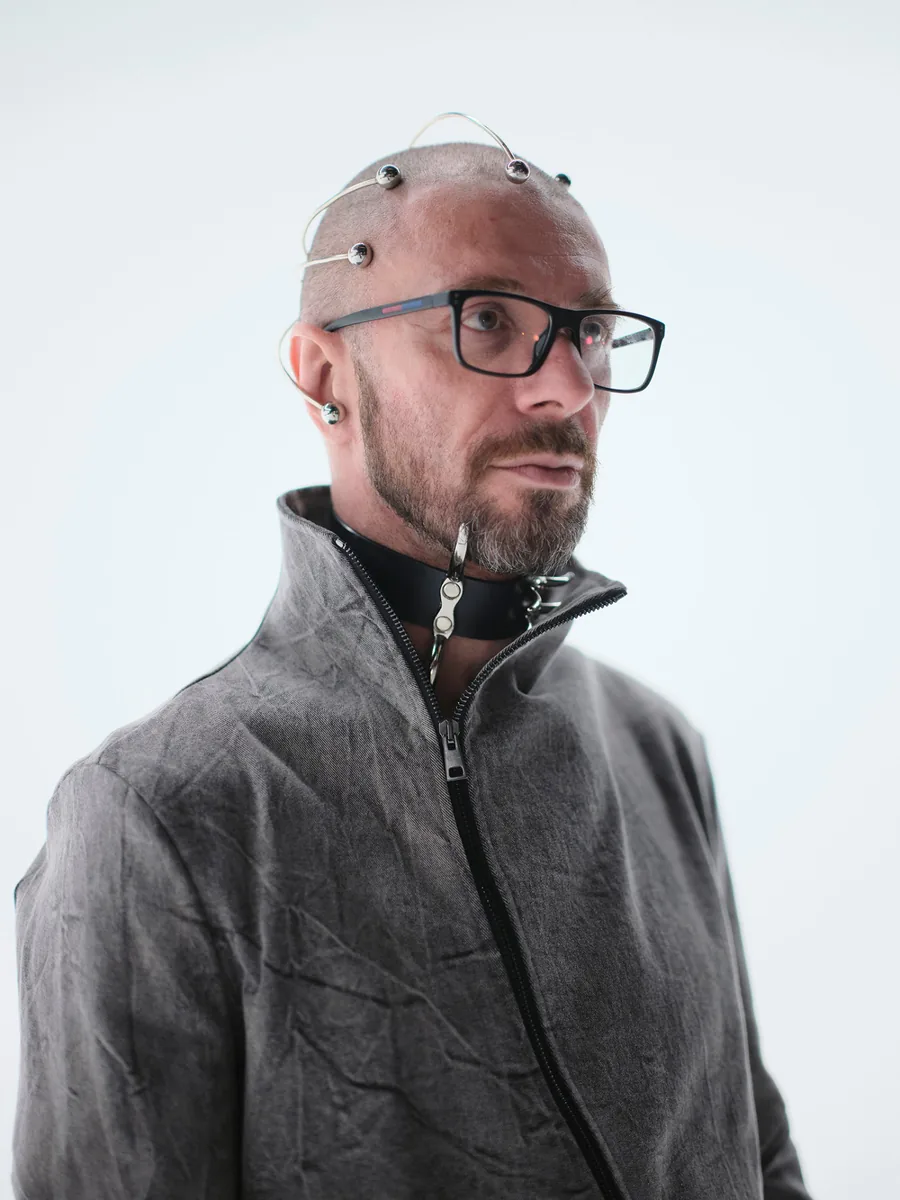
Stanislav Glazov
Media artist, technical director, founder of Hou2Touch
Stanislav started in computer graphics in 1998 with commercials and music videos, and has been teaching since 2001: Maya at RealTime School in Moscow and at SAE Institute in Munich, Houdini at Scream School, CG Event and the British Higher School of Art and Design (2008–2012). In 2009 he launched his own Houdini school, houdini-howto.com, and in 2014 he began teaching TouchDesigner. He was a character and VFX technical director on animated features at Caligari Film, Trixter and Scanline, working on rigging, cloth and hair pipelines, simulation and Maya API development. In 2010 he built the Houdini infographics pipeline for Kommersant TV, then moved into real-time visuals: video mapping at SILA SVETA and Visuals.108 (2011–2013) and, from 2013 to 2019, his own studio Licht.Pfad. He made the first Hou2Touch course in 2020 and built the school as a team in 2022. More than 2,000 people have studied with him.
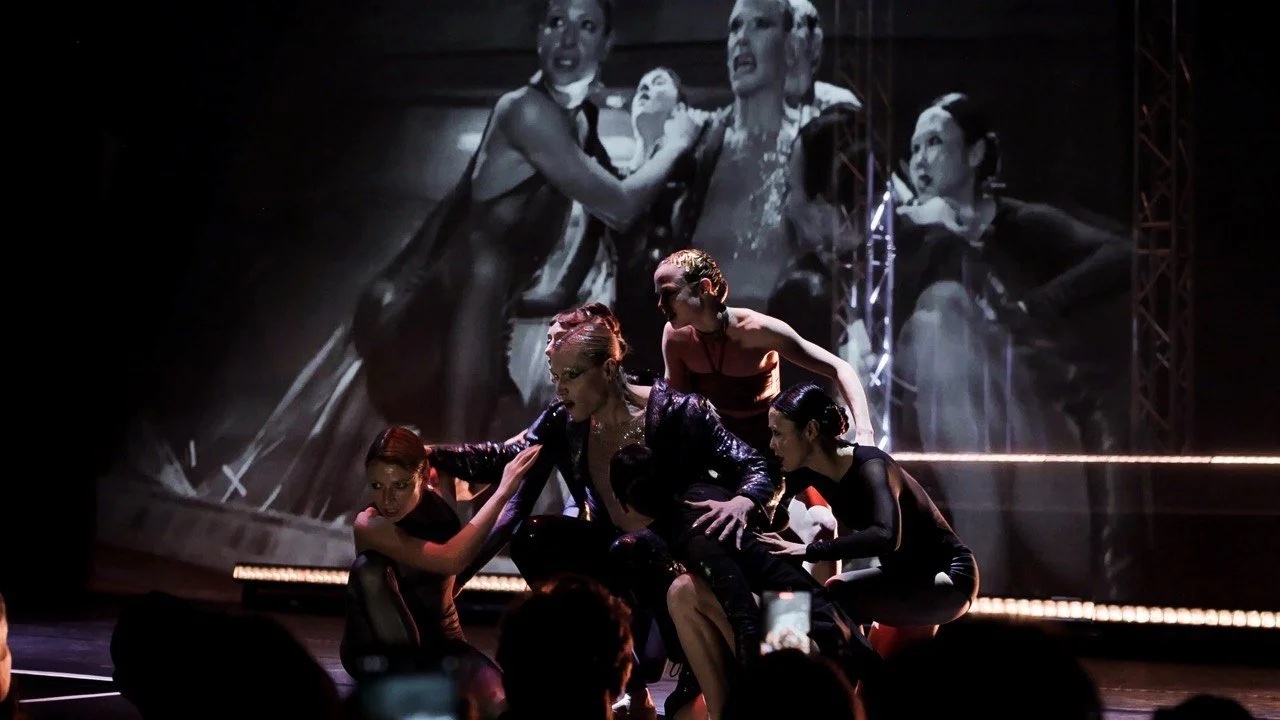
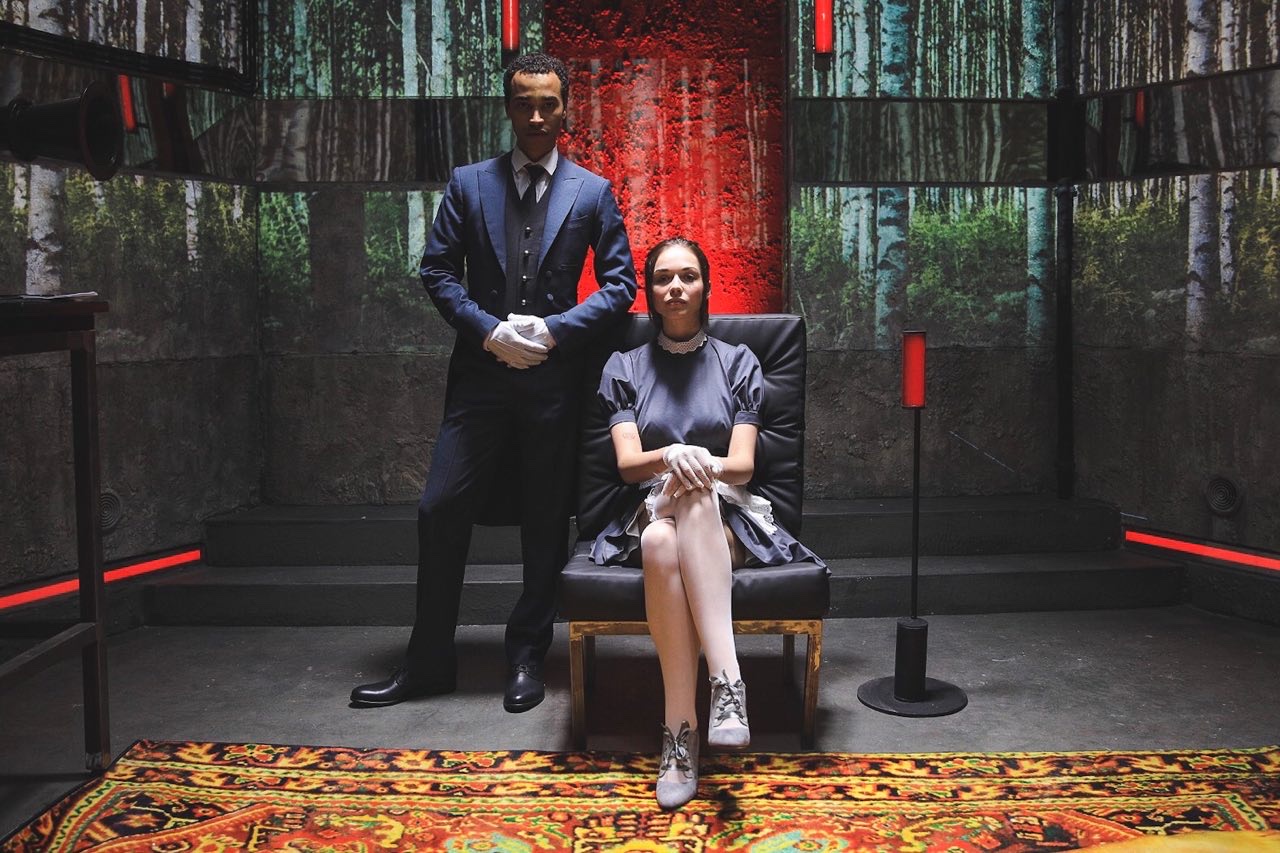
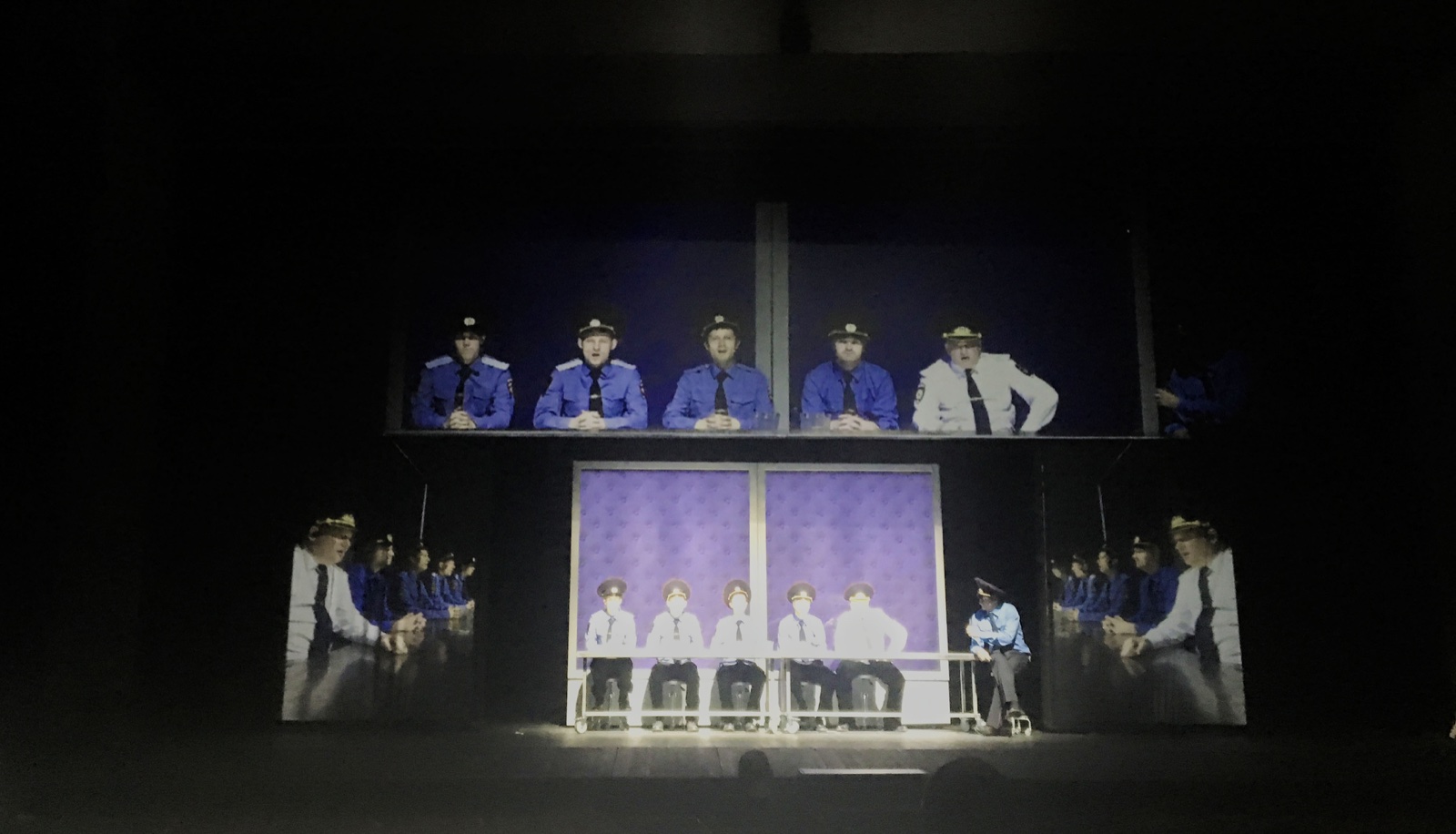
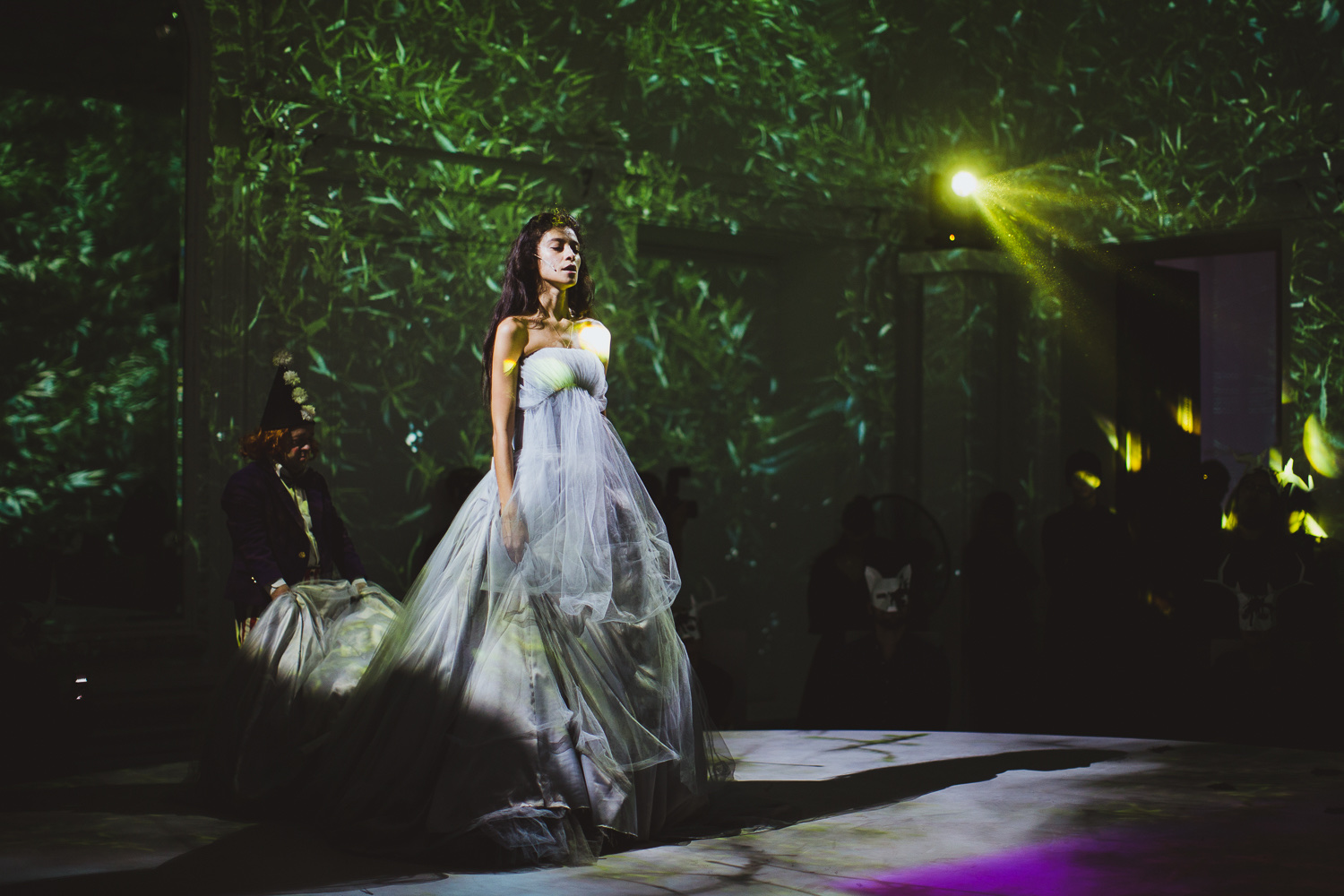
He built the media servers for three productions by Maxim Didenko: the immersive Black Russian (2016), the live interactive show Asmodeus (2018) and Tekst (2018, Yermolova Theatre), and the media server and live visuals for A Techno Ballet Odyssey by the Berlin Ballet Company at Kraftwerk Berlin (2024).
Large-format installations: the Iceberg video-mapping installation (2020), the panoramic Junction (2021–2023, shown at Sonar Istanbul 2024).
Shown at: Berlin Atonal · Ars Electronica · Mutek Montreal · Barbican · Berghain · Fête des Lumières Lyon · Unsound · Sonar Istanbul · L.E.V.
Worked with: Maxim Didenko · Berlin Ballet Company · Dasha Rush · Robert Lippok · Whitevoid
Companies and clients: Scanline · Trixter · SILA SVETA · Hyundai
Taught at: SAE Institute · Scream School · British Higher School of Art and Design · LPM Rome
Selected projects
selected festivals & venues
It's like watching a professional at work.
The subdivision in small components ready to be implemented in a project
The courses were detailed and provided some excellent examples and techniques that are difficult to find examples of elsewhere. You are definitely a world leading expert in TD.
The courses are great and are the best TD course's I've ever found. The use of a univeristy lesson plan approach coud help the structure of the courses (i.e. defined learning outcomes, overview of example aims, slightly more defined goals etc). I'm happy to help with some of the video production (i.e. RX7) or academic pedagogic approaches (i.e. learning outcome authorship) if needed. I have over 20 years of experience in the music industry and lecturing degree content, having designed 6 undergraduate and two postgraduate degree courses. I'm often in Berlin if you wan to chat!
You have always been very informative and have approached topics in a way that even most novice TD/Shader coders can get value from.
deep in researching and excellent approaches from point of view of proceduralism
203 Media Server
- Access to all video recordings for 730 days
- The project files used in the lessons
Learning Paths & Courses
Related courses and learning paths.
- stream202intermediate
 TouchDesigner · OBS Studio202 Streaming
Build your own TouchDesigner streaming app: multi-camera input, colour presets, an A/B mixer with sound-reactive effects and live output.
4.2 h video · €190
- server203current
 TouchDesigner · Ableton Live203 Media Server
Build a TouchDesigner media server for events and theatre: GPU movie library, GLSL grading, cues, timecode and multi-projector output.
11 h video · €485
- glsl301advanced
 TouchDesigner301 2D GLSL
Write GLSL fragment shaders in TouchDesigner for procedural patterns, colour correction, stylised effects, feedback and Shadertoy ports.
6.9 h video · €380
- path_me1path
 TouchDesigner · Ableton Live +2Media Eng
45 h video · €1,270
Think procedural
11All courseshou2touch.com ↑hou2touch 2025 (c)
go up ^ License Agreement go up ^ License Agreement RU Privacy Policy