
C++ API Intro
The operator my project needs doesn't exist yet
You can code, and the project calls for a new device, computer vision or an openFrameworks sketch inside TouchDesigner. Building it in as your own operator, with Visual Studio, SDKs and libraries, looks like a separate profession.
- Structure:
- 4 modules, 9 lessons
- Video:
- 6.5 h in total
- Pace:
- All lessons open
- Access:
- 2 years
- Language:
- English
- Level:
- Advanced
About the course
Aboutthecourse
- 01
the starting point
This course is for TouchDesigner users with programming experience who need what TouchDesigner does not offer out of the box: a driver for a new device, a computer-vision library or an openFrameworks sketch inside the network. You set up Visual Studio to build and debug TouchDesigner plugins, then write a custom CHOP with its own parameters, channels and Info DAT. You connect a Wiimote through its SDK, poll it in a separate thread and package the plugin for deployment.
- 02
what you build
In custom TOPs you start from the OpenGL sample, link openFrameworks into it and run a particle example, then configure and build the OpenCV extra modules for Debug and Release to make a face-finder TOP that tracks faces in real time. The course ends with a custom SOP that deforms geometry. Every step is shown in Visual Studio on Windows
Courseaims
- 01
To develop an understanding of how C++ operators extend TouchDesigner: building and debugging a custom CHOP, TOP and SOP in Visual Studio.
- 02
To develop practical skills in bringing external code into TouchDesigner: a hardware SDK polled on a separate thread, openFrameworks and OpenCV face detection, packaged as plugins.
- C++ CHOP Foundations ·
- Hardware Integration & Threading ·
- C++ TOP with OpenFrameworks ·
- Computer Vision and a Custom SOP ·
Who this course is for
For you if
- Media engineers — When a project needs something the built-in operators don't cover, this course is for writing that missing piece yourself as a native operator, not working around it outside the network.
- Interactive system developers — If your system depends on a new device that TouchDesigner has no driver for, the course is built around that problem, so the device's data ends up inside your network and not in a separate program.
- Installation artists — If a piece needs real-time computer vision that TouchDesigner does not offer out of the box, this advanced course deals with exactly that case.
- Creative Coders — If your ideas already live in openFrameworks sketches, the course is for running that code inside a TouchDesigner network instead of next to it.
Not for you if
- –you do not meet the requirements in “Before you start”
- –you have neither taken TouchDesigner 101: Extreme I and TouchDesigner 102: Extreme II nor gained equivalent experience
Before you start
Completion of TouchDesigner 101: Extreme I and TouchDesigner 102: Extreme II, or an equivalent working knowledge of standard TouchDesigner operator workflows, OpenGL texture handling, and CHOP terminology. Working knowledge of C++ — pointers, classes, and the standard library — is also required; this course teaches the TouchDesigner C++ operator SDK, not the language. Visual Studio must be installed, and you should be able to configure a project and compile a DLL.
Prerequisites:TouchDesigner 101: Extreme I↗, TouchDesigner 102: Extreme II↗
Not taken them yet? Both are in theTouchDesigner Extreme Bundle↗.
- 01Set up Visual Studio to build and debug C++ plugins for TouchDesigner, and write a custom CHOP with parameters, several inputs, named channels and an Info DAT.
- 02Integrate a hardware SDK into a custom CHOP, poll the device on a separate thread, shut the thread down cleanly and install the release build.
- 03Write a custom TOP that runs openFrameworks code on an input texture and keeps its size and transparency.
- 04Configure and build the OpenCV extra modules for Debug and Release and use them in a face-finder TOP that returns face position and size; write a custom SOP that deforms geometry with an animated sine wave.
Programme
01C++ CHOP Foundations
2 videos · 1 h 33 min
Lesson 1. Visual Studio Setup, Debugging and a First Custom CHOP · 42 min
In this lesson we set up a working C++ Custom CHOP from TouchDesigner's official sample, so you can build and test your own operator. We configure Visual Studio to compile, launch and debug TouchDesigner together, use breakpoints to watch the code run each frame, and add a Combine toggle to the operator.
Lesson 2. Custom CHOP: Combining Channels and Info DAT · 51 min
In this lesson we extend the custom CHOP to pass inputs through or add all their channels into one output, with consistent scaling and distinct channel names. We expose an internal value in an Info DAT and debug with compile feedback and breakpoints. Chat questions on attaching the debugger and on loop indexing are answered.
02Hardware Integration & Threading
3 videos · 1 h 45 min
Lesson 3. Wiimote CHOP: Integrating the Wiiuse SDK · 29 min
In this lesson we prepare a Wiimote CHOP plugin to talk to the Wiiuse SDK. We set up the project's include and library paths, put device communication in its own connector object, show the connection status in TouchDesigner, and send a connection request once per button click. We also read the SDK's connection example.
Lesson 4. Wiimote CHOP: Connection, Threading and Orientation · 52 min
In this lesson we make a Wiimote CHOP plugin connect to a Wiimote and read its motion data on a separate thread. We copy the SDK's connection code, diagnose a missing library, turn on motion sensing, and prepare orientation channels that stay at zero while no device is connected.
Lesson 5. Wiimote CHOP: Closing the Thread and Deploying the Plugin · 24 min
In this lesson we output the Wiimote CHOP's orientation values as channels, close its polling thread cleanly on disconnect, then build the plugin in release mode and install it in TouchDesigner's plugin folder so it appears among the custom operators.
03C++ TOP with OpenFrameworks
1 video · 1 h 1 min
Lesson 6. Custom TOP with OpenGL and openFrameworks · 61 min
In this lesson we build custom TouchDesigner TOPs in C++ with OpenGL and openFrameworks, so you can process images on the GPU. We start from the OpenGL sample, link openFrameworks into the project, pass an input texture through at its own size and transparency, and run a particle example, comparing debug and release builds.
04Computer Vision and a Custom SOP
3 videos · 2 h 9 min
Lesson 7. Building OpenCV and a Console Face Tracker · 36 min
In this lesson we prepare OpenCV for face detection: we see how its extra modules are configured and built in Debug and Release. Then we set up a 64-bit Visual Studio project, link those libraries, and run a webcam face tracker, comparing Debug and Release frame rates.
Lesson 8. Face Finder TOP with OpenCV · 49 min
In this lesson we turn the console face detector into a Face Finder TOP: we link OpenCV into a C++ TOP project, convert the incoming image for detection, and return each face's position and size to drive a tracking overlay. We compare Debug and Release speed and start moving detection onto a background thread.
Lesson 9. Tuning the Face Finder and a Custom SOP · 44 min
In this lesson we make the Face Finder plug-in more reliable by handling incomplete input frames and tuning its detection, with a live minimum-size control. Then we start a Custom SOP from the Simple Shapes sample and bend geometry with an animated sine wave and its own parameters, seeing the cost on dense models and the effect on shading.
How the course works
The course is recorded and you take it at your own pace.
Every lesson is open from the first day. We recommend taking one lesson a week: it keeps a steady rhythm.
6.5 h in total
4 modules, 9 lessons
All lessons open
Price and what's included
305 C++ API
- Access to all video recordings for 730 days
- The project files used in the lessons
What you get
- Access to all video recordings for 730 days
- The project files used in the lessons
Payment
The price is final and the same for everyone. It includes German VAT (19%). Buyers outside the EU and EU businesses with a valid VAT ID pay the same price; their invoice shows no VAT (reverse charge).
You can pay by card (Stripe), PayPal or bank transfer.
FAQ
01How long will I have access to the lessons?
730 days. If you need more time, write to us and we extend it.
02Why pay for the course if there are free tutorials on YouTube?
YouTube tutorials are made to teach one specific technique, usually without a system or a methodology. We teach you to understand systematically how the logic of node architecture works, with a balance between a practical and an academic approach.
03I work on a Mac. Will the course work for me?
TouchDesigner plugins can be built on macOS too, but the course shows every build and debugging step in Visual Studio on Windows. More on requirements — see "What computer and software do I need?".
04What computer and software do I need?
Windows is more efficient for this work; a Mac works too, but with limits from 3D drivers and some Nvidia-only TouchDesigner operators. TouchDesigner 2023 or later: Windows 10/11 or macOS 13+ (Apple Silicon recommended); a GPU with Vulkan 1.1 and at least 4 GB of video memory, 8 GB or more recommended. Visual Studio: The course shows every build and debugging step in Visual Studio on Windows; TouchDesigner plugins can be built on macOS too.
05Is the free version of the software enough?
TouchDesigner Non-Commercial is enough for the whole course, with the limits of the free licence.
06Is there code in the course?
Yes: this course is about C++ — you write plugins (CHOP, TOP, SOP) with the TouchDesigner C++ API; working knowledge of C++ is required.
07Do you issue a certificate?
We don't issue certificates. What you take away is experience and the project files, and if you do all the assignments, a portfolio of your own works.
08Can I get an invoice for my employer or company?
Yes, we issue invoices to companies. Write to us before you pay.
09Are there subtitles?
Yes, every lesson has subtitles.
10How much time will the course take?
About 16–20 hours including practice: the course has 6.5 h of video, and each hour of video takes 2.5–3 hours to watch, rewatch and do the assignments.
11Are project files included?
Yes, every course comes with its project files.
Didn't find your answer, or not sure the course fits you?
Telegram: https://t.me/prcdrl or write to support in your GetCourse account.
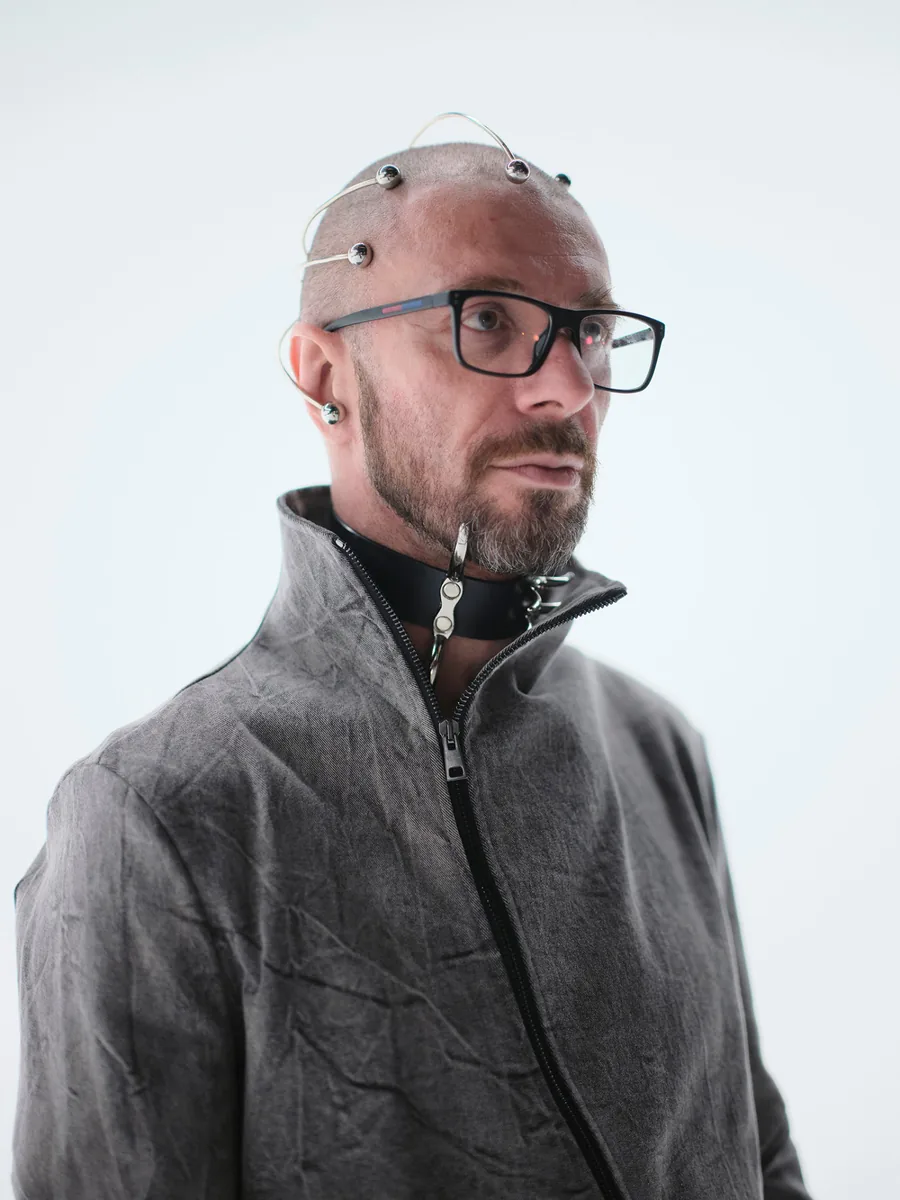
Hugo Laliberté
Media artist, educator, course author
Hugo Laliberté is a creative programmer in the field of interactive and experiential digital art. He currently co-directs the Ottomata Montreal Experiential Studio, which specializes in the technical design of interactive installations and immersive works for the public space. Laliberté develops his works around the spectator and the capacity to act.
With a background in electrical engineering, advanced programming, and music, he began experimenting with interactive media in 2013 and obtained a Bachelor's Degree from the Université du Québec à Montréal. It was at this time that he co-founded his first artist collective with which he exhibited at the Chromatic Festival, the Society for Arts and Technology, the Livart Gallery, and the Jutra Awards Gala. His work has been featured across Canada, Dubai, Paris, Aix-en-Provence, UK and Tokyo.
selected festivals & venues
The courses were detailed and provided some excellent examples and techniques that are difficult to find examples of elsewhere. You are definitely a world leading expert in TD.
The courses are great and are the best TD course's I've ever found. The use of a univeristy lesson plan approach coud help the structure of the courses (i.e. defined learning outcomes, overview of example aims, slightly more defined goals etc). I'm happy to help with some of the video production (i.e. RX7) or academic pedagogic approaches (i.e. learning outcome authorship) if needed. I have over 20 years of experience in the music industry and lecturing degree content, having designed 6 undergraduate and two postgraduate degree courses. I'm often in Berlin if you wan to chat!
You have always been very informative and have approached topics in a way that even most novice TD/Shader coders can get value from.
deep in researching and excellent approaches from point of view of proceduralism
all the topics are super, i cover by long my expectatives even push me to learn and achieve new objetives
Deep know how
305 C++ API
- Access to all video recordings for 730 days
- The project files used in the lessons
Not taken TouchDesigner 101: Extreme I and TouchDesigner 102: Extreme II yet? Both are in the TouchDesigner Extreme Bundle.
Learning Paths & Courses
Related courses and learning paths.
- glsl301advanced
 TouchDesigner301 2D GLSL
Write GLSL fragment shaders in TouchDesigner for procedural patterns, colour correction, stylised effects, feedback and Shadertoy ports.
6.9 h video · €380
- sopgpu302advanced
 TouchDesigner302 SOP on GPU
Build complex geometry on the GPU with geometry shaders: a reusable GLSL framework recreating SOPs, extrusions, tubes and 3D text.
6.1 h video · €340
- script304advanced
 TouchDesigner304 Script SOP
Write your own TouchDesigner geometry tools in Python with the Script SOP: extrudes, scatter, Delaunay meshes and OpenCV contours.
5.7 h video · €315
- cpp305current
 TouchDesigner · Visual Studio305 C++ API
Extend TouchDesigner with C++: build custom CHOP, TOP and SOP plugins in Visual Studio, adding hardware SDKs, openFrameworks and OpenCV.
6.5 h video · €355
Think procedural
11All courseshou2touch.com ↑hou2touch 2025 (c)
go up ^ License Agreement go up ^ License Agreement RU Privacy Policy